
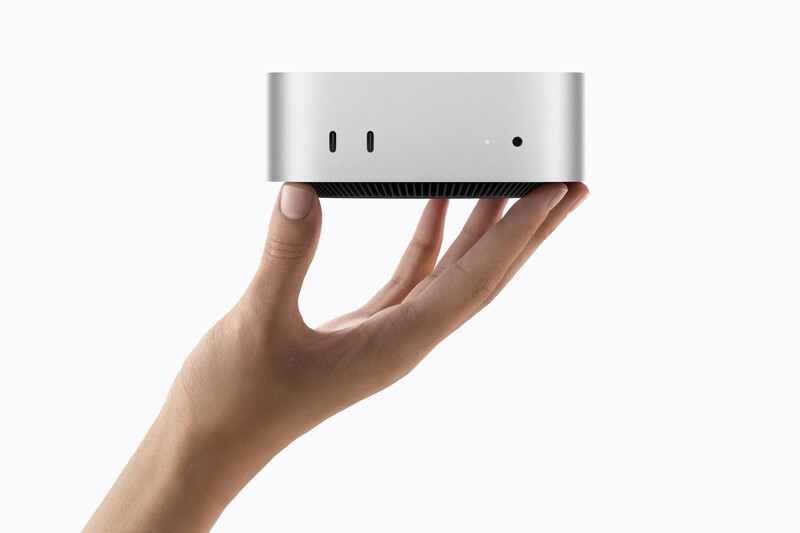
Apple just gave its desktop lineup a major power boost. The tech giant revealed its next-generation silicon (headlined by the brand-new M6 chip and the monstrous M5 Ultra) while packing them into redesigned powerhouses: the pint-sized Mac mini and the pro-grade Mac Studio.
If you've been holding out on updating your desktop setup, Apple is making a very loud case that the wait is over...assuming you've got the needs for that kinda power (and the cash).
Here is everything you need to know about the new chips and machines, broken down simply.
Meet the Silicon: M6 and M5 Ultra
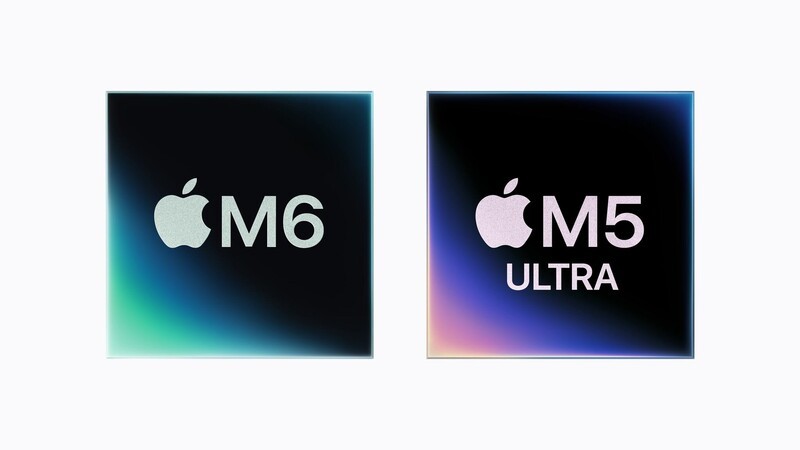
The procssor of your computer is like the engine under the hood of your car. A faster engine means you get up to highway speeds without breaking a sweat. Apple's latest chips are built to make everyday multitasking snappy while tackling massive on-device AI tasks without stuttering.
- M6 (Built on 2nm Architecture): Apple's first 2-nanometer chip fits more transistors into a tighter space. It sports a new 12-core CPU, a 12-core GPU, and a Dual 16-core Neural Engine. We're talking about tiny computer parts, so fitting this many cores on a single, small chip is futuristic. But in simple terms: apps open instantly, photo editing is smoother, and power draw stays remarkably low.
- M5 Ultra (Quad-Die Powerhouse): Built for creative pros and heavy AI workloads, Apple fused together multiple dies with next-gen UltraFusion technology. It scales all the way up to a 36-core CPU, an 80-core GPU, and up to 512GB of unified memory. Design-wise, this is a huge engineering accomplishment It's built to run massive generative AI models locally right on your desk without relying on expensive cloud servers.
| Feature | Apple M6 | Apple M5 Ultra |
|---|---|---|
| CPU Cores | 12-core (2 Super, 4 Performance, 6 Efficiency) | Up to 36-core |
| GPU Cores | 12-core (with Neural Accelerators) | Up to 80-core |
| Max Unified Memory | Up to 32GB | Up to 512GB |
| Memory Bandwidth | Up to 170 GB/s | Up to 1.2 TB/s |
| Target User | Everyday productivity, gaming, lightweight creative work | High-end 3D VFX, 8K video pipelines, local AI researchers |
The New Mac Mini: Tiny Form, Massive Performance
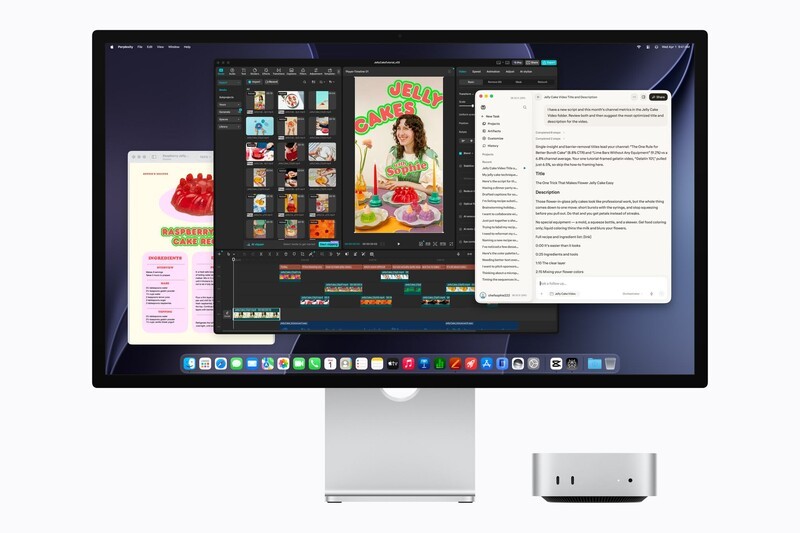
The Mac mini has always been the Swiss Army knife of Apple's computer family because it offers desktop power in a box that barely takes up any desk real estate.
Available with either the M6 or the higher-end M5 Pro, the Mac mini gains up to 4x faster AI processing and 2x faster graphics performance over previous models.
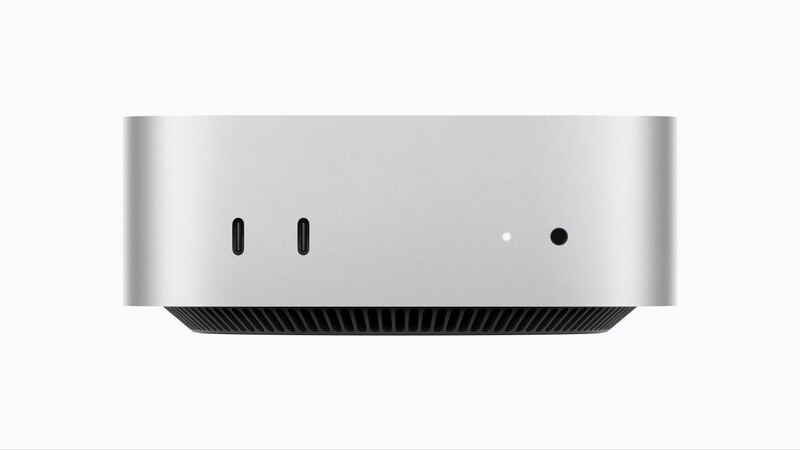
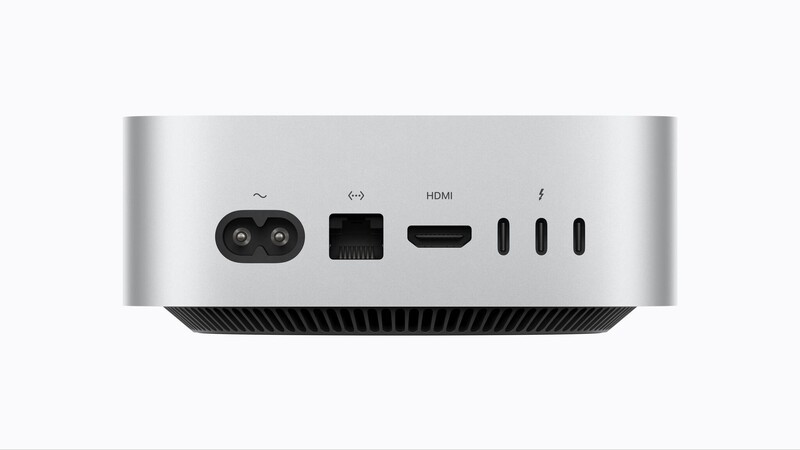
What stands out on the Mac mini:
- Connectivity boost: Both versions get upgraded to Wi-Fi 7, Bluetooth 6, and standard 2.5Gb Ethernet (with an optional 10Gb upgrade).
- Port selection: You get handy front-facing USB-C ports and a headphone jack. Around the back, the M6 model packs three Thunderbolt 4 ports, while the M5 Pro model steps up to Thunderbolt 5 speeds.
- Canadian Pricing & Release: Pre-orders are live today, August 25, with store availability starting September 22.
- Mac mini (M6): Starts at $1,249 CAD ($1,109 CAD for education).
- Mac mini (M5 Pro): Starts at $2,399 CAD ($2,259 CAD for education).
The New Mac Studio: Extreme Pro Muscle
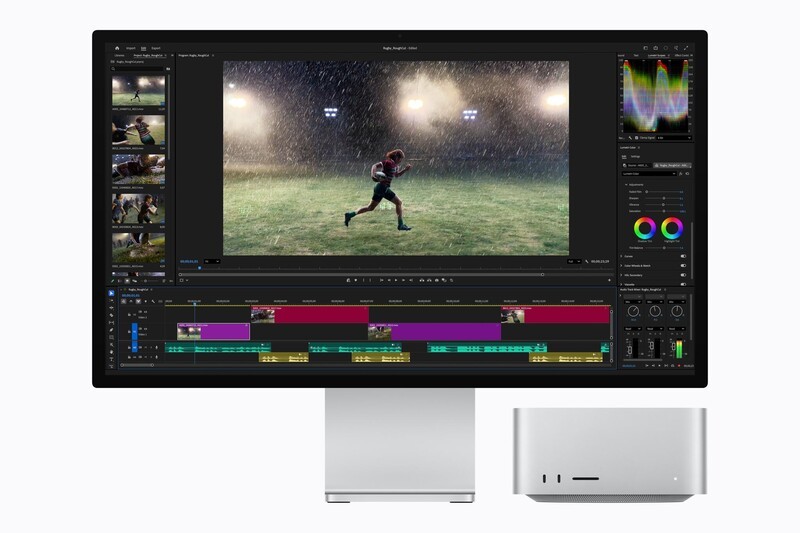
If your daily workflow involves editing multi-stream 8K ProRes video, rendering complex 3D scenes, or training AI datasets, the Mac Studio with M5 Max or M5 Ultra is Apple's answer.
Like a high-speed transit system for your files, the new SSD architecture runs on PCIe Gen 6 for 2x faster storage speeds. Plus, built-in Thunderbolt 5 allows studios to cluster multiple Mac Studio machines together for shared AI inference computing.
| Spec / Model | Mac Studio (M5 Max) | Mac Studio (M5 Ultra) |
|---|---|---|
| Base CPU / GPU | 18-core CPU / Up to 40-core GPU | Up to 36-core CPU / Up to 80-core GPU |
| Memory Capacity | Up to 128GB | Up to 512GB (Arriving late October) |
| External Displays | Up to 8 displays supported | Up to 4 Studio Display XDRs (5K @ 120Hz) |
| Starting Price (CAD) | $3,499 CAD ($3,219 Education) | $7,799 CAD ($7,229 Education) |
This one is truly meant for professionals, in that "regular" users may look at this pricing and specs and think both are extreme. Well, they are. This desktop can house such an incredible amount of memory, "regular" apps or even many "pro" apps don't need this kind of power. But incredibly specialized setups, like Hollywood VFX studios or labs running AI models to decipher time-consuming problems could use something like this.
The Takeaway

Between the tiny desktop footprint of the Mac mini and the raw computing power of the Mac Studio, Apple is putting serious silicon and local AI computing directly on some people's desks this fall.
This video below was for a smart glasses review. The parts of this video that have the "virtual screen" floating in air were hugely time consuming to render (40 minutes, which is unheard of compared to my regular production flows). And this was on an M4 Mac Mini.
So I'd be very curious to see how the M5 Ultra or M6 chip could chew through something like this. Based on the specs on-paper, this is something that the new silicon wouldn't even break a sweat over.
Are you planning to upgrade your desktop setup this fall, or is your current Mac still holding strong? Shoot me a DM on Instagram @drewkozub to share your thoughts!
Read more

Mini in size, magnificent in possibility: M4 Mac Mini review
In Nov 2024 the Mac Mini received a significant overhaul in both form and performance. This expands the way people can use a mini desktop computer and closes the gap between this model and the Mac Studio.

M4 MacBook Air: Unboxing and Overview
Apple's MacBook Air was already a great laptop. And in March 205 it got even better...and a little more blue!

Geeking Out: New Mac Computers
On Nov 20th, Drew joined Sid from Breakfast Television Canada and they were Geeking Out over the latest computers from Apple.

The best just got better: M4 iMac Review
The iMac is arguably one of the best looking all-in-one computers out there. And with the M4 chip addition, the 2024 models is better than ever!