
We may earn a commission for purchases using our links. Learn more.
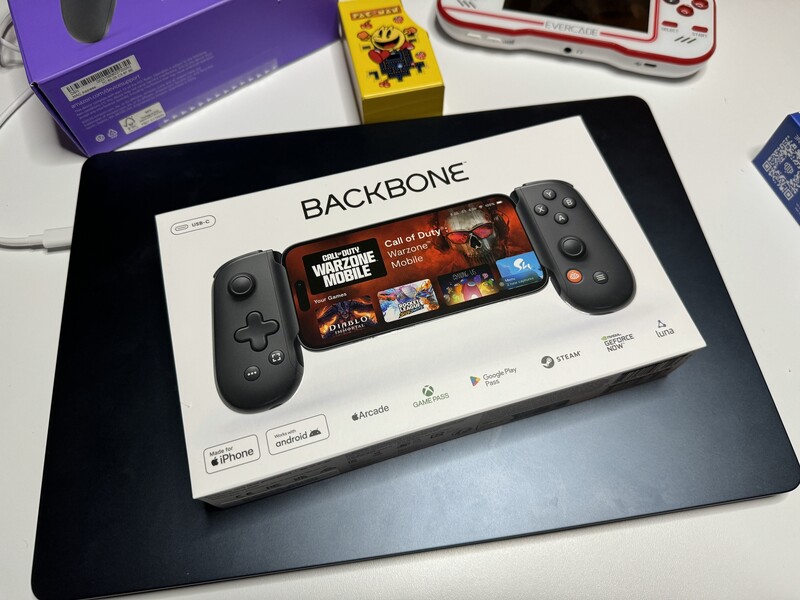
If you're looking to level up your mobile gaming, the Backbone One (now in its 2nd Generation) remains one of the most popular ways to turn your iPhone into a legit handheld console. While there are newer, bulkier "pro" options hitting the market, the Backbone holds its own as a sleek, portable powerhouse for anyone who wants to game on the go without the fuss.
Why People Love It
The Backbone One has earned a dedicated following because it feels like a natural extension of the iPhone rather than a clunky accessory.

- Compact & Portable: It is significantly more compact than controllers like the Razer Kishi Ultra, making it the ideal choice if you aren't gaming on a tablet and just want something to throw in your bag.
- Low Latency: Because it plugs directly into your iPhone's charging port (Lightning for older models, USB-C for the iPhone 15/16 series), there is zero wireless lag.
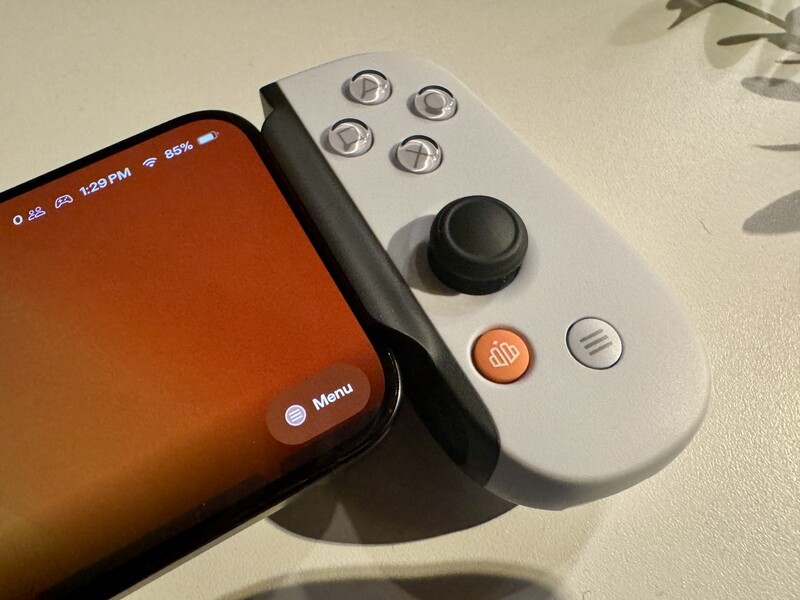
- PlayStation Licensed Option: For the Sony fans, there is a dedicated white PlayStation Edition with the iconic face buttons, which feels great when using the PS Remote Play app.
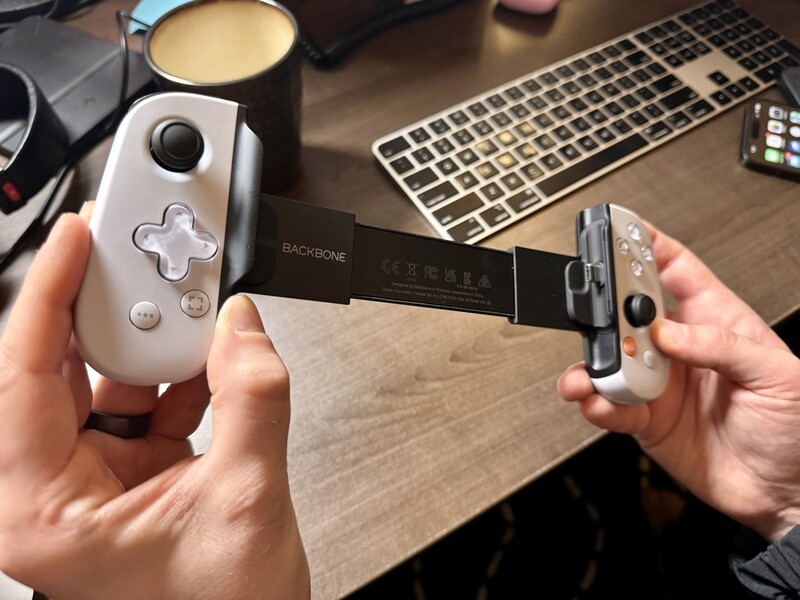
- Case Compatibility (Gen 2): One of the biggest gripes with the original model was having to take your phone out of its case. The second-gen model fixed this with swappable magnetic adapters that fit many popular cases.
The Backbone App: A Console Experience
The real secret sauce is the Backbone app. By pressing the dedicated orange button on the controller, you launch a slick, polished interface that organizes all your games—from the App Store, Apple Arcade, Xbox Cloud Gaming, and PlayStation Remote Play—into one easy-to-navigate library.
Pro Tip: While the software is excellent, keep in mind that many of its advanced features (like community perks and certain social tools) eventually require a Backbone+ subscription. You usually get a free trial to test it out, but it's worth keeping an eye on if you're trying to avoid another monthly bill.
The Trade-offs
No device is perfect, and there are a few things to consider before you tap "buy":
- Size: While its portability is a "pro," people with larger hands might find it a bit cramped for long sessions compared to more robust, full-sized grips.
- Buttons: The face buttons are clicky and tactile but use a "joy-con style" design that some might find a bit small or loud in quiet environments.
- The Subscription: As mentioned, if you want the "full" experience of the app indefinitely, you'll eventually have to pay for Backbone+.

Is it Worth It?
If you are gaming exclusively on an iPhone and value portability above all else, the Backbone One is still a top-tier choice. It delivers a premium, unified experience that makes mobile gaming feel less like a compromise and more like a dedicated platform.
Best Overall

Backbone One (Gen 2)
Best for iPhone 17 (all), 16 (all) & 15 Pro/Max
For the quality feel, ease of use, and excellent software, the Backbone is an easy choice to recommend. Make sure, though, that you get the USB C version if you have iPhone 17, 16 or 15. It's available in white and black. With the included software you can easiliy connect your game's library from services like Game Pass, Steam, Luna, and more.
However, if you're planning to game on a small tablet like an iPad Mini, or if you prefer a much larger, "sturdier" build with more advanced haptics, you might want to look toward something like the Razer Kishi Ultra instead.
Read more
For the best gaming experience, slide your iPhone into a controller!
iPhone 15 Pro and Max open up new gaming possibilities on iPhone. But proper gaming needs buttons, and joy sticks and D-Pads! Fortunately, there are some great options to slide your iPhone into a controller grip for a proper gaming session.
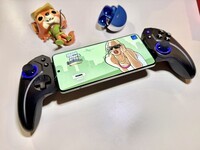
Best Android Smartphone Controller 2026
There's no shortage of options when it comes to controllers for Android phones. For the best gaming experience, there's one choice that is a tiny bit better than some of the premium options. Read on to learn more!
New Angry Birds Game Introduces Angry Canadian Bird
Angry Birds has a new entry that also brings a new game-play style! Meet Angry Birds Bounce!
Play Resident Evil 3 for FREE on iPad, iPhone, and Mac
Resident Evil 3 is now available on iPhone, iPad, and Mac computers, and the experience on these devices is first class!