
We may earn a commission for purchases using our links. Learn more.
TL; DR - The Short Version
- Great Connectivity: Aside from casting from your phone, this speaker easily connects to your Google TV streamer
- New Design Is Good The rounded shape has good acoustics for a small speaker
- Few Colour Options Canadians can only choose from two colours
- "Fluid" conversations Gemini Live is not as "fluid" as advertised
Every year, tech companies stand on stage and promise that their latest smart gadget will completely change how your home operates. The new Google Home Speaker announced last yeear lands with a lot of that same promise, particularly because it brings Google's Gemini AI directly into your living space.
After testing it out in my own home, I can confidently tell you that this speaker is somewhere between fine and good. It nails the looks and does a few clever things with home theatre audio, but the much-hyped conversational features still have some frustrating kinks to iron out.
Let's break down the highs and lows.
Pros
- Elegant, compact new form factor
- Incredibly easy pairing with a Google TV Streamer
- Support for stereo pairing and spatial audio
Cons
- The best colors didn't come to Canada
- Conversational AI will stubbornly talk over you
- Camera summary features require a premium subscription tier
A very slick look (But the best colours didn't come to Canada)
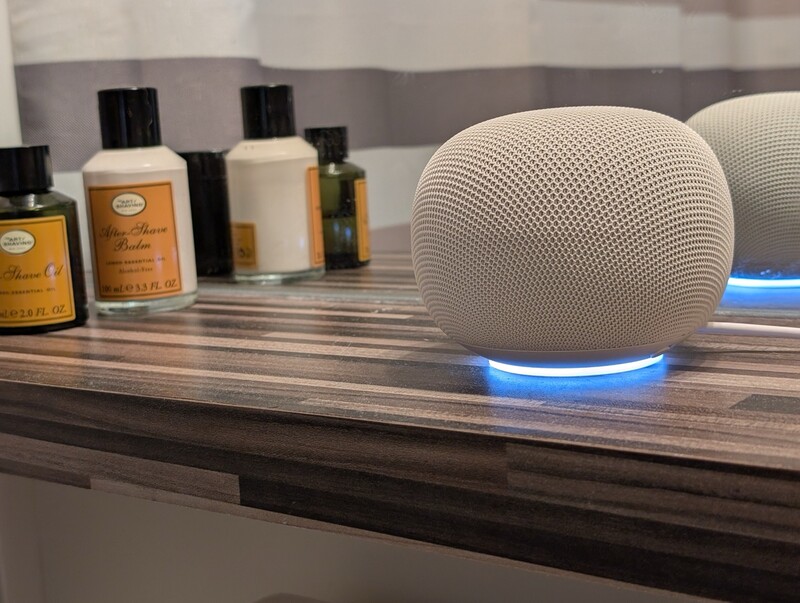
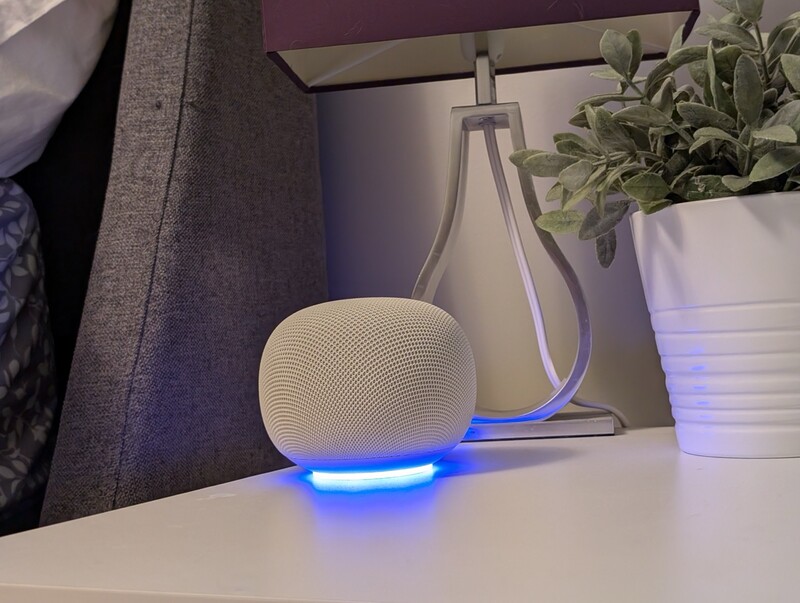
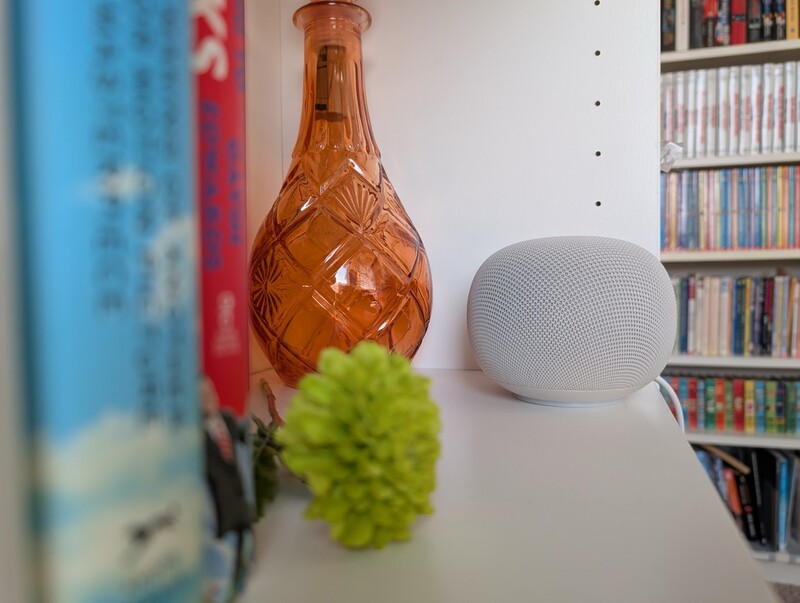
Right out of the box, Google has done a fantastic job with the physical design. The new form factor is elegant, rounded, and wrapped in a nice mesh fabric that blends beautifully into a kitchen counter or a living room bookshelf. It features a cool underglow light ring that pulses when it's booting up or listening to you. It's gonna look great no matter where you put it in the house.
But here is my first major groan as a Canadian tech writer: Google showed off some beautiful, vibrant color options for this speaker like a fun coral pink and a soft pastel green. But if you are buying this north of the border, you are stuck choosing between basic chalk white and charcoal black. The fun colors only went to the States, which is a massive bummer for anyone wanting to add a pop of personality to their decor. Though the colours we do have (porcelain and hazel) work nicely with every desk, counter, and table I placed it on during my testing over the last month or so.
On the plus side, audio quality is solid. For a device this small, it pumps out clear, crisp sound that easily fills a bedroom or kitchen. It won't replace a massive dedicated soundbar, but for its size, it punches above its weight class.
And not that YouTube Music is a unique feature to this speaker, but the algorithm they use knows a person's musical tastes better than you may know yourself. In my case it jumps from a contemporary pop hit, to a late 80s country song, to a throwback blink-182 song. The combination of that personalized playlist with proporitantely good audio for the formfactor means this is gonna inspire a lot of family dance parties or be the perfect background DJ when you're entertaining friends.
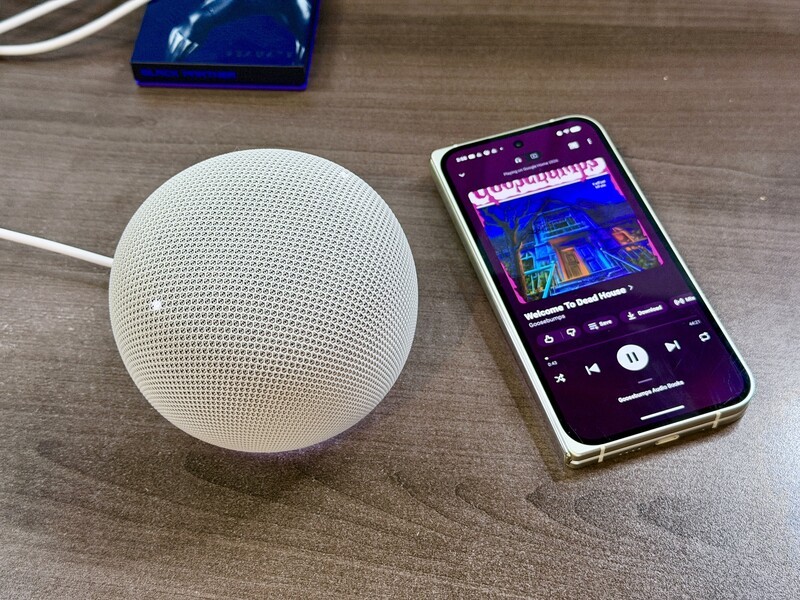
Even though the look and shape is new, the on-device tap-to-control features you've experienced with other Google Home speakers is still present. You don't need to solely rely on your voice to adjust volume or skip songs, you can tap on the sides or top of the speakers to activate different controls.
The home theater upgrade we wanted
Where this speaker really shines is how it plays with the rest of the Google ecosystem. If you own a Google TV Streamer your TV will easily find and offer to connect to the speaker as the default audio source.

A feature that Apple HomePod users have enjoyed for years: Stereo Pairing. If you buy two of these Google Home Speakers, you can link them together through the app to act as a proper left-and-right stereo pair for your TV.
It even walks you through a Spatial Audio setup to calibrate the sound based on how far apart the speakers are from your couch. As a budget home theater setup, it sounds genuinely great and creates a wider, more cinematic soundstage. I suspect this is a more under-the-radar benefit, so I wanted to flag that while I only have one right now, I'm strongly thinking of getting an additional pair for my TV Streamer which is connected to my bedoroom TV.
"Hey Gemini, please let me speak"
The main selling point of this generation is the integration of Gemini Live, which is supposed to turn the speaker into a natural, fluid conversational partner. Google claims you can talk to it like a friend, bounce ideas back and forth, and interrupt it mid-sentence without needing to say "Hey Google" every single time.
In reality? It still feels a bit robotic, and the interruption feature is downright stubborn.
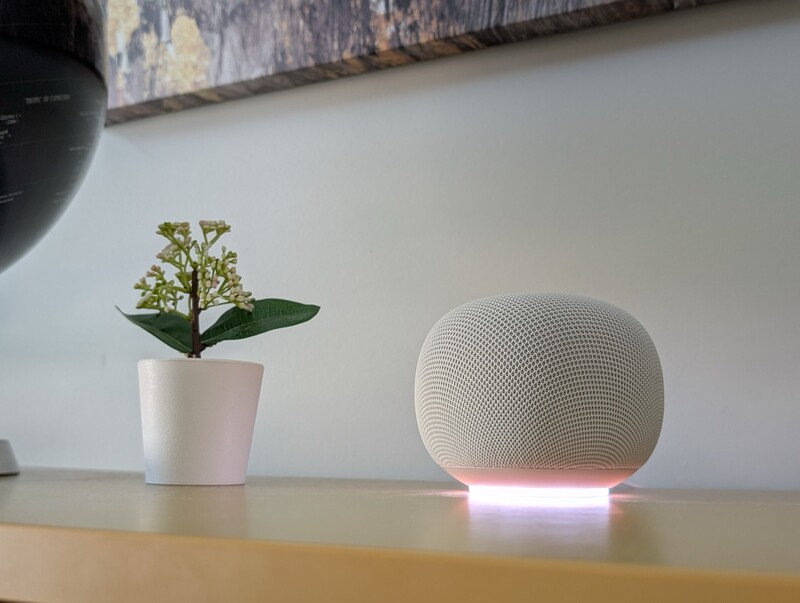
During my testing, I repeatedly ran into situations where Gemini would rattle off a long-winded response. When I tried to verbally interrupt it to pivot the conversation or tell it to stop, the speaker just kept talking right over me. It completely ignores your voice until it finishes its thought. I actually had to shoot a video to embed in this review just to show how aggressively it overrides you.
I did find if I actually said "Hey Google" it would immediately stop...but it's supposed to be fluid and conversational and right now, in my testing, it's not. But this seems like something that would be easy enough to fix in a future update.
Beyond this lack of ability to interrupt the speaker, I found it worked great with a lot of other cases:
- Plan a dinner menu based on random ingredients in your fridge.
- Organize family calendar events letting you know when swimming lessons are vs. soccer.
- Summarize your Nest camera history to see if a package arrived.
Just keep in mind that the camera history summary isn't free. You need to be on the higher-tier Advanced plan of the Google Home Premium subscription to use it.
Living with Gemini on a Speaker: The daily reality
Beyond the main home theater features, I shifted this speaker over to my desk for a solid chunk of my testing phase. When it isn't blasting music, having a smart assistant parked right next to your keyboard is incredibly convenient. I found myself routinely shouting out quick commands to update my daily calendar or check on upcoming schedule blocks without needing to break my workflow to open up a desktop app.
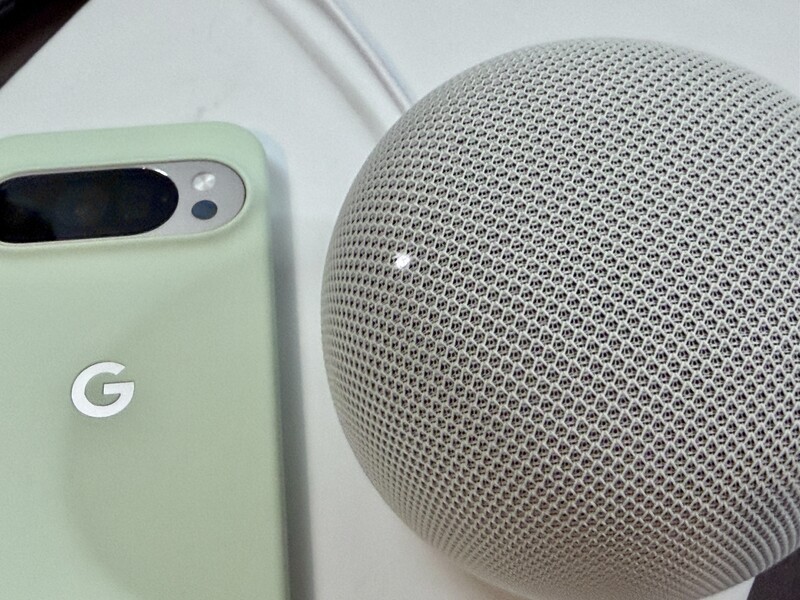
It also doubles as a pretty solid parenting tool, provided you like weird trivia. My four-year-old twins are obsessed with asking me to get it to play different animal sounds, which led us down a bizarre rabbit hole.
Pro tip: if you want to entertain your kids, ask it what a lizard sounds like. It turns out a lizard sounds less like a majestic creature of the wild and more like someone aggressively pulling duct tape closed to seal up a cardboard box.
Google Home Speaker Specs & Canadian Pricing
| Feature | Specification |
|---|---|
| In The Box | Google Home Speaker, 30W USB-C Power Adapter, 1.5m captive power cable, Quick Start Guide, Safety & Warranty document |
| Connectivity | Wi-Fi connection, Bluetooth enabled |
| Required Software | Google Home app - Version 4.18.47 or higher (Android or iOS) |
| AI Integration | Gemini for Home voice assistant (Gemini Live & Continued Conversation) |
| Premium Smart Features | Camera History summary (Requires Nest doorbell/camera + Advanced plan of Google Home Premium subscription) |
| Physical Interface | Hardware microphone switch (on the bottom), center top surface touch controls, underglow light ring |
Is the Google Home Speaker worth it?
If you are already deep in the Google ecosystem and want a handsome, good-sounding speaker to control your lights or pair with your Google TV Streamer, this is a fine purchase. The stereo pairing alone makes a compelling case for buying a couple of them for the living room.
Geeking Out Shop
Google Home Speaker
Smart Assistant Speaker
This voice assistant device features advanced natural language understanding driven by built-in artificial intelligence logic. Upgraded audio components deliver rich, omni-directional sound using a large full-range driver. Users appreciate the ability to issue complex, multi-step smart home commands without needing to repeat specific wake words.
However, don't buy this expecting a flawless, sci-fi style conversation partner just yet. Until Google pushes an update that actually lets you interrupt the AI without a shouting match, it's feeling like it wasn't quite ready to hit our homes just yet.
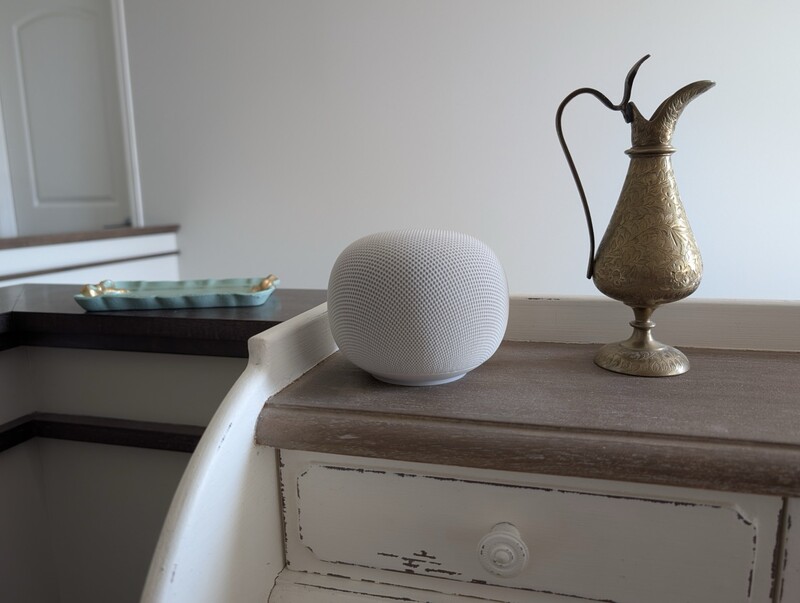
Personally, I really do like Google's approach to smart home devices, so I have full faith that the friction points I'm feeling are going to be ironed out. But if you are getting this and excited for Gemini Live features to work insantly as advertised, you might want to adjust those expectaitons a bit.
Overall, the Google Home speaker is a good next phase for Gogole's smart home speakers. It has the wish list of everything you'd want and it works well (mostly).
Read more
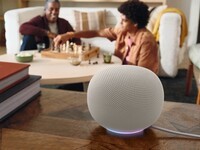
The Gemini Super-Charged smart speaker comes to Canada June 25th for $139
We now finally have release details about Google's next smart speaker in Canada, though one point will make some Canadians a little sad. The brand-new Google Home Speaker swaps out its old virtual assistant infrastructure for Gemini for Home, its cutting-edge Artificial Intelligence (AI), for a more fluid and natural conversation experience. The speaker is up for pre-order now and...

Don't Buy the Nest Cam Outdoor Wired if Your Winter Hits -20°C
The newest version of Google's Outdoor security cameras benefit from improved video quality and significantly smarter notifications.
Google powers up Canadian smart homes with latest device lineup
Google's latest smart home hardware and software updates will make monitoring your smart home easier than ever.
Google Gemini Can Now Keep Your Secrets with 'Temporary Chat'
Google has just updated the Gemini experience which can help you keep sensitive information more private.