We may earn a commission for purchases using our links. Learn more.
There's never been a better time in history for people to create beautiful looking videos with their smartphone.
As a broadcaster with 17 years experience between radio and TV, I've learned a lot of useful audio and video tricks.
Geeking Out Shop
Telesin Pro Shot Imaging Grip
Get a Grip!
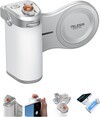
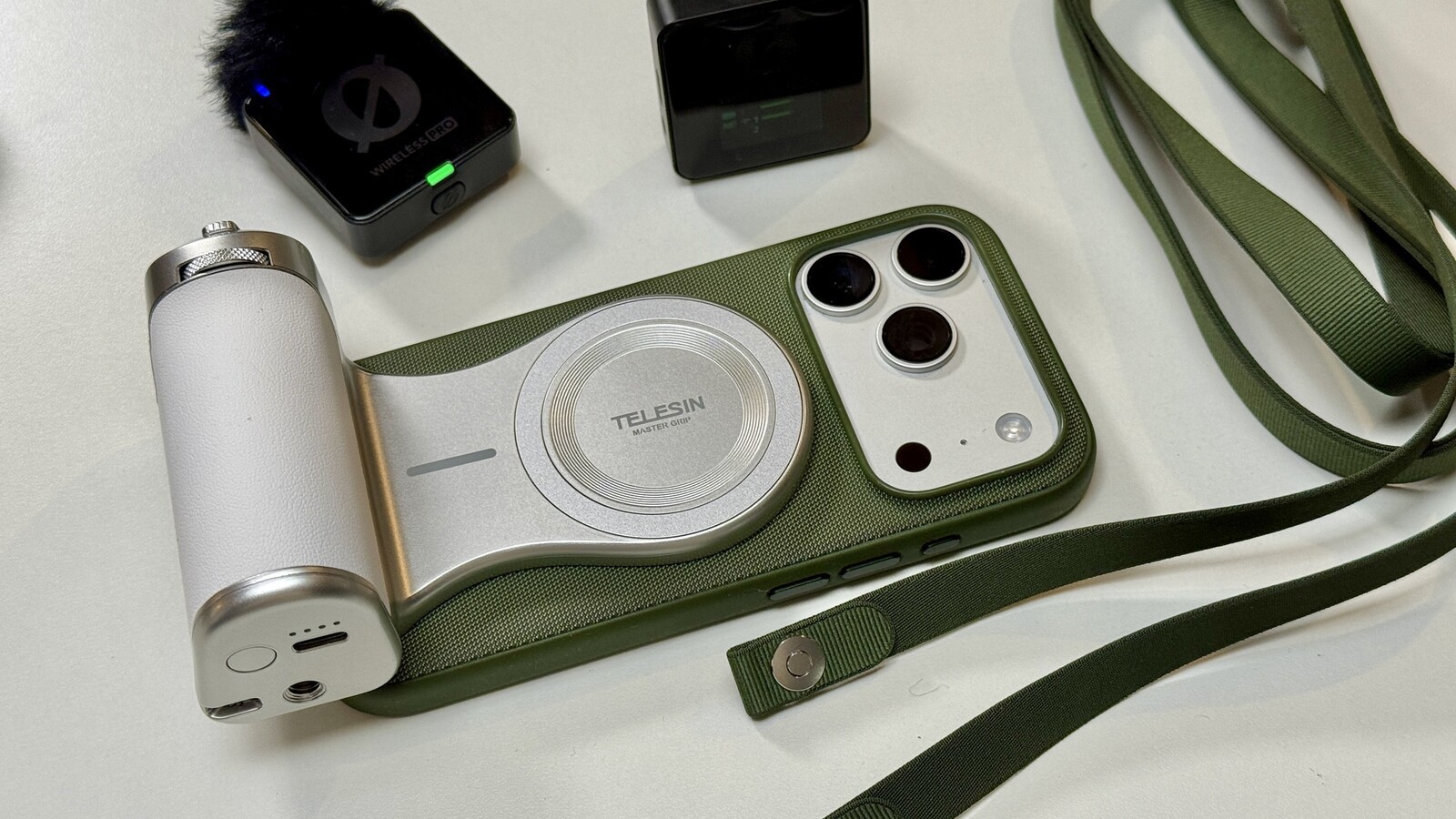
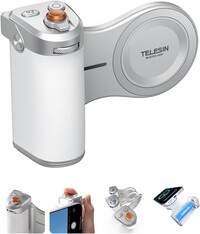
Image stabilization on Pro/Max iPhone models is phenomenal. But for an added level of control when you're maneuvering your shots around products or people can be achieved when you add a grip to your smartphone. The Telesin Pro Shot Imaging Grip is great because it magnetically snaps to your iPhone and connects wirelessly to allow you to use the built in buttons and dials to control features like Zoom, camera functions and more. This one small piece of tech can make a big difference in the ease of shooting on iPhone.
Geeking Out Shop
SmartRig Video Rig
Mobile Camera Kit
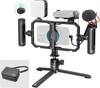
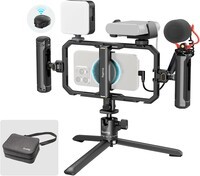
This kit can take your video shooting to the next level or at the very least create the illusion that your iPhone shooting is more pro (since it looks so elaborate). This kit contains a cage allowing you to attach a variety of accessories to your iPhone. It comes with a light and microphone (both of which are okay/better than nothing) and it adds handles to either side of your camera to make shooting more comfortable. You can attach a mobile battery into the clamp to keep your phone powered up on extra long shoot days. It also comes with a handy carrying case.
Dig Into Settings

iPhone Pro Audio Mix
Geeking Out Shop
The next one isn't a physical product, it's a feature in iPhone 16 (and later) Pro models. One of the best things you can do to make your video present more professionally is to improve the audio. With the iPhone 16 Pro/Max, Apple redesigned the microphones, allowing them to capture (and filter) voices to a degree you may not believe possible until you hear it yourself. After shooting a video, find it in the Photos app. Then tap edit (bottom right three lines with three dots) and then select audio mix. Studio/In-Frame will likely be the best choices for most scenarios but give this a try and hear how it changes everything.
Geeking Out Shop
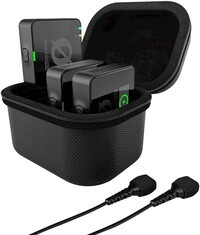
Rode Wireless Pro
External Microphones
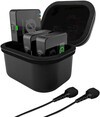
Taking the idea of "better audio equals better video" the next level would be using a wireless microphone for anyone on camera. There's so many great options out there now that fit a variety of budgets. The Rode Wireless Pro are on the higher end, but what I like about them most is the fact that you can use a lavalier microphone (a tiny mic that clips to a lapel) rather than have the big chunky boxes clipped onto someone's shirt. I know the influencer technique is to hold one of these in your hand while wildly gesturing and only kind of pointing it in the "right" direction, but Rode microphones work so well (especially if you set them up to something called "32-bit float") it's almost impossible to not get good audio when you use these things.
Geeking Out Shop
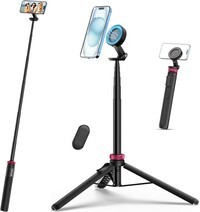
Ulianzi Monopod
Operator-Free Camera Work
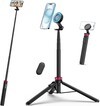
For the times you have to be in front of the camera, particularly in the field, you'll want a tripod or monopod of some kind. The Ulanzi MT-84 is an extremely compact tool that works great with iPhone. Its telescoping design makes fold down small enough to fit into a backpack, carry-on, or even purse with no problems, but it can extend to a height so the camera is at eye-level. The base is relatively stable for the size of the monopod and it uses the iPhone's MagSafe ring to provide a quick connection, meaning you can get set up for your shot in seconds. It even comes with a clip-on Bluetooth remote so you can activate the recording from far away. When weighing quality to cost to portability, I think this monopod comes out on top.
Geeking Out Shop
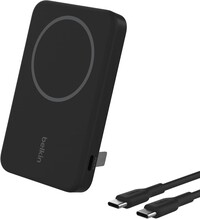
Belkin Portable Charger
Battery Boost
If you're doing a long day of shooting, chances are your iPhone battery is going to take a hit. For a quick and long-lasting solution, I always keep at least one of these Belkin chargers on the go. Aside from being able to top up your battery with a 5,000 mAh battery, there's also a kickstand. This means in a pinch you can use this for a very basic tripod and place your phone on a table. With the magnetic connection you can easily shoot in landscape or portrait. And because it has a USB C connection you can also charge devices without a MagSafe connection if you need to top up a small portable light, microphone pack, or whatever.
Many professional camera operators in the broadcast and photography industry scoff at "shot-on-smartphone" content. But honestly, there are many advantageous for workflow that make iPhone and other smartphones preferred solutions in a lot of scenarios.
Not included in this list, but still a great product, the SHure MV-88 is a compact USB for improving audio quality on mobile phones and tablets.
One secret to great video...you need better audio! Over 17 years in broadcasting (and for years before that recording music) I've got to see audio technology change to become better and better, in smaller and smaller forms.
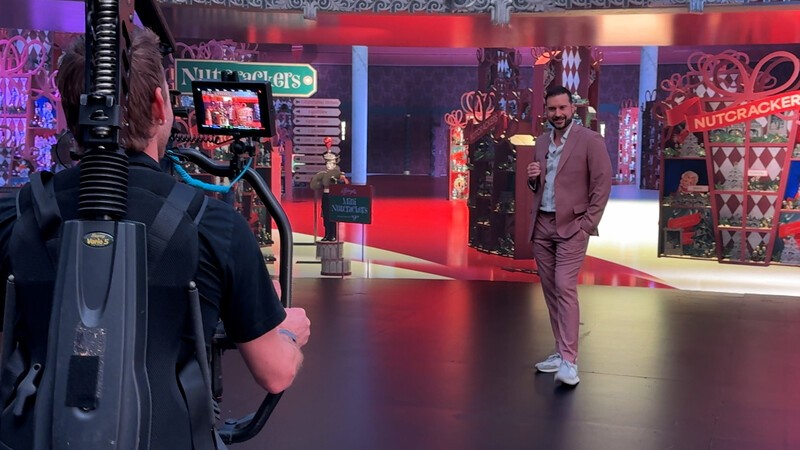
When you pair your iPhone with the right accessories and know some key settings, you can dial up the quality of your videos to make them pro-level slick.
Geeking Out Shop
Telesin Pro Shot Imaging Grip
Get a Grip!
Image stabilization on Pro/Max iPhone models is phenomenal. But for an added level of control when you're maneuvering your shots around products or people can be achieved when you add a grip to your smartphone. The Telesin Pro Shot Imaging Grip is great because it magnetically snaps to your iPhone and connects wirelessly to allow you to use the built in buttons and dials to control features like Zoom, camera functions and more. This one small piece of tech can make a big difference in the ease of shooting on iPhone.
Geeking Out Shop
SmartRig Video Rig
Mobile Camera Kit
This kit can take your video shooting to the next level or at the very least create the illusion that your iPhone shooting is more pro (since it looks so elaborate). This kit contains a cage allowing you to attach a variety of accessories to your iPhone. It comes with a light and microphone (both of which are okay/better than nothing) and it adds handles to either side of your camera to make shooting more comfortable. You can attach a mobile battery into the clamp to keep your phone powered up on extra long shoot days. It also comes with a handy carrying case.
Dig Into Settings
iPhone Pro Audio Mix
Geeking Out Shop
The next one isn't a physical product, it's a feature in iPhone 16 (and later) Pro models. One of the best things you can do to make your video present more professionally is to improve the audio. With the iPhone 16 Pro/Max, Apple redesigned the microphones, allowing them to capture (and filter) voices to a degree you may not believe possible until you hear it yourself. After shooting a video, find it in the Photos app. Then tap edit (bottom right three lines with three dots) and then select audio mix. Studio/In-Frame will likely be the best choices for most scenarios but give this a try and hear how it changes everything.
Geeking Out Shop
Rode Wireless Pro
External Microphones
Taking the idea of "better audio equals better video" the next level would be using a wireless microphone for anyone on camera. There's so many great options out there now that fit a variety of budgets. The Rode Wireless Pro are on the higher end, but what I like about them most is the fact that you can use a lavalier microphone (a tiny mic that clips to a lapel) rather than have the big chunky boxes clipped onto someone's shirt. I know the influencer technique is to hold one of these in your hand while wildly gesturing and only kind of pointing it in the "right" direction, but Rode microphones work so well (especially if you set them up to something called "32-bit float") it's almost impossible to not get good audio when you use these things.
Geeking Out Shop
Ulianzi Monopod
Operator-Free Camera Work
For the times you have to be in front of the camera, particularly in the field, you'll want a tripod or monopod of some kind. The Ulanzi MT-84 is an extremely compact tool that works great with iPhone. Its telescoping design makes fold down small enough to fit into a backpack, carry-on, or even purse with no problems, but it can extend to a height so the camera is at eye-level. The base is relatively stable for the size of the monopod and it uses the iPhone's MagSafe ring to provide a quick connection, meaning you can get set up for your shot in seconds. It even comes with a clip-on Bluetooth remote so you can activate the recording from far away. When weighing quality to cost to portability, I think this monopod comes out on top.
Geeking Out Shop
Belkin Portable Charger
Battery Boost
If you're doing a long day of shooting, chances are your iPhone battery is going to take a hit. For a quick and long-lasting solution, I always keep at least one of these Belkin chargers on the go. Aside from being able to top up your battery with a 5,000 mAh battery, there's also a kickstand. This means in a pinch you can use this for a very basic tripod and place your phone on a table. With the magnetic connection you can easily shoot in landscape or portrait. And because it has a USB C connection you can also charge devices without a MagSafe connection if you need to top up a small portable light, microphone pack, or whatever.
All of the items on this list are ones I've tested and used personally on various assignments. I'm working on the road a lot and have taken great efforts to find the right balance between quality and portability.
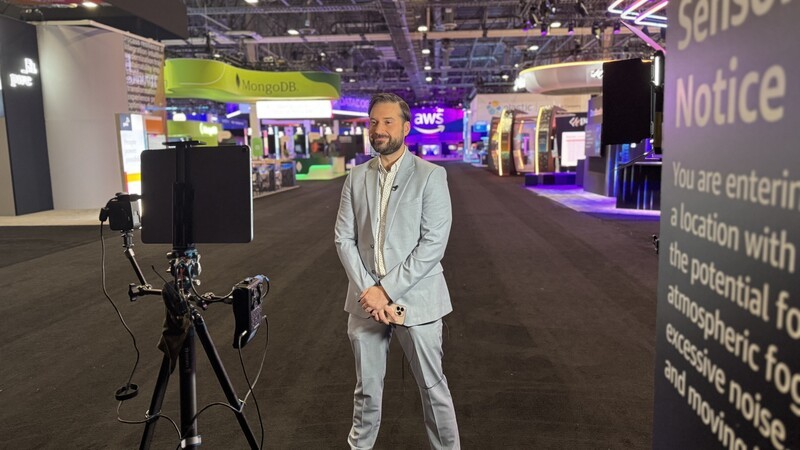
In my experience, I've found it's key to have all the essentials in a carry-on, so you're never worried about losing vital equipment through a lost bag on the way to a shoot. But this also means you have to pair down from the "nice-to-have" items to the absolute "need-to-have" equipment.
By using any of these items on their own, or pairing them together this should give you an advantage when you're shooting quality video on iPhone. If you have any questions about any of the picks on this list, or are interested in hearing about some alternative choices, you can always hit me up on Instagram for more info.
Read more
How to set up eSIM for iPhones in Canada
iPhones in Canada are eSIM only with the latest models: iPhone 17, iPhone 17 pro, and iPhone Air. If you've never used eSIM before, this article will help explain what's in store for you when you upgrade.
iPhone 17e Review: Pro Power Finally Hits the Entry Level
iPhone 17e improves in almost every way on last year's 16e. It adds MagSafe, increases storage, and even adds a new colour option. In this review we'll highlight the reasons to consider an upgrade to iPhone 17e.
Every New Product Apple Announced (And How It Impacts Canadians)
The iPhone 17 models, including the new Air have been revealed alongside several new Apple accessories.

Geeking Out: Best budget smartphones of 2025 (so far)
The TV edition of Geeking Out this week featured a collection of Apple and Android phones and accessories with great features and lower price tags.