
We may earn a commission for purchases using our links. Learn more.
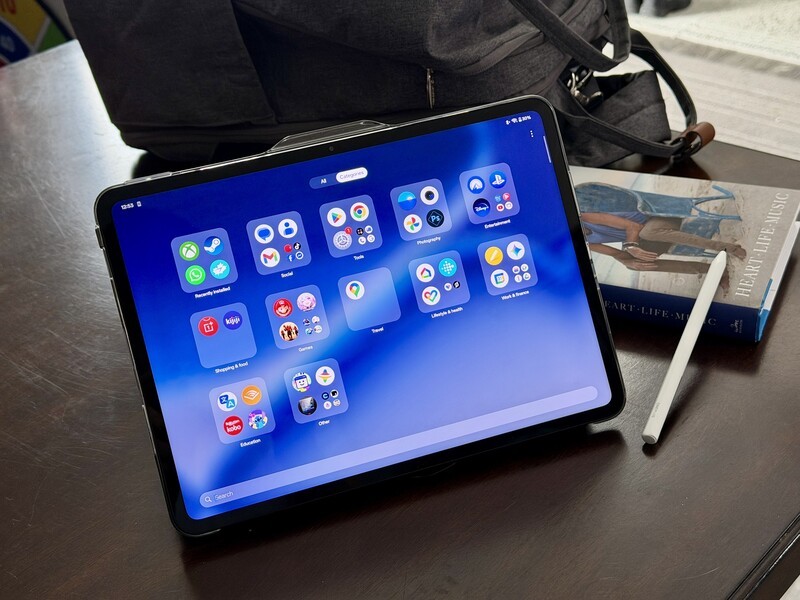
If you've been following the tablet world, you know it's usually divided into two camps: ultra-expensive professional slates that cost as much as a laptop, or "budget" tablets that often feel a bit...cheap or years out of date. OnePlus is looking to disrupt that with their latest North American release, the OnePlus Pad Go 2.
Launched specifically with students and young professionals in mind, this tablet is the first "Go" series device to hit Canada.
I'm not a student myself, but I've spent some time using the tablet with student use cases in mind (portable, productive, price friendly) and while it's not as impressive as it's older brother (the One Plus Pad 3) it does distill the best features (and does some stuff better) than the more expensive One Plus tablet.
A Screen Built for Work (Not Just Binging)
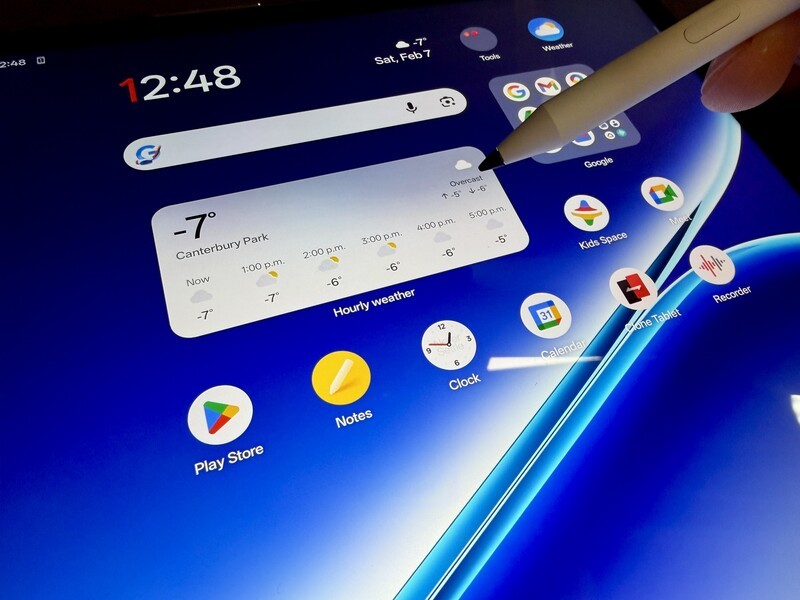
The first thing you'll notice about the Pad Go 2 is the shape. Most tablets are long and skinny, which is great for movies but can feel cramped for documents. OnePlus sticks with their signature 7:5 "ReadFit" aspect ratio on this 12.1-inch display. It's a bit more square giving you a textbook-like feel and view that offers significantly more vertical space for reading PDFs or taking notes.
The screen itself is surprisingly high-end for an "accessible" device.
It features a sharp 2.8K resolution (284 pixels per inch) and hits a massive 900 nits of peak brightness, which is bright enough to actually use outdoors on a sunny day. Plus, the 120Hz refresh rate means everything from scrolling through TikTok to sketching with the stylus feels smooth.
Overall, there are more luxuries with this display than I anticipated for a budget-friendly device. My only complaint is the gloss (finger prints easily) and bezels (thick frames around the screen). But these are worthy tradeoffs for a lower cost device.
OnePlus Pad Go 2 at a Glance
| Feature | Specifications |
|---|---|
| Display | 12.1-inch LCD, 2.8K resolution, 120Hz refresh rate |
| Processor | MediaTek Dimensity 7300-Ultra (4nm) |
| RAM / Storage | 8GB LPDDR5X / 128GB UFS 3.1 |
| Battery | 10,050 mAh with 33W SUPERVOOC charging |
| Cameras | 8MP Rear / 8MP Front |
| Connectivity | 5G, Wi-Fi 6, Bluetooth 5.4 |
| Software | OxygenOS 16 (based on Android 16) |
| Weight | 597g (Wi-Fi) / 599g (5G) |
The AI Toolkit
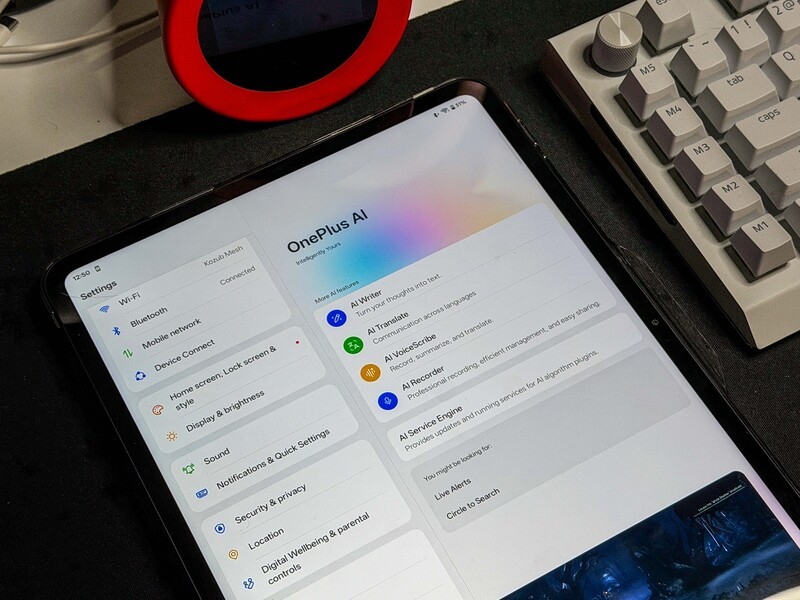
Just like everyone else, OnePlus is leaning heavily into AI. OxygenOS 16 is the one-plus OS, built on Android, but with some customizations that overall make their devices work well within the OnePlus ecosystem, but also do a better job than average of working with Apple stuff.
In terms of what a student might need help with, here's some things I thought were relevant in my testing:
- AI Recorder: It can transcribe and summarize entire lectures or meetings, saving you hours of re-listening. This feature is excellent! but there's an important limitation - if a file is more than 500MB the on-device AI can't process it to transcribe or provide summary notes. This is a flag for long lectures or seminars (keep recordings under three and a half hours).
- AI Writer: Need to polish an email or a social post? This tool can help you rewrite content with different tones. For students, I think this is problematic (you gotta learn to write and structure your own thoughts), but it exists and maybe can help save the day if you write a strongly-worded email to your professor after a bad grade and want a quick redraft before you hit send.
- Circle to Search: Powered by Google Gemini, you can just circle something on your screen to search for it without leaving your current app. This could be helpful when studying, shopping, or whatever you encounter while browsing.
- Handwriting Calculator: If you use the optional OnePlus Pad Go 2 Stylo, you can write out a math formula in the Notes app, and the tablet will solve it for you automatically. Again, I think it's important to learn the process (not just let AI do it for you) but this is a cool feature that Apple introduced a few years back, that OnePlus is now testing.
Connected Powerhouse
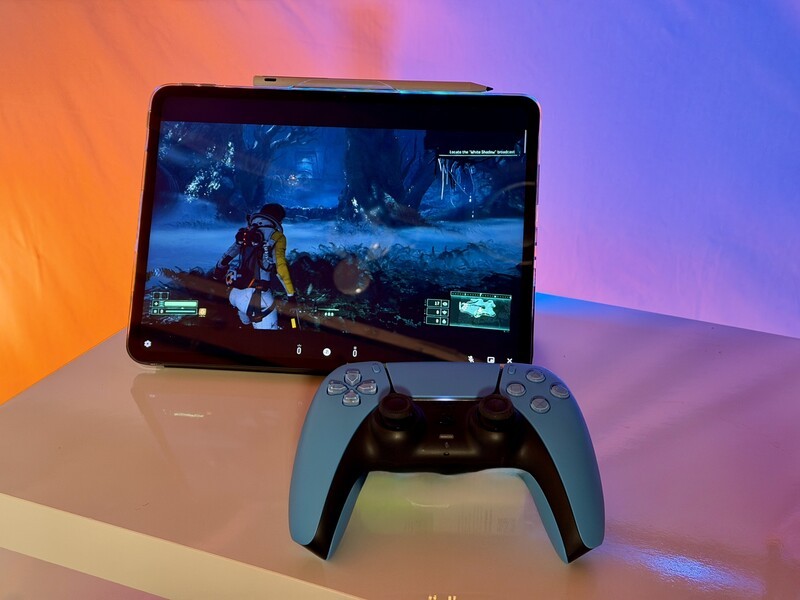
Under the hood, the Pad Go 2 runs on the MediaTek Dimensity 7300-Ultra. It's built on a modern 4nm process, which keeps it fast while staying efficient.
Perhaps the coolest feature for people on the move is that this is the first Pad Go with 5G support.
If you have a OnePlus phone, you can place the tablet near it to share its data connection while using 30% less battery than a traditional hotspot.
But don't worry if you're an iPhone user—the O+ Connect app now allows you to share files and photos between Apple devices and this tablet with just a few taps.The O+ Connect app is surprisingly good for many things including wireless, AirDrop-like, file sharing.
Battery for Days
The battery is a beast at 10,050 mAh which will be super important for students spending long days on campus and in lecture halls, especially if you can't find a spot to charge during classes.
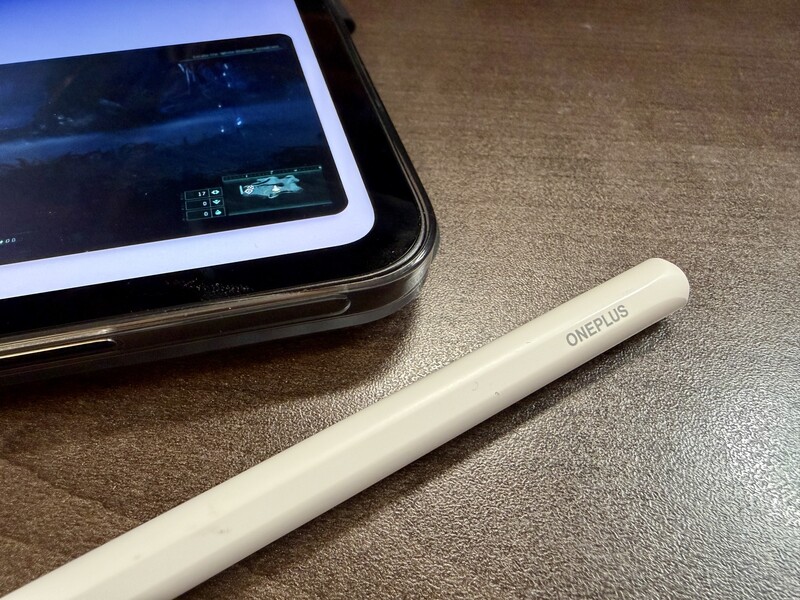 The OnePlus Pad 2 works with the new Pad Go 2 Stylo.
In real-world terms, the battery size translates to 15 hours of video according to OnePlus. In my testing, it definitely gets you through an 8-10 hour day before you start to worry about low battery.
If your phone is dying and your tablet still has plenty of juice you can even use a cable to "reverse charge" your phone using the tablet as a power bank.
Who is this for?
At $549.99 CAD, the OnePlus Pad Go 2 sits in that "sweet spot". It offers high-end perks—like 5G, a 120Hz 2.8K screen, and advanced AI—at a much more accessible price than a flagship iPad or Galaxy Tab.
Geeking Out Shop
OnePlus Pad Go 2
Student-Friendly 5G Tablet
The OnePlus Pad Go 2 hits a sweet spot for students and light productivity users who want premium features without paying flagship prices. Its 12.1-inch 2.8K display with a more square 7:5 aspect ratio is excellent for reading, note-taking, and multitasking, while 120Hz refresh rate and 900 nits brightness make it feel far more premium than its price suggests. With built-in 5G, long battery life, and smart AI tools for studying and organization, it's a solid choice for anyone who needs a reliable secondary device that works well across ecosystems.
You should buy this if:
- You're a student who wants to take digital notes and needs 5G for the commute.
- You want a secondary device for reading and light work that isn't locked into one specific ecosystem.
- You value screen brightness and a more "square" aspect ratio for productivity.
The OnePlus Pad Go 2 and its accessories (like the $119.99 CAD Stylo) are available now. If you're looking for a tablet that focuses on getting work done without breaking the bank, this tablet is definitely worth a look.
Read more

Luxury Tech Gift Ideas For 2025
If you're truly wanting to spoil someone with an epic gift this is the definitive luxury tech gift guide.

Geeking Out: Gaming Gift Guide
Saw Drew Kozub on Breakfast Television? Wanna know more about the tech he was showing off? You've come to the right place!

The 3 big pros and 3 big cons of the OnePlus Watch 3
The OnePlus Watch 3 is going to be THE Android smartwatch to beat in 2025. It has exceptional battery life, monitors meaningful health metrics, and does so in a resilient and stylish design.

Move over 2, the OnePlus Watch 3 arrives next week!
The OnePlus Watch 2's successor is coming Feb 18th.