
We may earn a commission for purchases using our links. Learn more.
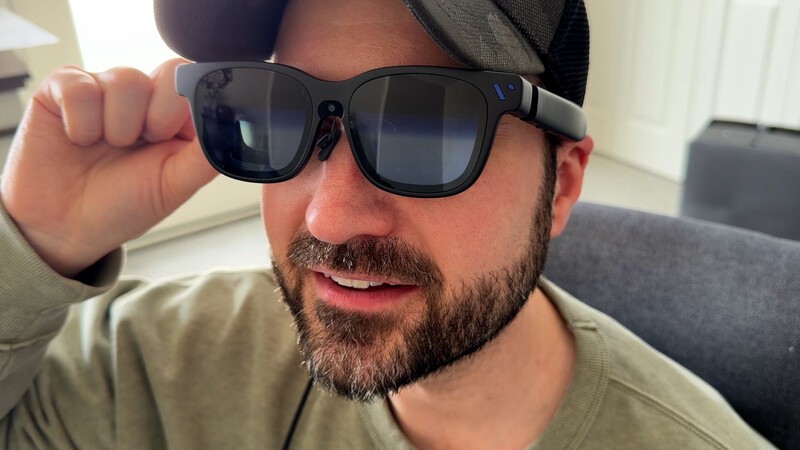
When I wrote my first review about The Beast I had tested VITURE's newest smart glasses for three weeks. And while I liked them, I still believed that for most people, the VITURE Luma Pro was the best choice.
After three months of testing, I now believe they are the BEST choice in the VITURE lineup and quite possibly the best smart glasses anyone could buy in 2026.
As the official retail launch of The Beast has arrived, these are now the smartglasses I'd recommend to anyone interested in gaming, productivity, and movie-watching with a private, massive, virtual display.
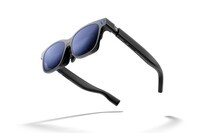
Meet VITURE Beast
The Beast is the biggest, brightest and smartest model in the VITURE Lineup. Note - Thanks to a previous collaboration with VITURE, my 10 per cent discount for Geeking Out readers is still active. Use the link below and promo code DrewKozub for a discount on your entire order. Note - the promo code will not work on Amazon orders. Only directly from VITURE.
VITURE History
I'm going to suggest you read my previous VITURE Beast review (or at least watch the YouTube video), because that thing was, well…a beast to write. And I'm not going to rehash the basics in this "3 month later" article.
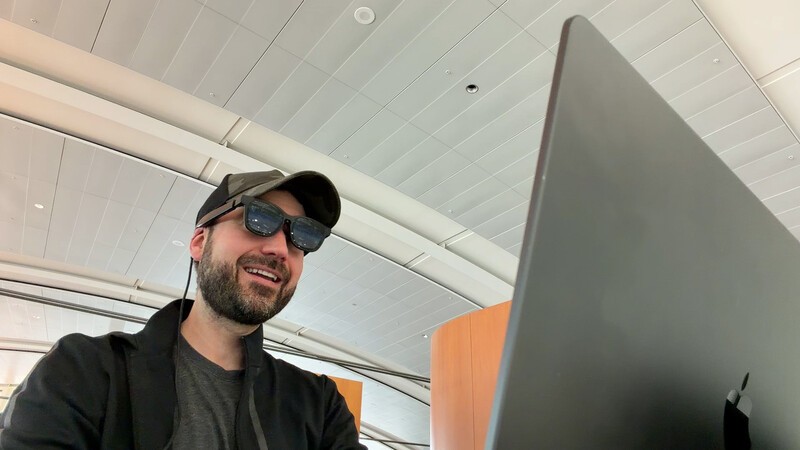
Instead, I'll let you know that over the past three years I've tried about two dozen different smart glasses from various brands. I've seen how functionality has changed since the early days of consumer-ready smartglasses, so I'm coming at this from the perspective of someone who has tried (I believe) every model of VITURE glasses, and many models of other companys'.
With that said the biggest benefit with the Beast is something I've not experienced with anyone else, and that's the on-device controls. The other VITURE models are rich with functionality, provided you're using the Spacewalker app on your smartphone or laptop. Or you connect them to the Pro Neckband (which then makes your smartglasses much cooler, but also much more expensive).
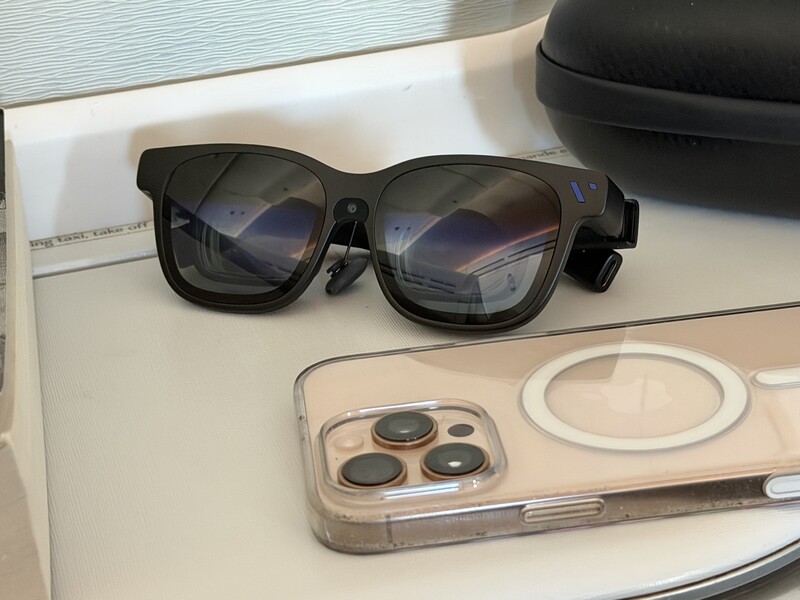
The on-device controls were an immediate "Win" when it came to The Beast and over the last three months, as changes and firmware updates have addressed early concerns, these glasses are now ready for the masses (yes, that was meant to rhyme).
The "3-Month Polish": Listening to the Community
Most tech companies launch a product and move on to the next one. VITURE seems to be obsessively reading the forums. I flagged some bugs in my original review related to screen drift and glitches when changing functions with the on-device controls. The firmware updates we've seen over the last 90 days have solved almost every "early adopter" gripe.
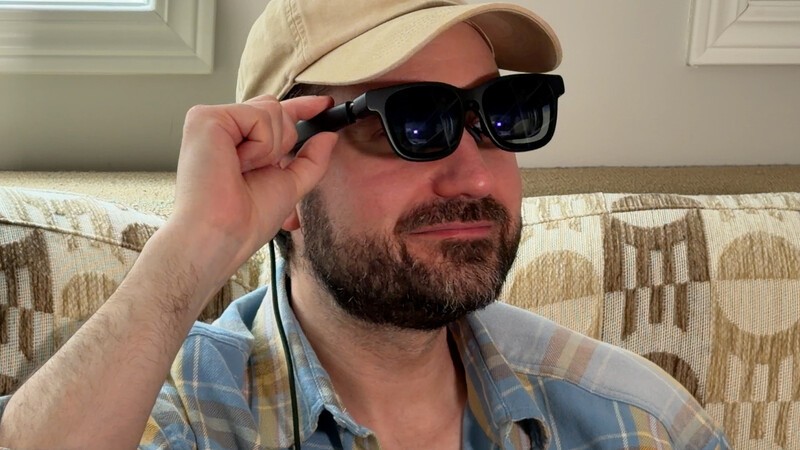
Let's dig into some of those enhancements that position The Beast as the very best in the VITURE lineup.
1. The 1200p Resolution Unlock
This is the big one. The Beast uses Sony micro-OLED panels, which are basically the Ferraris of the display world. At launch, they were limited to 1080p. But for the April 27th retail release, a software update is unlocking the native 1200p resolution.
- Why it matters: It's not just about the numbers. Early units struggled with dark scenes in movies, in some cases making visuals vanish into illegible murk (remember when we all tried to watch the "Long Night" episode of Game of Thrones and we were told by HBO that our TVs were just wrong?). The update optimizes color accuracy and fixes things so the blacks absolute crush so movies and TV shows look their best.
- The Result: Text is sharper for productivity (yes, I actually wrote part of this on a virtual 174-inch screen), and movies finally have that cinematic "pop."
2. Smart Recentering (The "Lazy Gamer" Update)
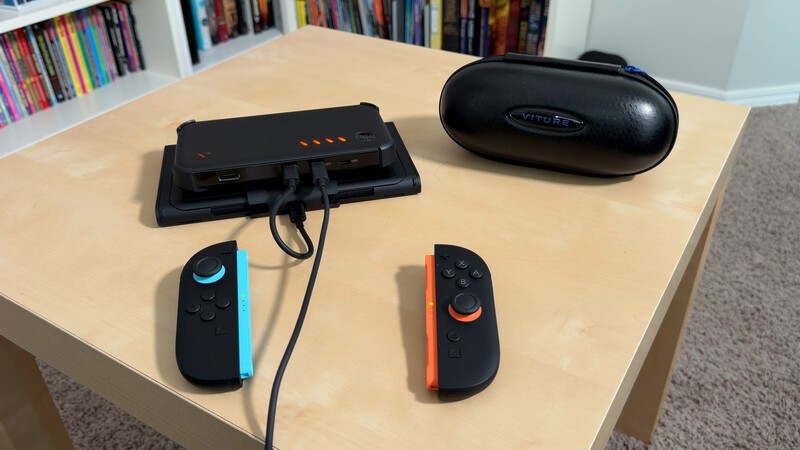
One of the great things about wearing any pair of VITURE glasses and gaming (particularly with Nintendo Switch) is there are more comfortable positions for you to lean, slouch, and relax, because the virtual display is always in the right spot. However, when the Beast first launched, if you "pinned" your screen in space (a highly desirable and major selling feature of these more expensive glasses) and then reclined your chair, the screen stayed where it was. leaving you staring at a blank ceiling while your movie was "down there" by your feet.
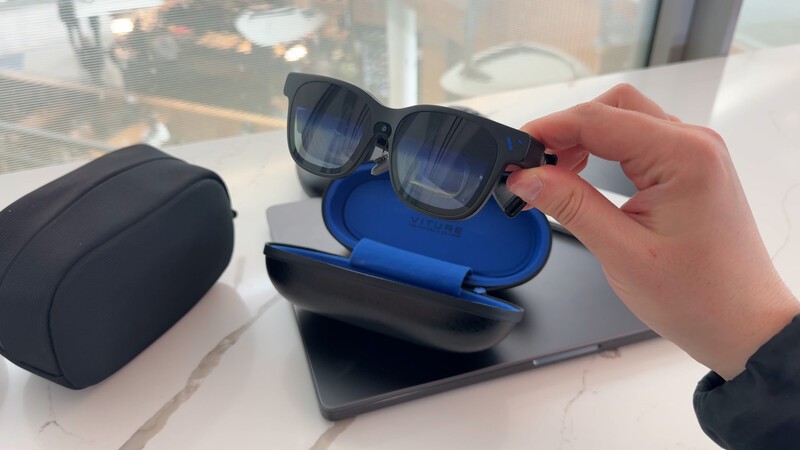
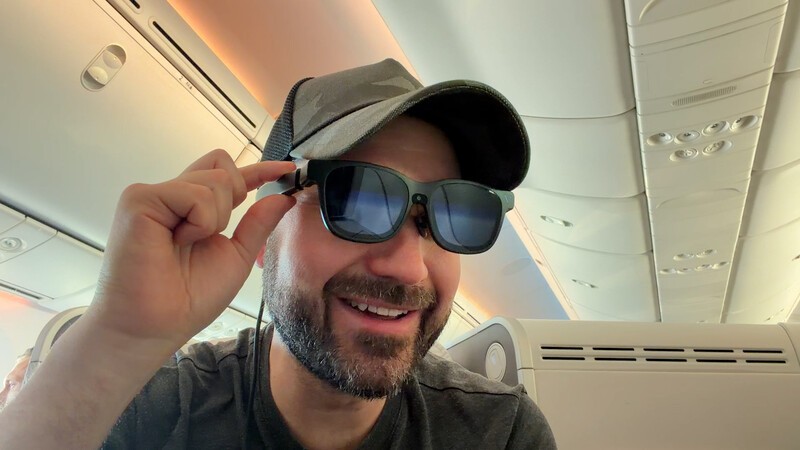
The new Smart Recentering detects when you're reclining or shifting weight and automatically re-aligns the virtual screen to your POV. Whether you're leaning back on a Porter flight to Winnipeg or slouching on the couch after a long day, the screen just follows you perfectly. No manual recalibration required.
3. Stability & Drift Resolution
Early XR glasses (including the first-gen VITUREs) suffered from "screen drift," where the image would slowly migrate to the side over time. This was one thing I noticed, particularly in the challenging environment of airplanes.
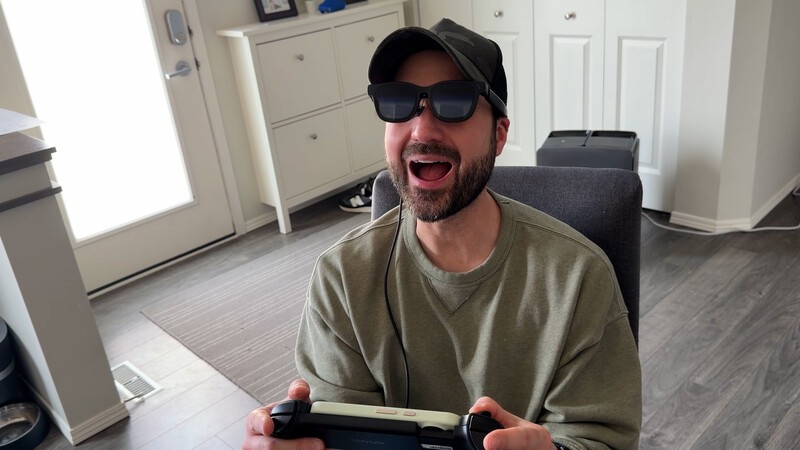
After three months of patches, the Beast's hardware-level stabilization is now rock solid. The 120Hz refresh rate is buttery smooth, and the annoying "low-volume hum" some users complained about (but I never noticed) has been squashed.
The Missing Puzzle Piece: abxylute S9V Controller
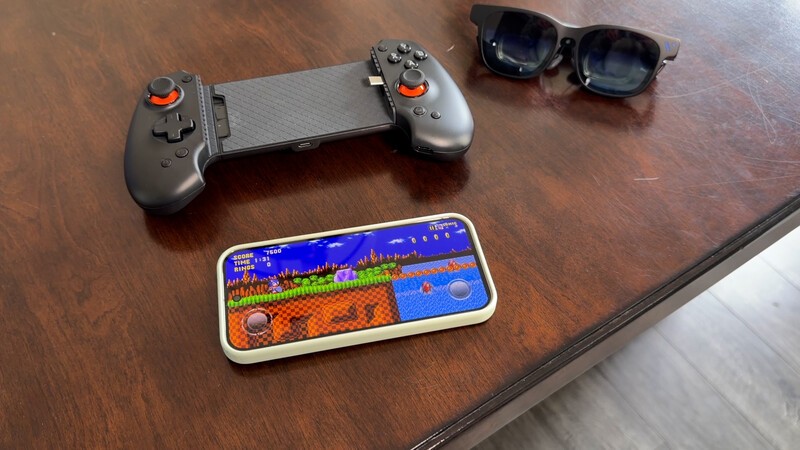
Lining up with the full commercial release of The Beast is the release of the abxylute S9V. My top ranking articles on geekingout.ca are consistently articles about controllers for mobile phones. People WANT an amazing gaming experience on their expensive smartphone and count on a high-quality mobile controller to do so.
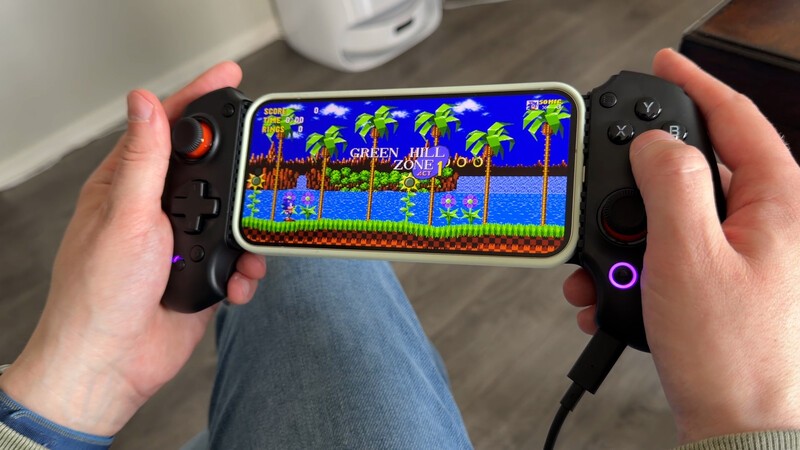
Pairing your phone with The Beast and the new S9V Controller is an epic combo for a few reasons:
- Cross-Platform Freedom: The controller works equally well with Android and iPhone (which is a difficult feat)!
- Hall Effect Controls: To prevent stick drift the S9V uses the magnetic Hall Effect joysticks
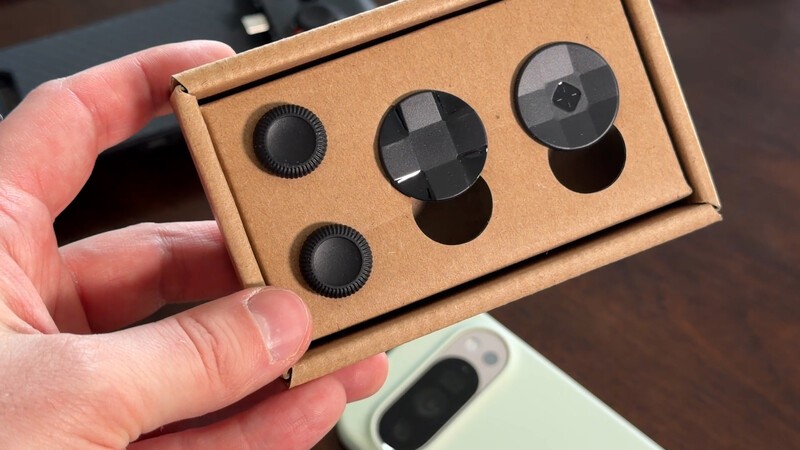
- Physical Customization: The controller comes with additional D-Pad and Joysticks so you can dial in the feel for your specific degree of comfort.
The Core "Beast" Specs: Why it still wins
For those who are new to the Beast, it's worth remembering the foundational tech that makes this hardware so beefy:
- 1,250 Nits of Brightness: This is nearly double what some competitors offer. Why do you care? Because if you're sitting in a sunlit Starbucks or on a bright GO Train, lower-quality glasses will look washed out. The Beast looks good even in broad daylight.
- 9-Level Electrochromic Dimming: With the press of a button, the lenses go from transparent (so you can see your coffee) to pitch black (for total movie immersion). No snap-on plastic covers needed (which was the solution with the early-gen VITURE glasses.
- Built-in 3DoF (VisionPair): Unlike other brands that require a separate puck or adapter to get spatial tracking, the Beast handles it all inside the glasses. You get five viewing modes (including a massive UltraWide 32:9 mode) just by plugging it into your MacBook or Steam Deck. This is a BIG deal. The technological barriers of pulling this off in such a small form without additional cameras is borderline magic.
- On-Device Controls: When I got my early release Beast glasses in late December, I loved The idea of what they were doing with the on-device controls, but it wasn't all the way there yet. And seeing improvements in just the three weeks I was testing them (including the addition of Side Mode to quickly reveal the "real world" and throw your media to the edge of your periphery gave me confidence VITURE would "get there." Now navigating with ease to anchor my screen or set it on smooth follow, to simply tap a button to recentre the display, or use the rocker button to quickly navigate through menus that allow me to move the display closer or further and customize what buttons do…this is now the turning point which made me give up my VITURE Luma Pro as my main pair of glasses and fully embrace The Beast.
The Final Word
At about $770 Canadian, these aren't inexpensive glasses. But this is a case where you definitely get what you've paid for. The Beast is building on every generation and good feature from every pair of VITURE glasses that came before them. They now truly feel like the glasses for the masses (hahah, another rhyme).
XR Smart Glasses
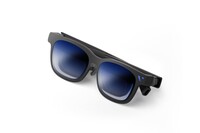
VITURE Beast
Geeking Out Shop
For their massive, 174-inch virtual display, their high compatibility, and overall ease of use, the VITURE Beast XR glasses are a top choice for gamers or anyone who wants to smart glasses for productivity. The refinements to the on-device controls and settings plus the unlock of the full 1200p per eye resolution make these glasses a visual treat. If you place an order, use promo code DrewKozub with the link below to get a 10 percent discount on your order.
If you did decide that the Beast is just out of your price range, know the the VITURE Luma Pro still remain a solid option.
If you've been waiting for smart glasses to "get good" before jumping in, the wait is officially over.
Read more
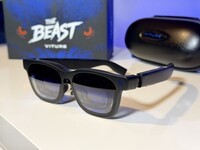
Unleash the best in Smart Glasses: VITURE Beast Review
The VITURE Beast smart glasses are amazing for gamers and great for productivity. This model has the largest virtual display in the lineup. But with so many models, which is best? Here's our hands-on review with the newest XR glasses from VITURE.
Bluey's Happy Snaps Is Pre-Schooler Friendly
Bluey's Happy Snaps is a great family-friendly title for any fan of the TV show. But it's worth paying the extra for the Deluxe version for one key feature.
The HyperX Origins 2 1800 Skips the Gimmicks for Pure Gaming Speed
The HyperX Origins 2 1800 pairs an ultra-fast 8,000Hz polling rate with a space-saving compact layout and hot-swappable switches, prioritizing pure gaming performance over flashy gimmicks.
HyperX Pulsefire Haste 2 Pro: Everything You Need
The HyperX Pulsefire Haste 2 Pro packs a 61g featherweight frame, 4KHz wireless polling, and a 26K sensor into an ultra-responsive, no-nonsense gaming mouse.