
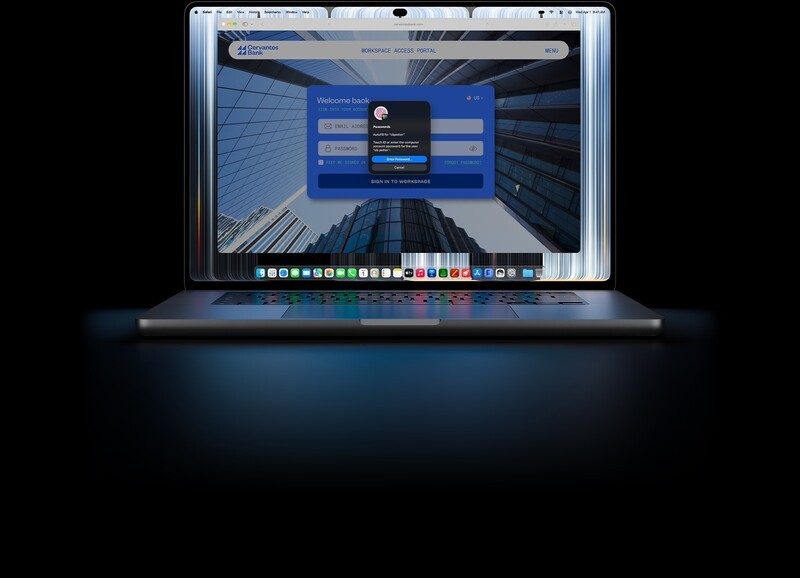
Apple has officially broken a decades-long hardware taboo: the MacBook Pro now has a touchscreen.
Announced in both 14-inch and 16-inch sizes, the new flagship lineup pairs that direct on-screen interaction with a breakthrough "PROLED XDR" tandem OLED panel, the arrival of the Dynamic Island on macOS, and a noticeably thinner, lighter enclosure. Interestingly, while the recently announced base 14-inch model made the leap to baseline M6 silicon, Apple is powering these top-tier machines with its existing, workstation-grade M5 Pro and M5 Max processors.
Touch Arrives on the Mac: What It Actually Means
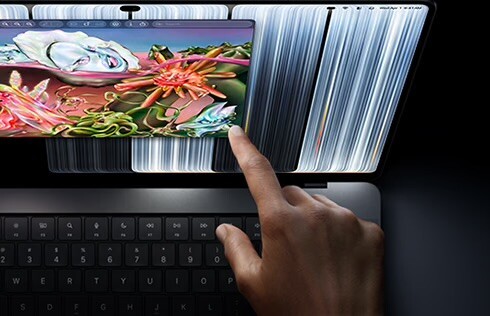
For years, Apple maintained that touching a vertical laptop display made little ergonomic sense. That philosophy changes today.
The new MacBook Pro embeds touch sensors directly into the display glass rather than layering a digitizer on top, which reduces input lag and keeps visual clarity intact. In practice, macOS automatically translates taps and swipes into clicks, but it also opens up genuine creative utility:
- Direct manipulation: You can scrub video timelines in Final Cut Pro, draw directly in apps like Pixelmator Pro, or manipulate 3D viewports in Blender without being confined to the trackpad.
- Musician and developer perks: Logic Pro gains on-screen multi-touch instrument controls and drum pads, while mobile developers can test touch gestures on iOS apps running natively on Mac without reaching for an iPad or simulator.
- Hardware stability: To counter screen wobble when you tap the panel, Apple redesigned the display hinge and added camera software stabilization so video calls don't shake during touch interactions.
Tandem OLED: Breakthrough Brightness and Colour
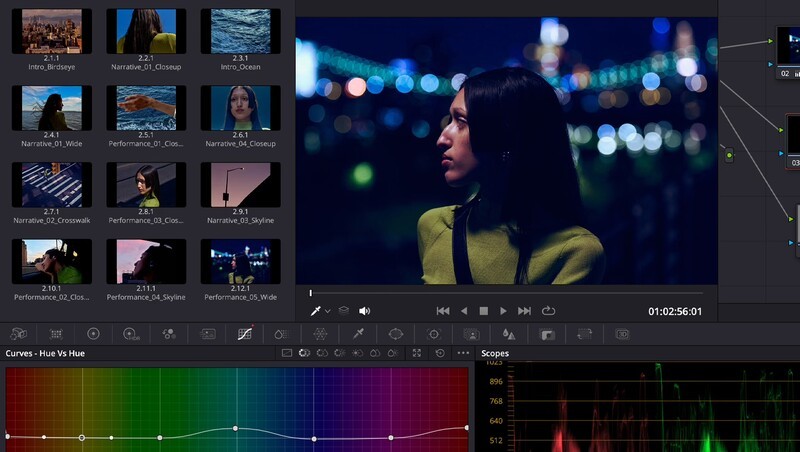
The new "PROLED XDR" panel brings tandem OLED technology to the MacBook Pro for the first time. In plain English, tandem OLED stacks two separate light-emitting organic layers on top of each other. This doubles the brightness potential and extends panel lifespan while avoiding the burn-in risks of standard single-layer OLEDs.
The specs translate to reference-grade visual performance for photographers, colourists, and editors:
- 2,000 Nits Brightness: Both standard (SDR) and HDR content can now hit 2,000 nits peak brightness, making the screen easily readable even outdoors or under studio lighting.
- Inky Contrast: A 10,000,000:1 contrast ratio means pixels turn completely off for true blacks, eliminating the blooming halo effect around bright objects common to mini-LED.
- Expanded Colour Spaces: Beyond standard wide P3 colour, the display now covers Adobe RGB, a massive benefit for photographers preparing files for print—along with over 80% coverage of the Rec. 2020 gamut for HDR grading.
- Nano-Texture Option: Buyers can configure the screen with an etched anti-glare finish to kill harsh reflections without sacrificing deep blacks.
Having Adobe RGB support effectively silences the argument that having a nano textured display comes at the cost of colour degradation.
Dynamic Island, Lighter Chassis, and Familiar Silicon
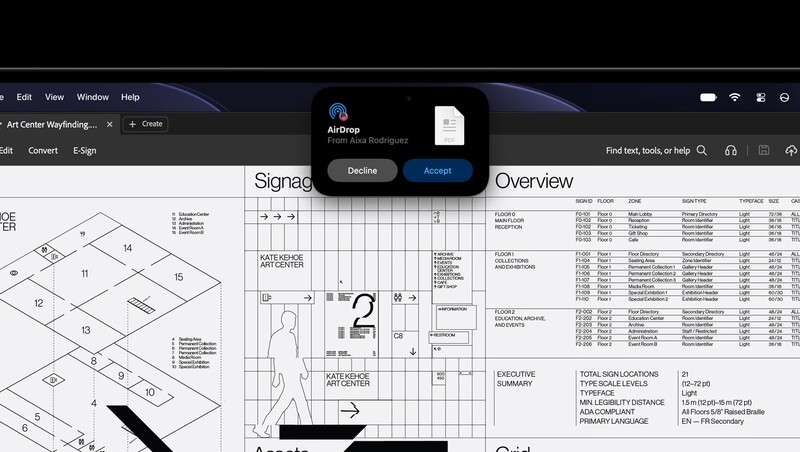
Beyond the display, Apple has overhauled several physical and interface elements:
- The Dynamic Island Lands on Mac: The notch morphs into an interactive pill-shaped hub housing Spotlight search, Siri AI, and Live Activities for tracking timers, media playback, or AirDrop transfers at a glance.
- Noticeably Thinner and Lighter: Thanks to the thinner OLED display stack, the 14-inch model sheds half a pound down to an even 3.0 lbs, while the 16-inch drops to 4.0 lbs. The display bezels have also shrunk slightly, nudging screen sizes to 14.2 inches and 16.3 inches respectively.
- M5 Pro and M5 Max Under the Hood: Rather than debuting next-gen Pro/Max silicon, Apple is sticking with its proven heavyweights. Both chips feature dedicated Neural Accelerators inside each GPU core for local AI tasks, support up to 128GB of unified memory, and now allow configuration up to a massive 16TB SSD.
- I/O and Audio Upgrades: High-end connectivity gets future-proofed with three Thunderbolt 5 ports alongside HDMI, an SDXC card slot, MagSafe, Wi-Fi 7, and Bluetooth 6. The six-speaker sound system has also been retuned with new woofers that offer 50% deeper low-end response, even when operating in clamshell mode connected to external monitors.
TB 5 support from all ports is anhige benefit for anyone exoect g to connect to external displays, pro cameras to transfer files, or docking stations.
Canadian Pricing and Availability
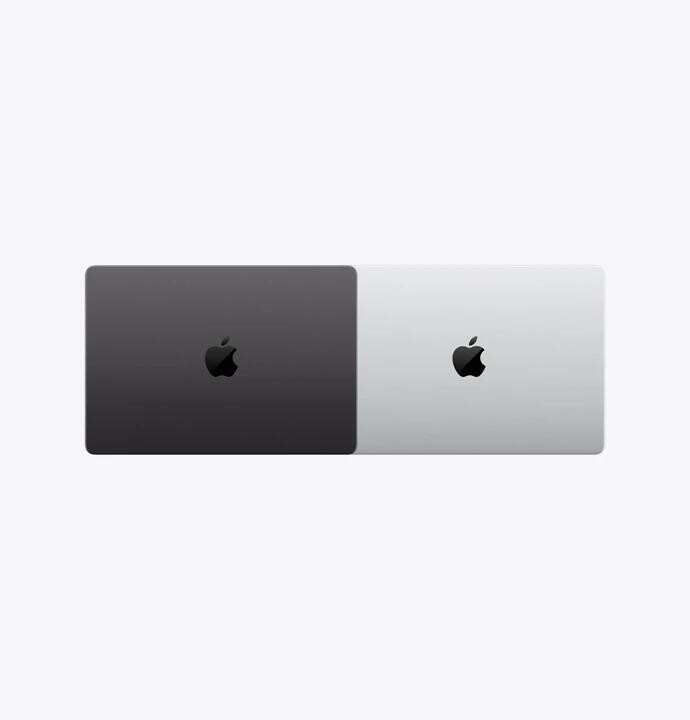
Pre-orders open today, Wednesday, October 28, through Apple's online storefront and retail app, with deliveries and store availability beginning Friday, November 6.
In Canada, entry pricing breaks down as follows:
- 14-inch MacBook Pro (M5 Pro): Starts at $3,999 CAD ($3,789 CAD for education)
- 16-inch MacBook Pro (M5 Pro): Starts at $4,799 CAD ($4,519 CAD for education)
- 14-inch MacBook Pro (M5 Max): Starts at $6,299 CAD ($5,869 CAD for education)
- 16-inch MacBook Pro (M5 Max): Starts at $6,599 CAD ($6,189 CAD for education)
This new MacBook Pro model comes on the heels of the announcement of an M6 powered MacBook Pro and M6 powered iMacs.
There is no shortage of choice if you're due for a computer upgrade this year.
Read more

The Perfect Laptop, Even For Non Pro Users!
Apple's M4 MacBook pro has arrived in Canada. While I usually steer people toward MacBook Air unless they genuinely need pro specs, this time around I think Apple's made a pro laptop for everyone!

Apple’s M6 MacBook Pro Comes To Canada Nov 6
Apple’s new MacBook Pro has been revealed. It exclusively has the M6 chip and a 14 inch display. It comes to Canada Nov 6th.
Apple's Most Powerful Processor Comes To Canada
Apple has refreshed their M series chip, introducing the M6 and M5 Ultra alongside two new devices: the revamped Mac Studio and the refreshed Mac Mini

Maximum performance for your premium MacBook Pro
The M5 MacBook is an extremely capable work machine with a generous array of ports and plenty of power. To further unlock the potential of this professional laptop, you can pair it with the right accessories to build out your pro work station.