
We may earn a commission for purchases using our links. Learn more.
Google's "a-series" phones have always been the "smart money" pick for people who want the best of Google's software without paying the $1,000+ flagship tax. Usually, this means getting a plastic version of the fancy phone from six months ago.
TL;DR - The Short Version
- Primary Verdict: The "smart money" Android pick for 2026; flagship power without the four-digit price tag.
- Key Strength: The 6.3-inch Actua Display hits 3,000 nits, making it the brightest mid-range screen on the market
- Major Trade-off: 30W charging is sluggish compared to competitors; no built-in magnetic ring for accessories.
- Reliability: Includes 7 years of guaranteed OS and security updates through 2033.
- Connectivity: Features Satellite SOS for emergency messaging outside of Canadian cell coverage.
- Value Prop: At $679 CAD, it uses the same Tensor G4 "brain" as the flagship Pro models.
The Pixel 10a feels a bit different.
It's got a brand-new look and the same powerful chip found in the most expensive Pixels. After testing it out on the streets of Toronto for a week, I've found a lot to love, but there are still a few areas where Google is playing it a bit too safe.
Google Pixel 10a One Paragraph Review
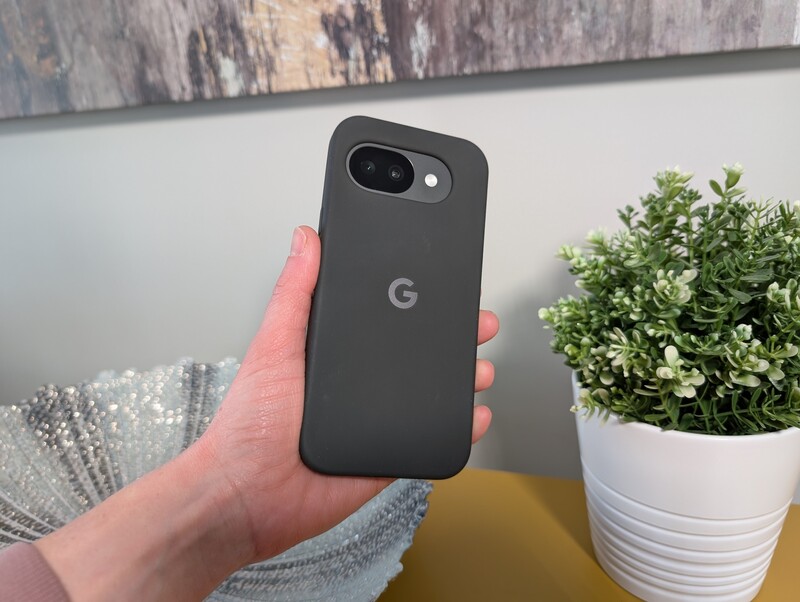
The Pixel 10a is a solid choice for anyone who wants to buy thier phone outright, but not break the bank. It has many of the best features (softwware-wise) that make the Flagship Pixels great. Design-wise, it's refreshing to have a totally flat back with no camera bump. This means compromising some quality aspects (particularly zoom) over other smartphone cameras, but thanks to Google's superior image processing, the photography experience is great. It charges slower than other phones, doesn't have a built-in magnetic ring to connect to certain accessories, but also costs hundreds of dollars less, so trade-offs are worth it.
Pros
- Top-Tier Brains: It uses the Tensor G4 chip, the same processor found in the Pixel 10 Pro.
- **Super Bright Screen: **The display is easy to read even in direct, harsh sunlight.
- Flat Design: The new flush camera means the phone doesn't wobble on your desk.
- Emergency Satellite Tech: A great safety feature for Canadian hikers and road-trippers.
Cons
- Slow Charging: 30W wired charging takes a long time to get you back to 100%.
- Standard Storage is Small: 128GB can fill up fast if you take lots of high-res video.
- Processing Delays: Some AI features aren't "instant" and need a day or two to set up.
A Design That Finally Sits Still
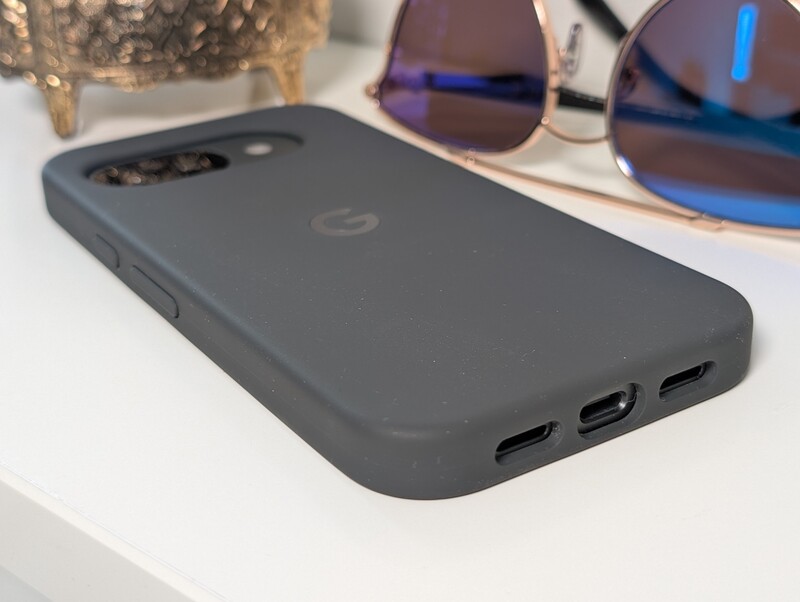
If you've seen a Pixel from the last few years, you know the "camera bar"—that big strip across the back. The Pixel 10a moves away from that. The back is now completely flush, with the lenses tucked behind the rear composite.
Here is the "Experience" insight: For the first time in years, I'm actually tempted to take the "Case-Free Gamble." * The Ergonomics: Without that massive ledge, the phone doesn't snag on your pocket liner or feel top-heavy. You can wrap your hand evenly around the back, making it feel significantly smaller and more secure than the Pixel 10 Pro.
The Durability: Google upgraded the front to Gorilla Glass 7i. While it's not the Victus 2 found on the flagships, it's specifically engineered to survive drops on the rough, gritty pavement we see in Canadian cities.
The Risk: The back is still a plastic composite. While it won't shatter like the glass on a Pro model, it will pick up micro-scratches from table salt or sand if you slide it around a cafe table. If you can live with a few "character marks" on the matte finish, the ergonomic payoff of going naked is huge.
The back is now almost completely flat, with the cameras sitting flush against the body.
This makes the phone much more comfortable to hold and, more importantly, it stops the "see-saw" effect when you try to type while the phone is sitting on a table.
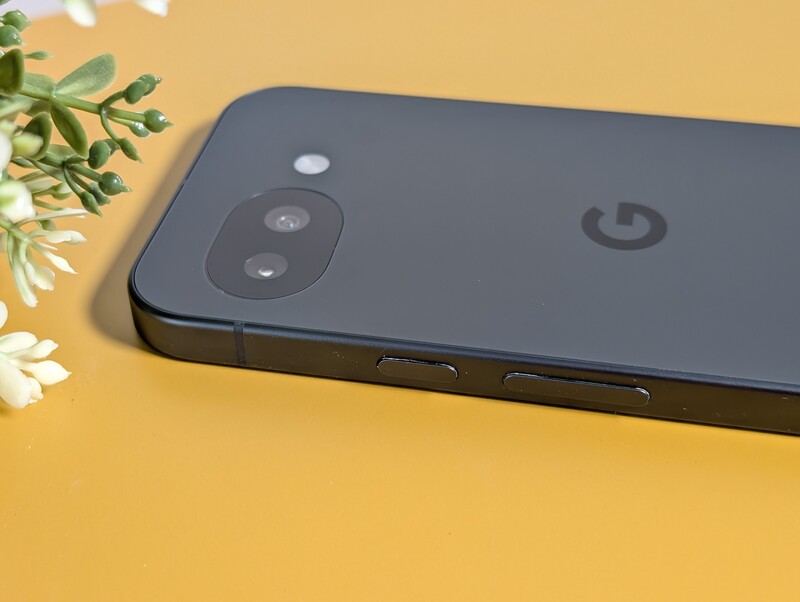
Google also used a lot of recycled materials here, including 100% recycled aluminum for the frame and a back made from 50% recycled plastic. It feels sturdy, especially with the upgrade to Gorilla Glass 7i, which is a specialized toughened glass designed to survive drops on rough surfaces like pavement.
A Screen That Beats the Sun
The 6.3-inch "Actua" display is arguably the best part of the hardware. It hits 3000 nits, which is a technical measurement for peak brightness. To put that in perspective, the older Pixel 8a hit 2000 nits. This 50% jump means that even on a bright July afternoon, you won't be cupping your hand over the screen just to read a text.
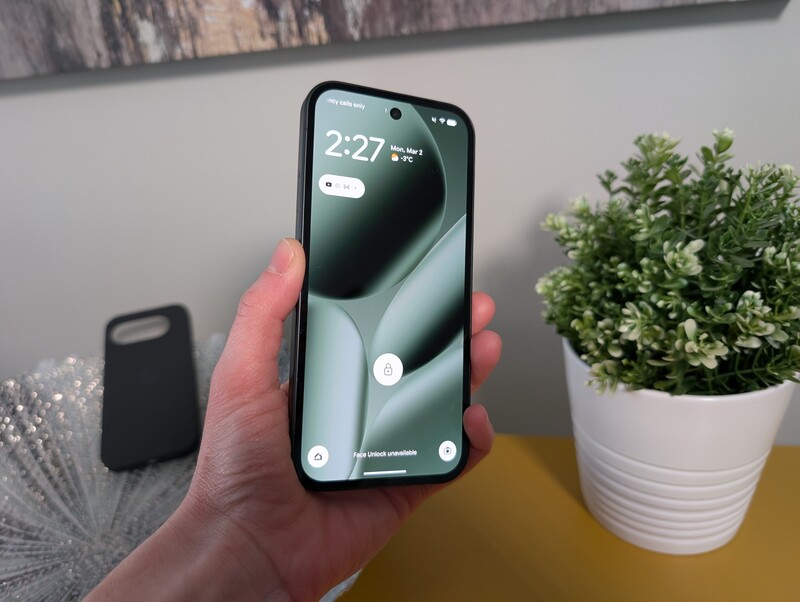
It also features a 120Hz refresh rate. This means the screen updates the image 120 times every second. It makes scrolling through your newsfeed feel incredibly smooth, but the phone is smart enough to slow that speed down when you're just looking at a photo to help save your battery.
Gemini 3: The AI Assistant
The Pixel 10a is powered by Gemini 3, Google's latest artificial intelligence. It's built into the phone to help you write emails, summarize long articles, or even identify things in the real world. One of the standout features is Gemini Live with camera sharing.
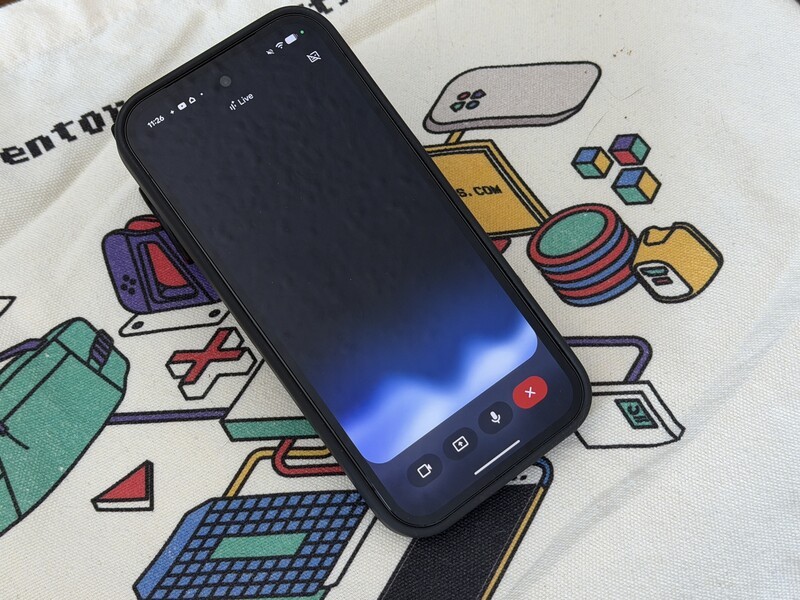
You can basically have a conversation with your phone. If you're trying to put together a piece of furniture or identify a weird bug in your garden, you can point the camera at it and ask the AI for help in real-time. Does it work as well as Google pretends? No. But 8/10 or even 8.5/10 times it's more helpful and more speedy than Googling an answer online.
Camera Magic: No One Gets Left Out
Google's cameras are famous for their "look"—lots of detail and great skin tones—but the Pixel 10a adds some clever software tricks:
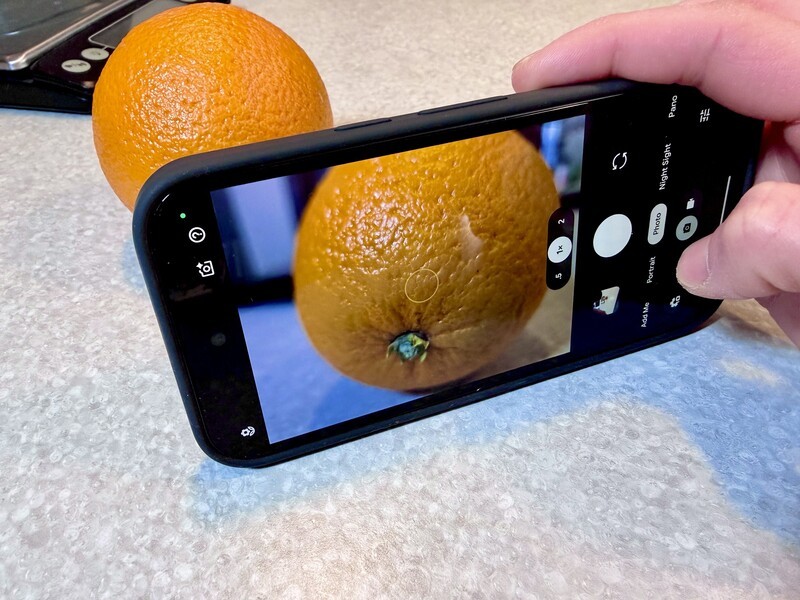
- Add Me: We've all been the person left out of the group photo because we were the ones holding the camera. With this, you take a photo of your friends, swap places with one of them, and the phone uses AI to stitch you into the shot automatically.
- Macro Focus: This lets you take "Macro" shots (super close-ups) from as little as 5cm away. It's perfect for capturing the tiny details on a flower or a piece of jewelry.
- Auto Best Take: If you're taking a family photo and someone blinks, the phone looks at a burst of photos and swaps in a frame where everyone has their eyes open and is smiling.
Add-Me feature introduced on the Pixel 9 is a cool feature you'll enjoy on the Pixel 10a.
Safety for the Great Outdoors
For the first time on an "a-series" phone, Google has included Satellite SOS. If you find yourself in a "dead zone" without cell service—which happens a lot in rural parts of Canada—you can point your phone at a satellite to text emergency services. It's a premium safety feature that provides a lot of peace of mind for campers and hikers.
The Trade-offs
No phone is perfect, and Google had to cut some corners to keep the price down. The 30W wired charging is the biggest disappointment. In a world where other phones can fully charge in 30 or 40 minutes, the Pixel 10a feels like it's stuck in the slow lane.
Also, the base model comes with 128GB of storage. While that sounds like a lot, high-quality photos and 4K videos take up a ton of space. If you plan on keeping this phone for a few years, you might find yourself hitting that limit sooner than you'd like. Finally, some AI features like "Ask Photos" (which lets you search your library using natural language) require 24 to 48 hours of background processing before they actually start working.
The Verdict
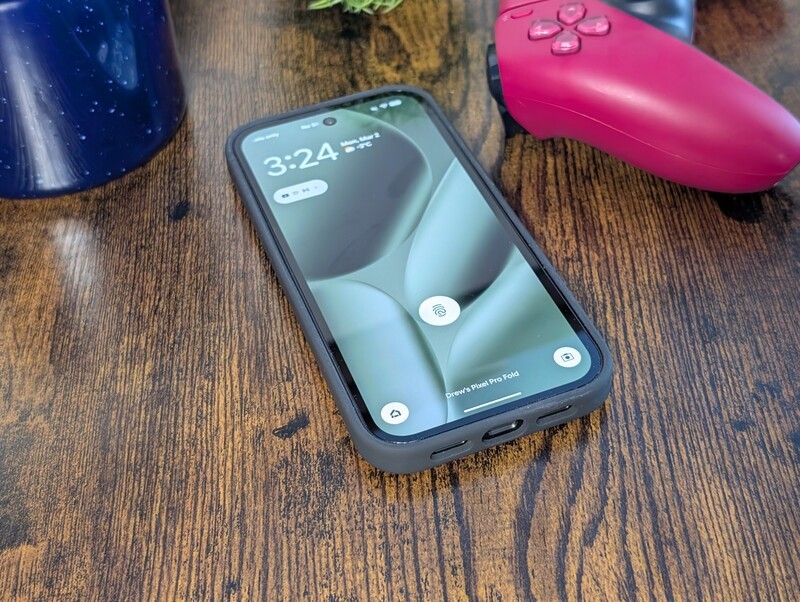
The Pixel 10a is a massive upgrade over the 8a, specifically because of that incredibly bright screen and the added safety of Satellite SOS. It doesn't feel like a "budget" device when you're using it, thanks to that flagship Tensor G4 chip. If you can handle the slower charging speeds and you don't mind managing your storage space, this is currently the best value you can find in the Android world. It gives you the "Pro" experience without the "Pro" price tag.

Google Pixel 10a
The Pixel 10a is good at everything a smartphone should be good at and great in a few areas (like genuinely useful AI features). The biggest complaint is the slower charging speeds. However, if you're a person who plugs your phone in overnight, the all-day battery life means this won't be an issue.
Are you thinking about upgrading to the Pixel 10a, or are you holding out for the flagship Pixel 11 that's likely coming this fall?
Read more

The Google Pixel 10a is coming to Canada — here's what to expect
The wait is over. Google after teasing the release of the Pixel 10a earlier this month, the device is now officially on sale in Canada. Like other "a" series Pixel devices, it is bringing a lot of that "Pro" magic down to a much friendlier price point. Starting at $679, this phone is designed to give you the essential Pixel experience without the flagship price tag. A fresh new look...
Google Pixel 11 Pro Fold Review: What $2,499 CAD Actually Buys You
I’ve spent the past week testing the Pixel 11 Pro Fold. I've been running it through real-world multitasking workflows, testing camera samples side-by-side with the Pixel 11 Pro, and evaluating whether Google’s $2,500 Canadian flagship foldable is actually worth the investment.

Google Pixel 11 Pro Review: I Dropped It on Concrete So You Don't Have To
After carrying the Pixel 11 Pro as my daily driver for a week, here is where things actually stand: if you’re rocking a Pixel 9 Pro or Pixel 10 Pro, don't sweat any upgrade FOMO. But, if you’re holding onto a Pixel 8 or older, or making the jump from an older iPhone, this phone completely transforms the Pixel experience.
Pixel 11 vs. Pixel 11 Pro: Top 5 Real Differences You Actually Need to Know
Thinking of paying extra for the Pro? Here is how Google’s base Pixel 11 and Pixel 11 Pro stack up where it actually counts.