

Google is trying its hardest to make bad photos a thing of the past.
With the Pixel 9, some great features like "Add Me" and in the case of the folding model "Made You Look" were introduced to improve how easy it is to take group photos or snap pics of pets and toddlers.
With the launch of the Pixel 10, Google introduced another new feature, Camera Coach, that aims to help you aim your camera a little better.
What is Camera Coach on Google Pixel?
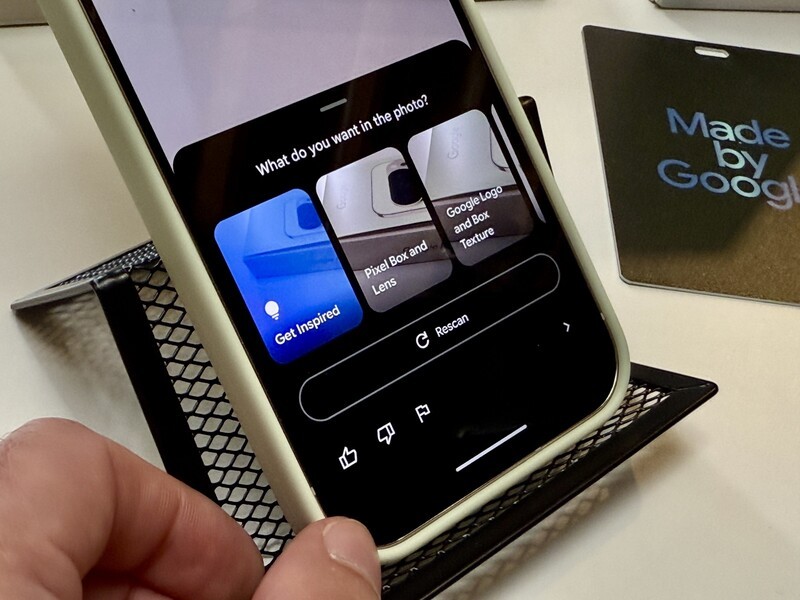
Camera coach is a feature that offers suggestions to help you improve the look of your photos. When you activate it, you will see a series of instructions your Pixel thinks will help you improve your short.
Whether it's adjusting the framing, moving the angle of the camera, or switching to different photography modes, this AI-powered feature is pretty simple to use and is actually practical.
How to use Camera Coach on Google Pixel 10
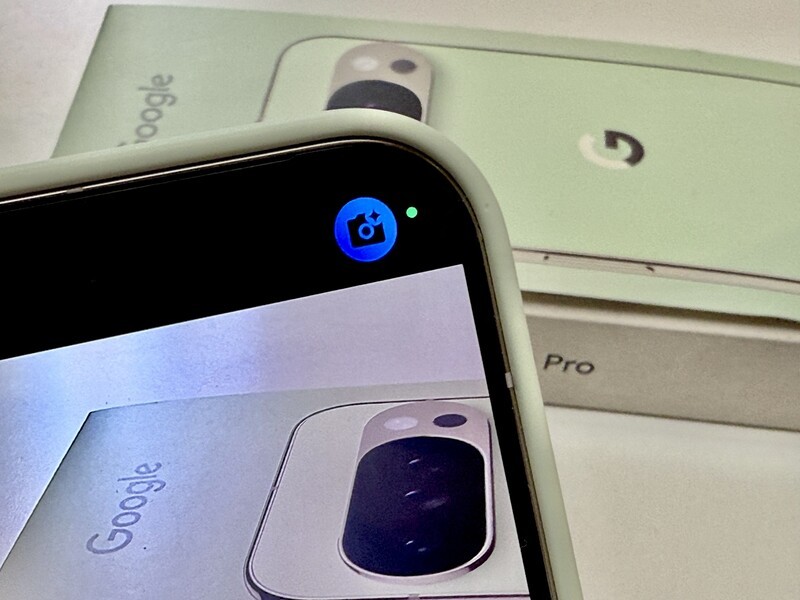
Camera Coach doesn't turn on by default when you're taking a photo. You need to activate it for each photo you want to use it with inside of the Camera app.
- Open the camera app
- Tap on the Camera Coach button (top right corner of screen)
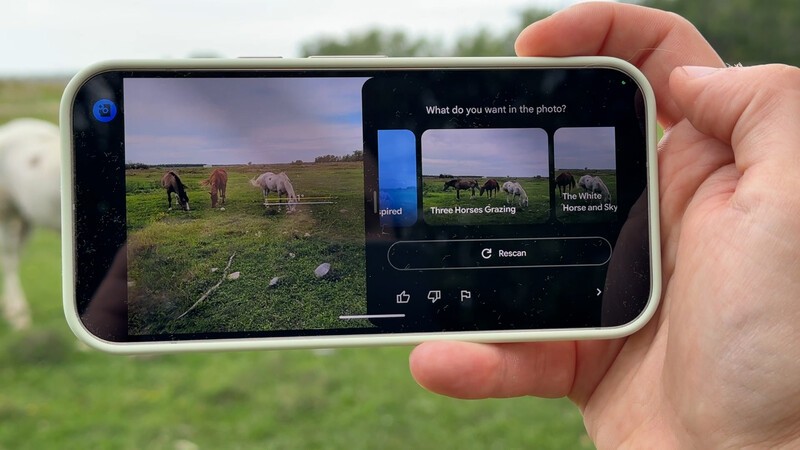
- Choose what the main subject of your photo is
- Read first suggestion overlaid on screen
- Try the suggested action (it will be highlighted by a blue box on screen)
- Tap the arrow to access the next suggestion
- When there's no more suggestions, tap the shutter button to take a photo
This video shows Camera Coach in action.
Does Camera Coach work well?
Overall the suggestions from Camera Coach are pretty basic.
The "Get Inspired" option is something you can select after you activate Camera Coach and it's probably the most useful of all functions to suggest something a bit more interesting than the average framing on a photo.

When I first started using Camera Coach, I didn't realize there were multiple instructions "frame the horse in the centre of the screen," which made me think the instructions were far too simple.
However, Camera Coach is designed to take you step-by-step through the process of framing up a better shot, so be sure to look for the highlighted blue boxes on your phone's screen when using Camera Coach so you don't miss any of the instructions.

It would be cool if you could have Camera Coach running in the background and it could detect if you were making a very bad/unflattering photo angle so it could pop up to warn you "Hey, everyone you tag in this photo is going to hate it," but as it is right now, it only shows up when you activate it.
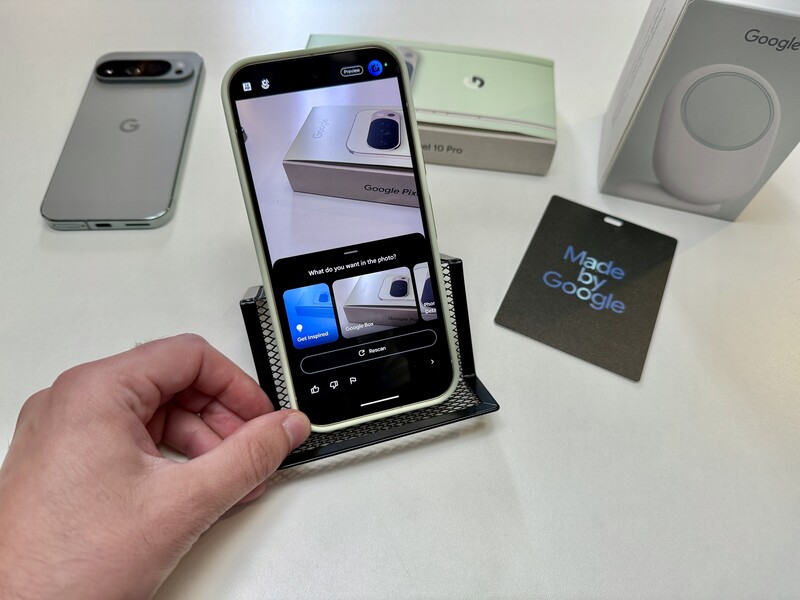
Overall it's a cool feature, but one that I think will be easily overlooked unless you know where to find it, and how to use it. And since you've made it to the end of this article, now you have no reason to overlook it!
Read more

Google Pixel 11 Pro Fold Review: What $2,499 CAD Actually Buys You
I’ve spent the past week testing the Pixel 11 Pro Fold. I've been running it through real-world multitasking workflows, testing camera samples side-by-side with the Pixel 11 Pro, and evaluating whether Google’s $2,500 Canadian flagship foldable is actually worth the investment.

Google Pixel 11 Pro Review: I Dropped It on Concrete So You Don't Have To
After carrying the Pixel 11 Pro as my daily driver for a week, here is where things actually stand: if you’re rocking a Pixel 9 Pro or Pixel 10 Pro, don't sweat any upgrade FOMO. But, if you’re holding onto a Pixel 8 or older, or making the jump from an older iPhone, this phone completely transforms the Pixel experience.

Pixel 11 vs. Pixel 11 Pro: Top 5 Real Differences You Actually Need to Know
Thinking of paying extra for the Pro? Here is how Google’s base Pixel 11 and Pixel 11 Pro stack up where it actually counts.

Pixel 11 Canada: Prices & Release Date
Google just dropped its 2026 hardware lineup. Here is what the Pixel 11, Pro, XL, Fold, and Watch 5 actually cost in CAD, and when you can get your hands on them.