
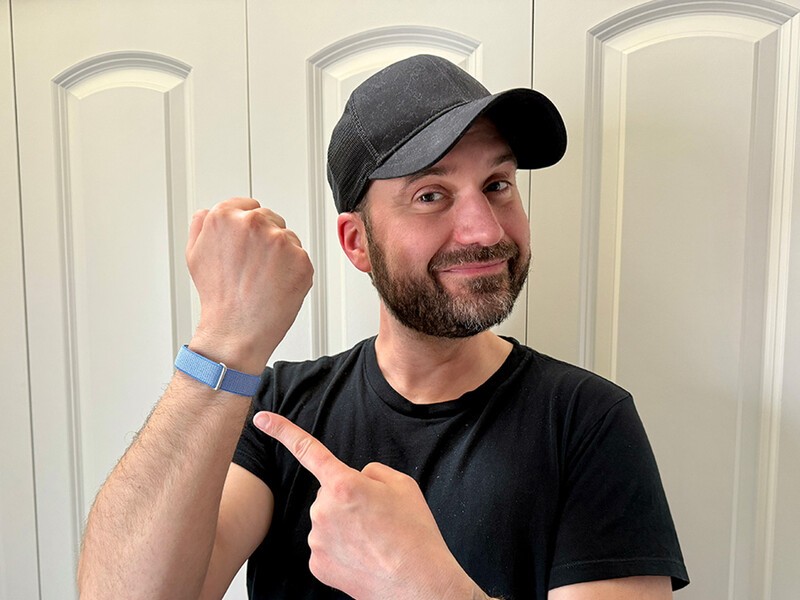
Google announced their first fitness tracker without a display. The Fitbit Air arrives in the tech world at an interesting time where intentional tech is gaining traction. This is tech that's purpose-built to be great at certain things rather than generally good at everything.
The Fitbit Air also arrives at a time when I'm personally staring down a major life milestone: turning 40.
Ahead of launch, I received the Fitbit Air early to write this review. As a father of twin boys who just turned four as I'm about to turn forty, I feel like I'm in a relatable phase of life for many potential Fitbit Air users.
TL;DR - The Short Version
- Primary Verdict: Fitbit Air is an easy tracker to recommend. It does the basics well. Doesn't cost too much. And is comfortable to wear.
- Key Strength: Having no display is actually liberating. All the key metrics are measured, but without the same distractions you might get on the display of a traditional fitness tracker.
- Major Trade-off: Real-time tracking requires having the app open on your phone. This may not be handy for certain workouts, particularly outdoor runs.
- Battery: This thing lasts a week. So you'll actually sleep with it on and not worry about charging it over night.
- Comfort: Just like the above, you'll actually wear it while sleeping because it's so minimal and comfortable.
My kids are transitioning into incredibly active, rapidly growing toddlers. Keeping up with a household like mine requires a very specific brand of hybrid fitness. I need the explosive cardio endurance to chase two kids sprinting in opposite directions across an open park, the deep core mobility to twist myself onto child-sized playground equipment without pulling a muscle, and the raw strength required to lift both boys simultaneously and carry them upstairs for bedtime stories.
Pros
- Simple to use, comfortable to wear
- Comprehensive sensor array
Cons
- Can't track heart rate zone easily during outdoor runs
- Only notification types are low battery and alarms
When Google briefed various media on their latest wearable, the Google Fitbit Air, I was immediately intrigued. In a consumer tech climate where every device is clawing for your limited attention with brighter displays and constant wrist-buzzing, Google has built a tracker with absolutely no screen, no display, and no physical buttons.
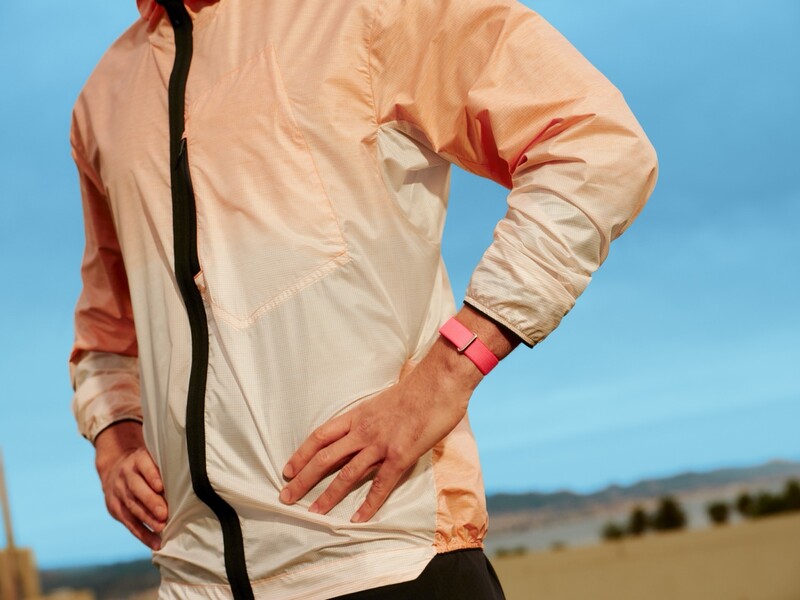
This screenless "pebble" is exactly the kind of friction-free tech a busy parent needs to track their health without adding another source of digital noise to an already chaotic day.
As the Fitbit Air officially hits Canadian shelves, I wanted to share my review, as a Canadian dad, to let you know why I've grown to love this fitness tracker over the past two weeks.
The Hardware: Built to Invisible Standards
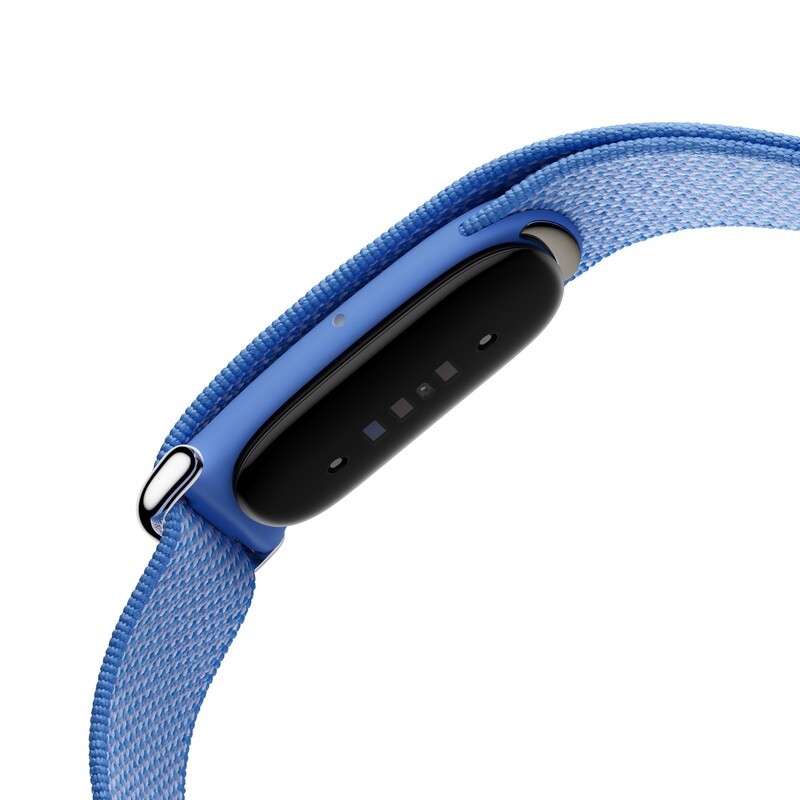
The core philosophy behind the Fitbit Air is "invisible tracking." By eliminating the display entirely, Google's hardware team was able to compress the internal sensor suite into a miniature module that is 25% smaller than the legacy Fitbit Luxe (the previous model you might've considered if you wanted a smaller fitness wearable).
Physical Blueprint and Real-World Comfort
| Attribute | Technical Specification |
|---|---|
| Weight | An ultra-lightweight 5.2 grams without the band (12 grams total with the standard band attached). |
| Dimensions | Measures 34.9 mm long, 17 mm wide, and a remarkably slim 8.3 mm tall. |
| Sensor Array | Packed with an optical heart rate monitor, a 3-axis accelerometer, a gyroscope, a temperature sensor, and red/infrared sensors for SpO2 monitoring. |
| Interface | A completely screenless, buttonless housing that relies on a single status LED and a built-in vibration motor for haptic feedback and alarms. |
| Battery Life | Up to 7 days of continuous tracking on a single charge. |
| Charging Speed | Go from 0 to 100% in about 90 minutes, or get a full day of battery life in just 5 minutes via the bi-directional magnetic charger. |
| Durability | Water-resistant up to 50 meters (5 ATM), built with a recycled polycarbonate and PBT plastic housing. |
| Connectivity | Uses Bluetooth 5.0 (Bluetooth LE) with a syncing range of up to 30 feet. |
| Compatibility | Requires a Google Account and the Google Health app, running on Android 11.0 or higher, or Apple iOS 16.4 or higher. |
A Warning on the "Lavender" Band Color
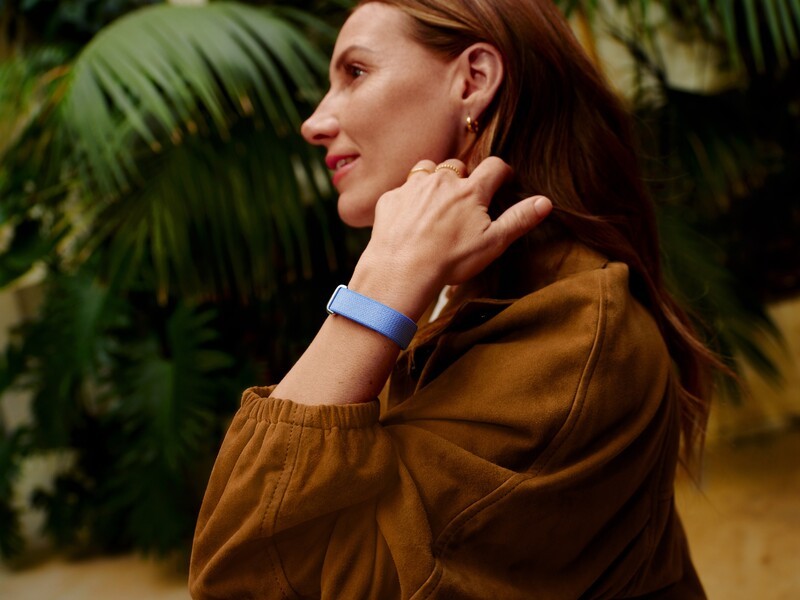
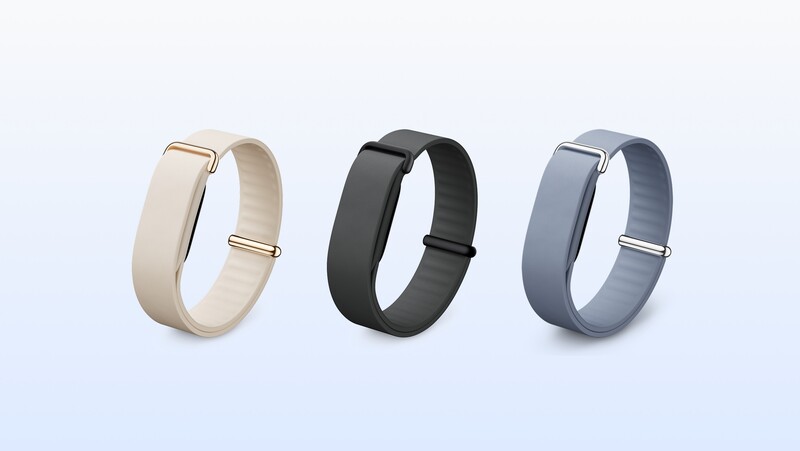
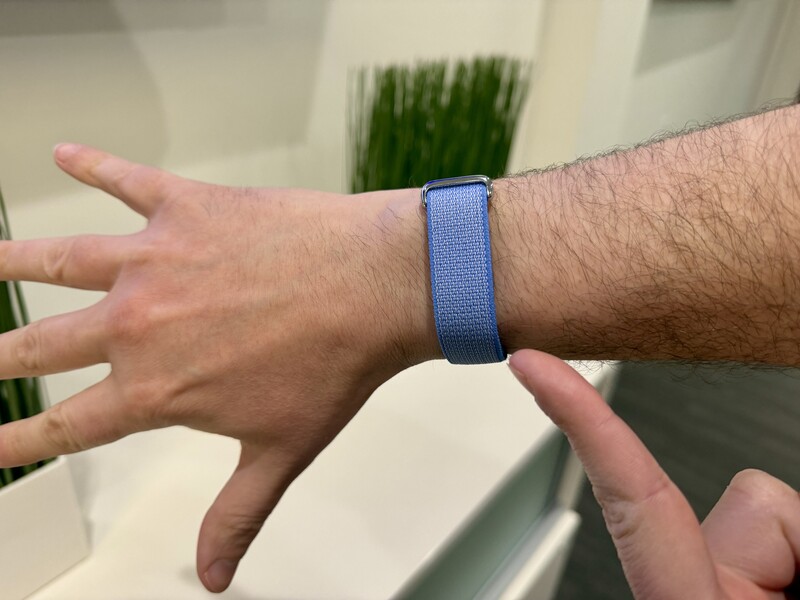
If you are planning to order your unit, pay close attention to your band choices. The device launches with four colorways: Obsidian, Fog, Berry, and Lavender. While the marketing images for the Lavender Performance Loop or Active Band hint at a light purple, it looks very much blue in person. It looks sharp (paired with a polished silver stainless steel buckle) but if you buy it expecting a true violet, you are going to be surprised when you unbox it.
Solving the Wearable Sleep Debt
I can't think of anyone, parent or not, who, after age 30 doesn't appreciate a good night's sleep. Yet, most smartwatches aren't conducive to a great sleep exeprience.
The main thing that makes them great during the day (large, highly visible display) makes a smartwatch not so great to wear to bed. They are simply too bulky, too sharp, or too bright to wear comfortably throughout the night. If you move your arm, or forget to put your watch in bedtime mode, a massive smartwatch panel illuminating the bedroom can instantly disrupt your partner (and yourself).
Because the Fitbit Air is screenless and lightweight, it completely bypasses the comfort barriers that prevent people from tracking their sleep. It features haptic Smart Wake alarms that vibrate softly on your wrist to ease you out of sleep at the optimal point in your sleep cycle, allowing you to wake up without disrupting your partner or your children.
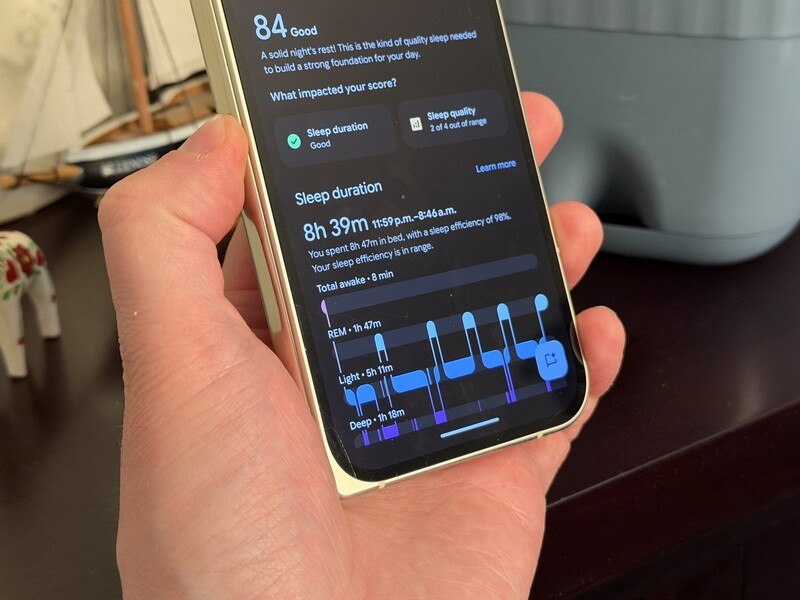
Backed by an updated machine learning model in the app, the tracking is 15% more accurate at detailing your sleep stages than previous generations, and it cleanly handles brief awakenings and daytime naps. Or at least that's what Google says.
In the real world, I can tell you that I consistently wore the FitBit Air night after night. Which makes me much more confident with the sleep metrics I viewed in the Google Health app (which has been totally revamped to envelop the old FitBit app and introduce an AI coach for your workouts.
The other huge change here is interpretation of the metrics. The Gemini-powered "Ask Coach" feature allows you to ask Gemini to interpret data and breakdown what actions you should take, so you're not ever left wondering what to do with the mountains of data that have been harvested about your fitness habits. Ask Coach on it's own could fill a feature article as could the new Google Health app, but for the scope of the FitBit Air review, just know the experience in Google Health and with Ask Coach is profoundly helpful as you're on your fitness journey.
The App: Managing the Chaos of Two Growing Toddlers
Since the hardware has no display, your data lives entirely within the freshly overhauled Google Health app (rolling out as an automatic update for iOS and Android). This is where the device shines for long-term metric monitoring and dedicated workout tracking.
Monitoring Metrics Over Time
The app functions via a customizable layout using tabs like Today, Fitness, Sleep, and Health. For someone looking to scale up their functional strength as their kids get heavier, the ability to pin long-term trends seems like it's going to be great (haven't hit those "long term" goals just yet). Within the dashboard, you can customize your view to monitor weekly trends for Heart Rate Variability (HRV), resting heart rate, and overnight blood oxygen saturation (SpO2) levels side-by-side. Seeing these metrics step-by-step lets you know if your body is adapting to the physical strain of parenting or if you are running on empty.
Real-Time Workout Tracking
When it's time for a dedicated training session to keep your cardio and mobility sharp, the app maps out your metrics dynamically:
Live Stat Streaming: Starting a manual exercise session triggers a real-time stream from the Air directly to your phone screen, displaying your active heart rate, distance, and immediate Cardio Load. Being able to see this while I was on the treadmill was crucial during my Zone 2 training. But if you were doing an outdoor run and ditching your phone, then you lose the convenience of glancing at your wrist since there's no display.
Gym Equipment Syncing: You can broadcast your live heart rate over Bluetooth from the Air directly onto compatible treadmill or stationary bike displays, meaning you don't have to keep looking down at your phone during high-intensity intervals. Unfortunately my treadmill isn't compatible, but having my Pixel 10 Pro Fold gave me plenty of real estate for my workouts.
Automatic Exercise Detection: If you are too busy chasing the kids to start a workout manually, the Air automatically logs common activities like running, walking, and biking after 15 minutes of movement, sending a full recap to your phone. In my testing it only missed my treadmill session one time. I definitely passed the time limit for when it should've registered, so maybe my exercise wasn't intensive enough to register? Gotta up my intensity!
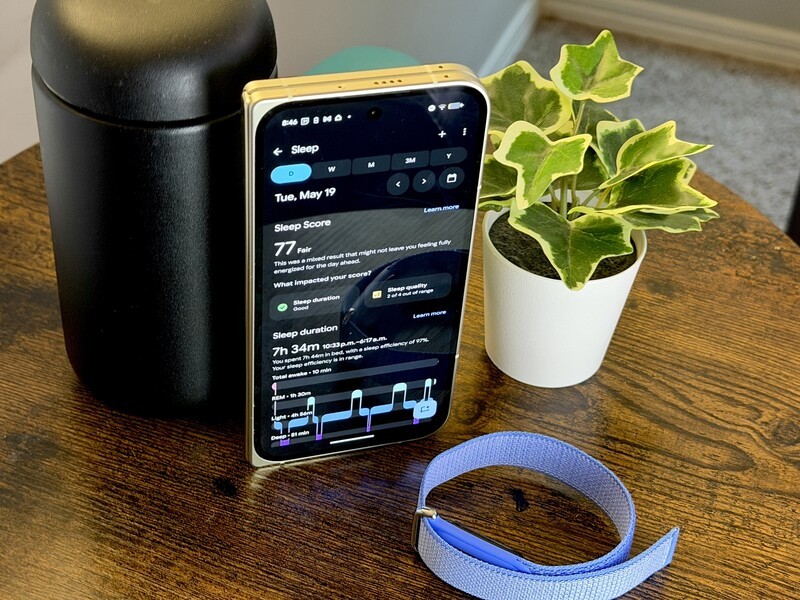
The lack of a screen means workouts are distraction free (you won't be tempted to end a rowing session early because you saw the subject line pop up from a work email). However, this same feature makes it a bit problematic if you're trying to track realtime metrics during certain exercises like an outdoor run or strength training. If you don't have your phone nearby with the app open you won't see your workout duration or heart rate zone.
The lack of screen will be a deal-maker for some and a deal breaker for others. For me personally, I thought I would not like it. But now that I've experienced it, I absolutely love it. Not only have my workouts been more focused, not having visual notifications popping up on my wrist has reminded me of the good parts of life when I didn't have an endless barrage of notifications all the time.
The Dual-Wear Ecosystem: The Ultimate Feature for Power Users
The single best software feature for tech enthusiasts is something completely unique to this device: the Google Health app allows you to pair both a Fitbit Air and a Google Pixel Watch to the exact same account simultaneously.
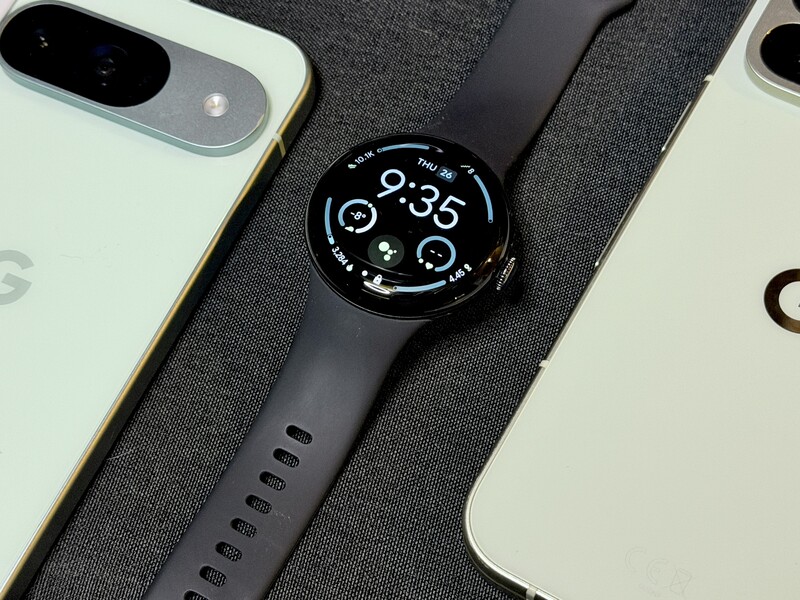
Historically, wearing two different trackers from the same brand meant dealing with fractured data, separate profiles, or constant pairing errors. Google has entirely resolved this problem. The app includes a reconciliation process that automatically merges the data streams.
This means you can wear your high-end Pixel Watch during your workday to handle your professional calls and notifications, and then switch seamlessly to the ultra-slim, display-free Fitbit Air when it's time to hit the gym, wrestle with the kids, or go to sleep. The app handles the transition automatically behind the scenes, leaving you with a single, unbroken health history timeline. You can even filter your data charts directly by device with a clean data-source menu in the app.
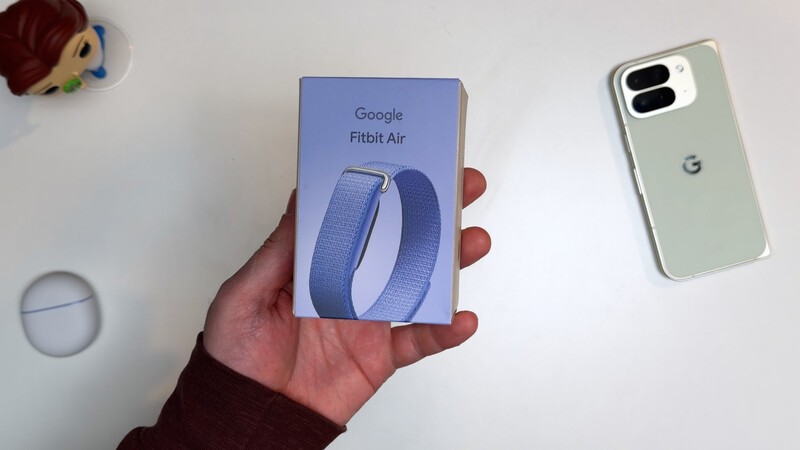
Knowing they can make this possible it might be a desirable feature to see on legacy Fitbit devices (being able to use alongside a Pixel watch). However, there's no talk of that happening at the moment from Google.
Canadian Price, Subscriptions, and Availability
The Google Fitbit Air launched in Canada on May 26, 202.
- The Retail Sticker: The hardware costs $129 CAD upfront.
- Accessory Bands: Optional replacement bands are available, with the standard Performance Loop costing $49.99, the Active silicone option costing $49.99 CAD, and the Elevated Modern band retailing at $64.99 CAD
- Premium Access: The box includes three months of Google Health Premium, which gives you access to the Gemini-powered Google Health Coach for personalized weekly targets and deep data interpretation. After the trial, it reverts to $9.99 USD per month or $99.99 USD per year.
- The Google One Bundle: If you are already a subscriber to Google One Pro or Ultra tiers, the entire Google Health Premium subscription is fully bundled into your plan at zero additional cost.
I thought I loved wearing smartwatches because they kept me connected and helped me track my exercise and health. But now that I've gotten used to having all the fitness tracking without the notifications, it's made me rethink my digital life a bit. Maybe having a few less notifications is the superior way to live life.
The Fitbit Air is an incredibly focused piece of hardware. By completely dropping the screen, Google has successfully delivered a tracker that gives you all the professional heart and sleep data you actually need. All without adding any extra screen time to your life.
Read more
The New Fitbit has no screen, no buttons, and comes to Canada May 26
Fitbit Air is the latest fitness tracker made by Google, but there's some big differences between this one and Fitbits of the past.

OnePlus 15 vs 15R: Flagship or smart buy?
Both the OnePlus 15 and OnePlus 15R are strong smartphones, but they target slightly different buyers. The OnePlus 15 serves as the flagship model, while the 15R offers a more affordable alternative with a few compromises. Ultimately, the right choice depends on your budget and which features matter most to you.
Best Smartwatches & Fitness trackers for Pixel users in 2026
Once you've owned a Google Pixel smartphone it's tough to go back. The beautiful relationship between image processing software and camera hardware alone is enough of a reason to keep you a loyal Pixel user. Then you factor in Pixel Drops (which add great features to your device for years after you've purchased), seven years of security updates (for Pixel 8 and later), and the growing...
Fitbit AI Coach now available in Canada!
If you've watched any of the Marvel Cinematic Universe movies featuring Iron Man, you've likely noticed Tony Stark is pretty buff for a corporate suit. How did he get that way? Probably with the help of his custom AI assistant, Jarvis. Fortunately, now even those of us who are not billionaire, playboy philanthropists can also carry around a fitness coach in our pocket! Previously...