
We may earn a commission for purchases using our links. Learn more.
TL;DR - The Short Version
- Primary Verdict: It is the ultimate productivity slab if you value digital privacy and a massive screen.
- Key Strength: The hardware-integrated Privacy Display that hides your screen from curious neighbors.
- Major Trade-off: The S-Pen takes up a lot of internal space for a tool many users rarely touch.
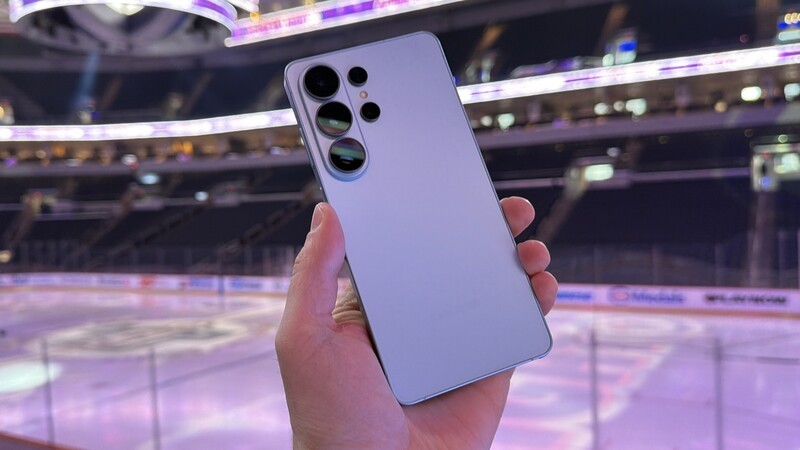
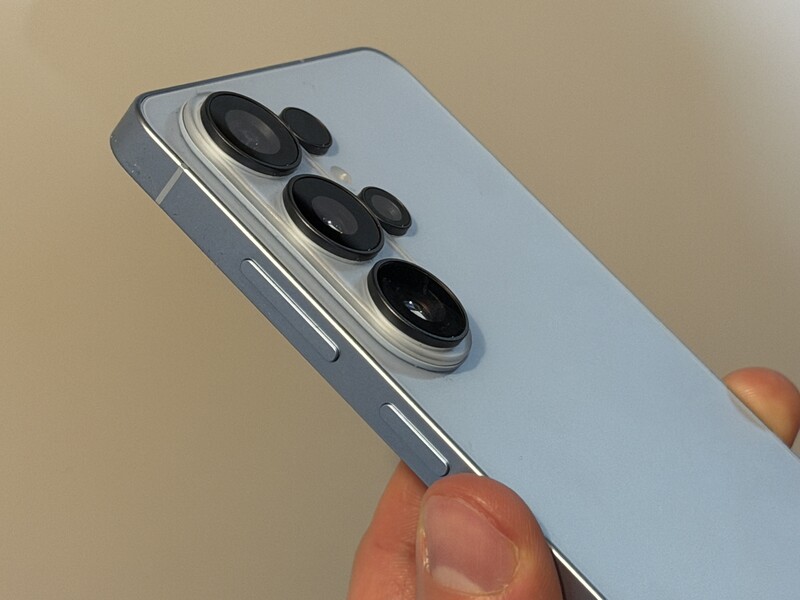
- Reliability: The Armor Aluminum frame and Gorilla Glass feel like they can survive a drop on a frosty winter sidewalk in Winnipeg or a summer stroll in Stanley Park
- Connectivity: Fully optimized for 5G on Rogers, Bell, and Telus with lightning-fast speeds.
- Value Prop: A must-buy for business travelers and pro-users who handle sensitive data on the go.
Meet the S26 Ultra
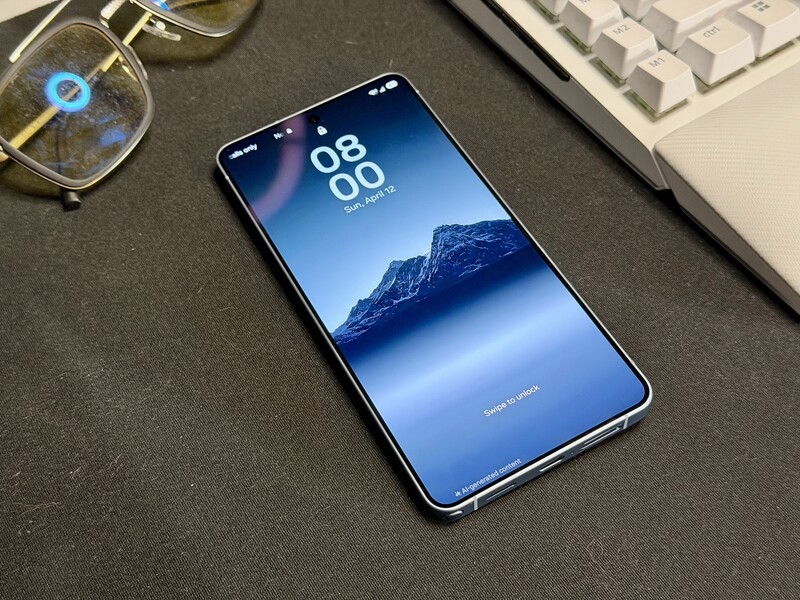
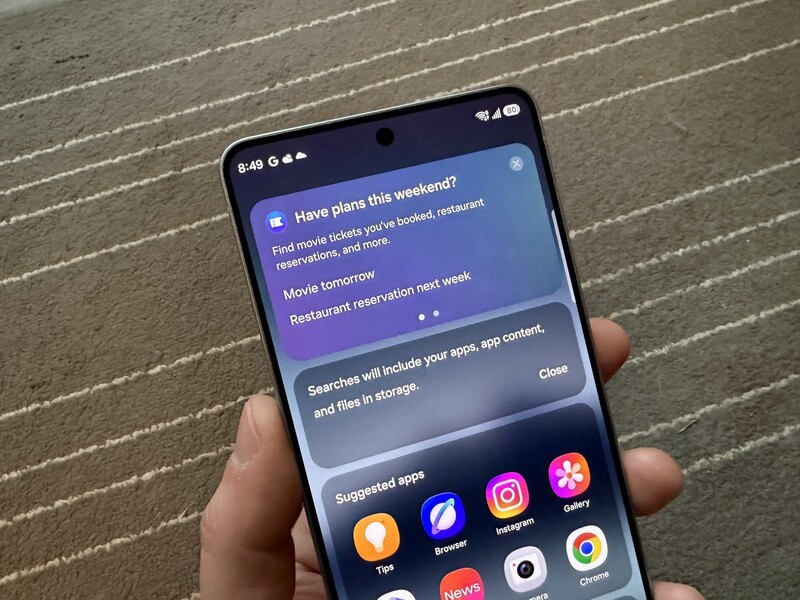
Walking around with the Galaxy S26 Ultra feels like carrying a piece of tech pulled straight from a spy movie. The "Flex Magic Pixel" technology allows you to flip a switch and effectively vanish your screen's contents from anyone sitting next to you.
In an era where we do everything from banking to reviewing unreleased tech on our phones (wait, just me), having a "digital cloaking device" built into the glass feels like the first truly futuristic hardware feature we have seen in years from Samsung (remember the hype with the AI moon photography with the S21?).
The S26 Ultra is a digital fortress in your pocket, even if you never actually use the pen.
I put this to the test while traveling back and forth between Winnipeg and Toronto and Winnipeg and Vancouver. Usually, if I am reviewing embargoed documents or sensitive project notes, I am constantly tilting my screen away from the person in the next seat (I just can't slap a privacy screen protector, or any for that matter, on a premium phone display).
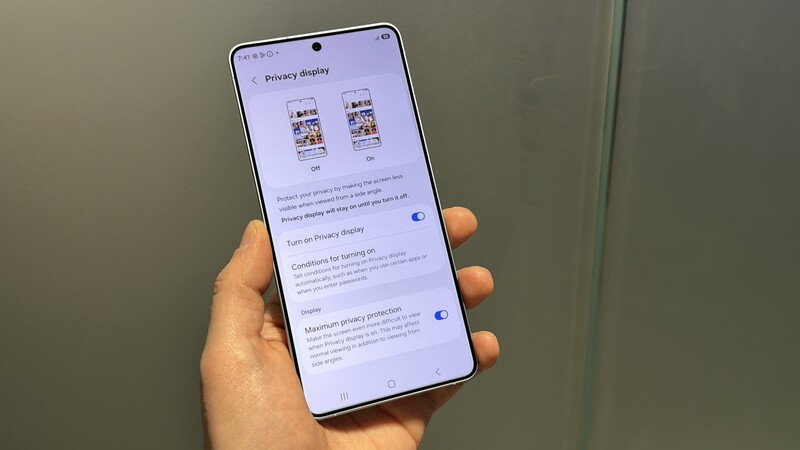
With the S26 Ultra, I just tapped the Privacy Display icon in the Quick Panel, and the screen became unreadable from the side while remaining perfectly clear for me. It is the best and coolest feature of the new phone, but certainly not enough to justify buying one.
However, there are enough other bells and whistles that do make this a compelling upgrade choice, especially if you're coming from an older model Galaxy device (S21 or older).
This device is clearly built for the "power-user" who treats their phone like a mobile office. If you are someone who is constantly on airplanes or working in public cafes, the added security is a game changer.
However, if you are a casual user who just wants a great camera for Instagram, the Ultra might be more "phone" than you actually need. Let's break it down!
Samsung Galaxy S26 Ultra: One Paragraph Review
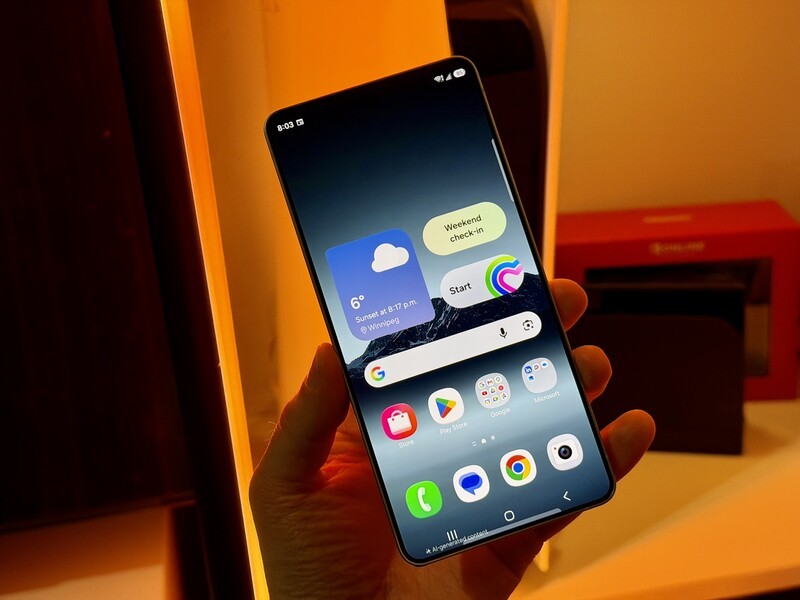
The Galaxy S26 Ultra is a powerhouse with a beautiful 6.9-inch display and a titanium-tough build that feels premium in the hand. While the Snapdragon 8 Elite Gen 5 processor handles everything with ease, the real star is the hardware-level privacy screen that finally solves the "shoulder surfing" problem for professionals. Samsung's AI tools, specifically the Photo Assist and the new Audio Eraser, are easily the best in the business for quick, high-quality edits. The main drawback is the S-Pen. While I'm always excited to have one, in theory, I use it so seldom, I wonder if that internal real estate would be better suited to allow even more battery.
Pros
- Privacy Display is a genuine "Pro" innovation.
- Industry-leading AI photo and audio editing tools.
- Incredible brightness and clarity for outdoor use.
Cons
- The S-Pen remains a niche tool for most users.
- The $2,300 CAD full price is a massive investment.
- Incremental camera hardware updates over the S25 Ultra (and S24...and even S23).
What Makes the Galaxy S26 Ultra Special?
The "Headline" feature this year is undoubtedly the Privacy Display. Unlike software-only solutions, this uses "Flex Magic Pixel" hardware to control light emission.
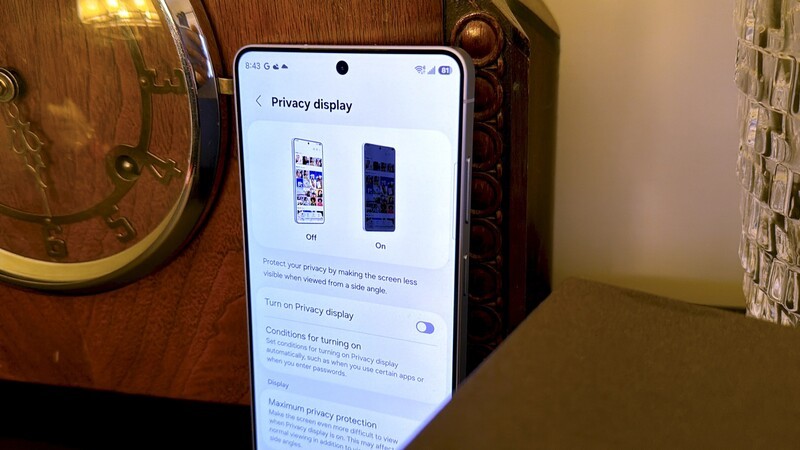
- Contextual Activation: You can set it to turn on automatically only when you open your banking app or when you're typing a password.
- Notification Shield: It can even hide just the notification pop-up area so people can't read your incoming texts.
- No Dimming: Unlike physical privacy filters, this does not ruin your screen's brightness when you're looking at it head-on.
Being able to toggle the Privacy Display just to kick in for notifications is a very thoughtful feature and further adds to the hype of, what might be one of the first innovative features we've seen from Samsung (or any smartphone maker) in several years.
The S-Pen Dilemma: We Love It, But Do We Use It?
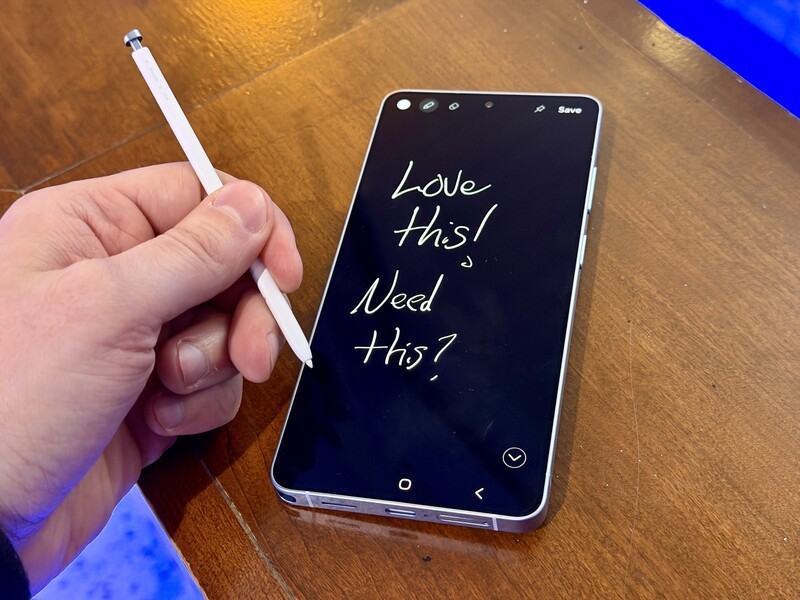
The S-Pen is one of those things that feels like it justifies the "Ultra" name, but in practice, it is often a "nice-to-have" rather than a "need-to-have." While it is great for the occasional digital signature or as a remote shutter for group photos, I found myself only pulling it out for smartphone review testing, but legit never in my real life.
If the S-Pen is the only reason you are looking at the Ultra over the standard S26+, you really need to ask yourself if you will actually use it daily. If not, you are paying a premium for a feature that basically just stays tucked away in its little home (and takes up valuable real estate that could be used for something else).
Galaxy S26 Ultra At-A-Glance Specs
| Feature | Specification |
|---|---|
| Display | 6.9" LTPO AMOLED QHD+ (1–120 Hz) |
| Processor | Snapdragon 8 Elite Gen 5 (For Galaxy) |
| Camera | 200 MP Main / 50 MP Ultrawide / 50 MP 5X Zoom |
| Battery | 5,000 mAh with 60W Wired Charging |
| Price (CAD) | Approx. $2,300 (Bell Full Price) |
The Display & Screen
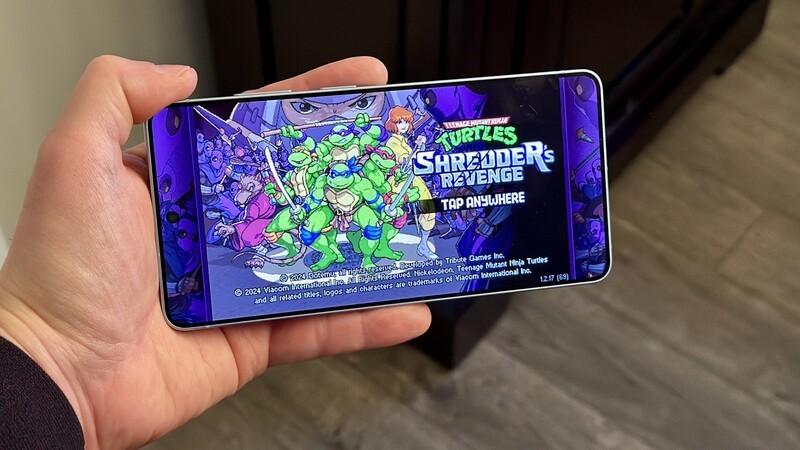
Samsung's screens are always top-tier, and this one is no different. It hits massive brightness levels that make it "perfect for browsing for local restaurant recommendations when on an outdoor walk on your tropical vacation." Even with the Privacy Display active, the resolution remains crisp, though you might notice a slight shift in contrast if you tilt the phone too far.
Battery Life & Cameras
In my real-world testing, the 5,000 mAh battery easily gets through a full day of heavy use, though you might want a battery pack if you are doing a lot of 8K video recording or heavy gaming.
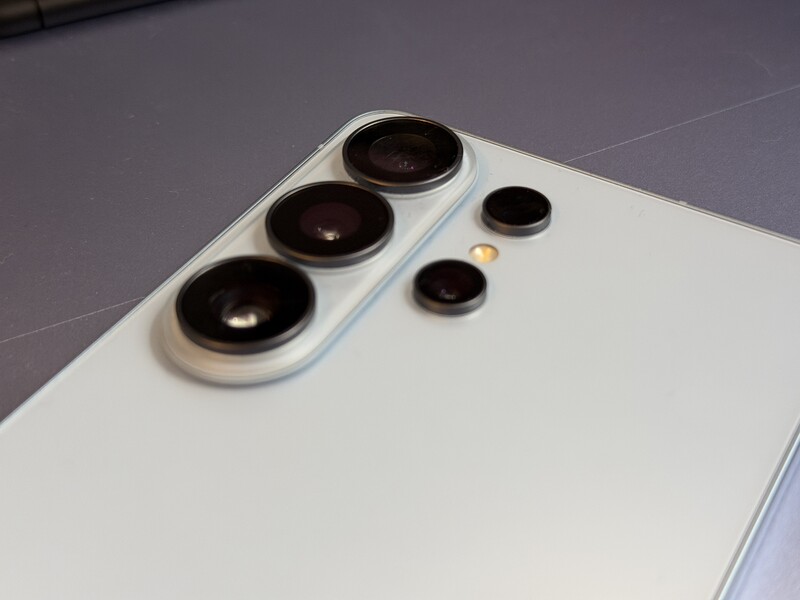
I feel like everyone else has already covered cameras (check out Dean from Mobile Syrup's review) and as you'd expect they're excellent.
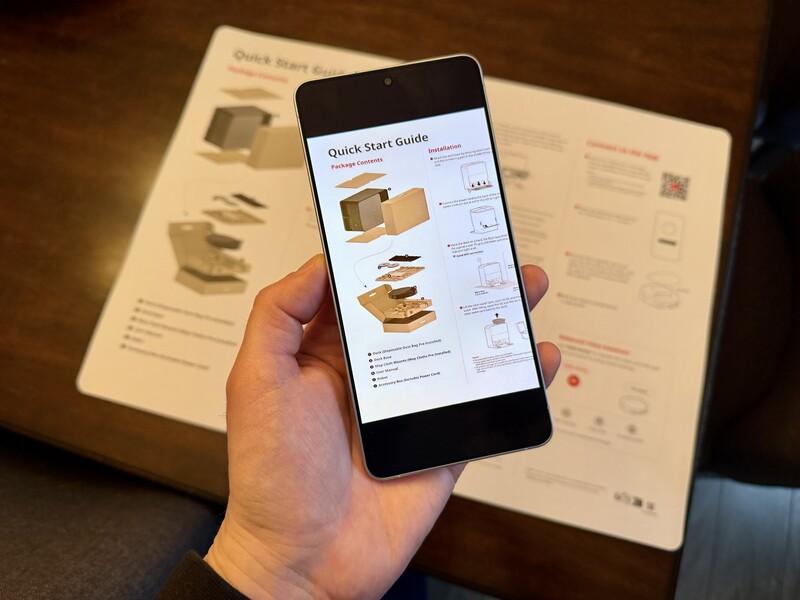
But one thing I didn't see anyone talk about (probably because it's boring...until you actually need it) is the scanning function. Within the camera app you can quickly scan documents and they actually turn out great. There are lots of apps that allow you to scan from you camera, but they ultimately just look like a cropped photo of a document. The scanner in the Galaxy S26 Ultra is very awesome for the few times a year you'll need to scan something.
On the camera front, the Photo Assist (their version of Magic Eraser) is incredible. It feels faster and more natural than previous versions, allowing you to move or delete objects in a photo with zero "smudging." The new Audio Eraser is also a standout, letting you dial back crowd noise in a video so you can actually hear what someone is saying.
Being the guy who is like "Hey the AI is good," puts you in a minority. But credit where credit is due, the AI on Samsung devices has done an amazing job for the past 3 generations of removing unwanted objects and (the crucial part other phones mess up) filling in that empty space with the "right" missing pieces.
Is the Galaxy S26 Ultra Worth It?
If you are a power user who spends a lot of time in public spaces and values your privacy, the S26 Ultra is the best phone on the market right now. The built-in privacy screen is a legitimate "Pro" feature that provides real-world utility. However, for many, the S-Pen and the ultra-premium price might be more than they need. It is a fantastic device, but it is definitely an investment.
Geeking Out Shop
Samsung Galaxy S26 Ultra
Privacy Powerhouse
The Galaxy S26 Ultra stands out with its built-in Privacy Display, making it perfect for anyone who works on their phone in public spaces. It's a powerful, premium device with a massive screen and top-tier performance, but the S-Pen and high price won't make sense for everyone. If privacy is a priority, this is the one to beat.
Also, why does Samsung hate magnetic accessories? There is no magnetic ring in this phone. You have to buy an expensive MagSafe-compatible case (or a cheap stick-on ring from Amazon). If you're buying this phone, you're likely a premium user, with premium accessories, like a premium charging stand - and you won't even be able to attach your phone to that premium charging stand because it lacks a magnetic connection!
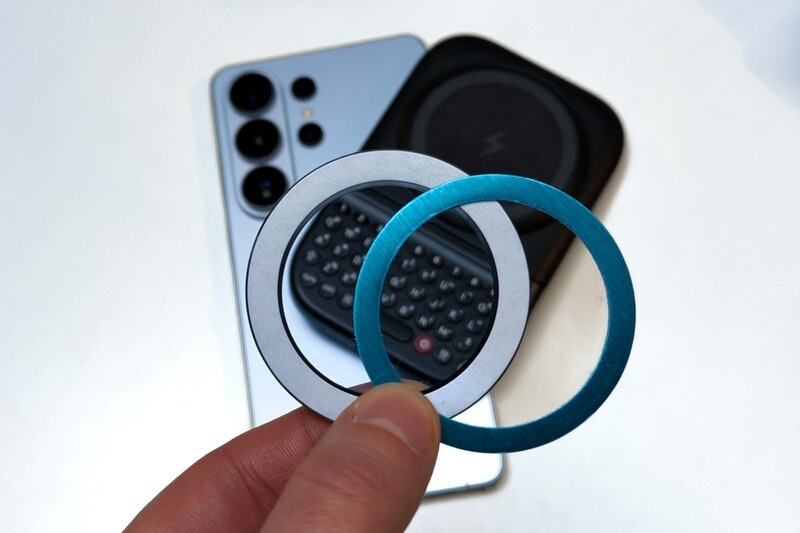
Overall the S26 is an incredible phone, but there's certainly no upgrade FOMO if you're 2 or even 3 generations behind. The big innovation is the Privacy Display (and it IS innovative), but beyond that this is yet another solid iteration of the Ultra lineup.
If you're a Samsung loyalist and you're reading this review to double check that nothing went "wrong" with this version of the Ultra. No worries! You're set!
Galaxy S26 Ultra FAQ
- Does the Privacy Display work with all apps? Yes, you can toggle it globally or set it to activate automatically for specific "sensitive" apps like your bank or private messengers.
- How much does the S26 Ultra cost in Canada? The full retail price at carriers like Bell is approximately $2,300 CAD, though most people will opt for "Flex" financing plans which can lower the monthly cost.
- Is the S-Pen included in the box? Yes, the S-Pen is built directly into the chassis of the S26 Ultra and is included with the device.
- Can I use the S26 Ultra on Rogers, Bell, and Telus? Absolutely. The S26 Ultra is fully compatible with all major Canadian carriers and their respective 5G networks.
Read more
Samsung's New Budget-Friendly Smartphones Go All-In On AI
Samsung introduced another new smartphone for 2026. Their A57 and 37 models are available to order now in Canada.
On the 4th of September Samsung launched 5 new products
Samsung is dropping several new devices as students head back to school. And in the case of almost all, they're focused on being budget friendly and highly capable.
Is the Samsung Galaxy Z Fold7 the Perfect Smartphone? Our In-Depth Review
The Z Fold7 is Samsung's newest smartphone and the best foldable on the market right now. After nearly two weeks of testing, I'm sharing my hands-on experience with this new device.
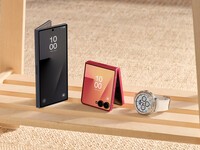
Samsung Unveils New Galaxy Line-Up: Fold, Flip & Watches
Samsung has unveiled new devices across fold, flip, and wrist: the Galaxy Z Fold7, Galaxy Z Flip7, and Galaxy Watch8 and Watch8 Classic. This intelligent new line-up is engineered for cutting-edge performance and seamless device integration.