
We may earn a commission for purchases using our links. Learn more.
Let's be honest. Tech changes quickly and when new gadgets are introduced, it can be a little intimidating. So much so, that some people self-declare, "I'm not very techie."
The good news? You don't have to be a tech expert to set-up and use the latest gadgets in your everyday life, but you may need someone to put them on your radar.
If you caught Drew Kozub on BT today with his smart vacuum or that keyboard for smartphones, and are looking to learn more, you've come to the right spot!
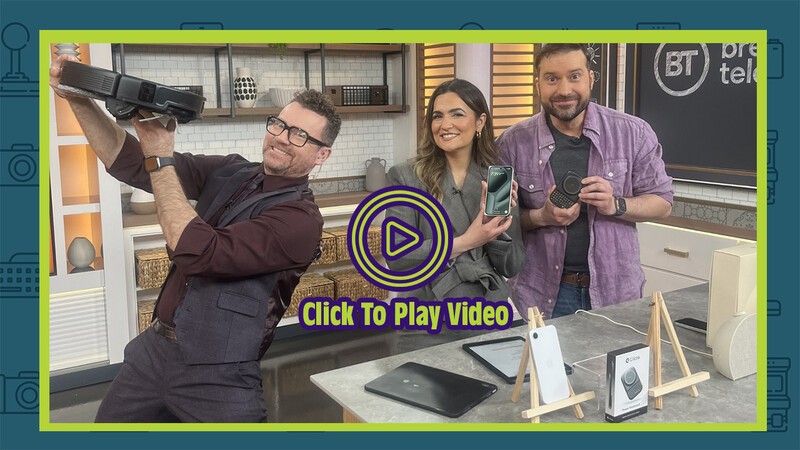
For your smart home or your smartphone, this week on the Geeking Out TV segment, we're looking at practical and easy-to-use gadgets that everyone can enjoy!
Roborock Saros 20
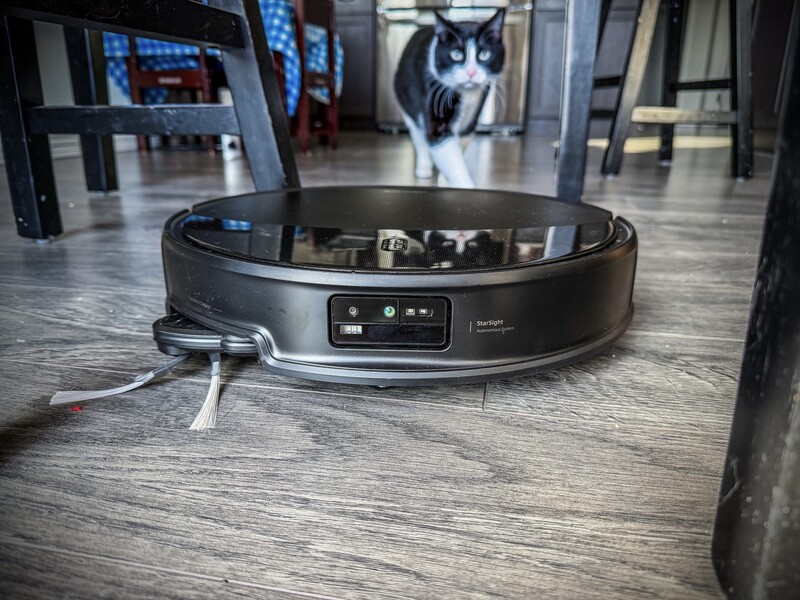
Robotic vacuums have been around for years. But today's models are so smart they don't just take care of cleaning your home, they also take care of cleaning themselves!
Meet the Roborock Saros 20 a robotic vacuum and mob combination with an advanced decision making system that helps it navigate rooms, avoid obstacles, and now, even lift itself over thresholds to clean your whole house.
Roborock Saros 20: Coolest Features
- Navigates Like a Genius: This gadget intelligently maps your home layout using a "3D vision platform," which can recognize over 300 objects (power cords, clothing, pets, and more) and come up with a precise plan to clean your home.
- Edge-to-Edge Cleaning: Even though it runs quietly, the suction power on this robot is massive! It uses 36,000 pascals of suction and something called a FlexiArm to reach into corners where dust, crumbs, and pet hair build-up.
- Stain Recognition: This robot is clever enough to detect different stain types (like coffee, cat litter, or mud from outdoors) and choose the right suction or cleaning functions to deal with the mess.
- Cleans Itself: A dual reservoir system ensures the mop only uses clean water (heated to 100°C) to clean your floors, dumping the dirty water back in its docking station. The base also removes and stores the mop attachments while your robot is vacuuming.
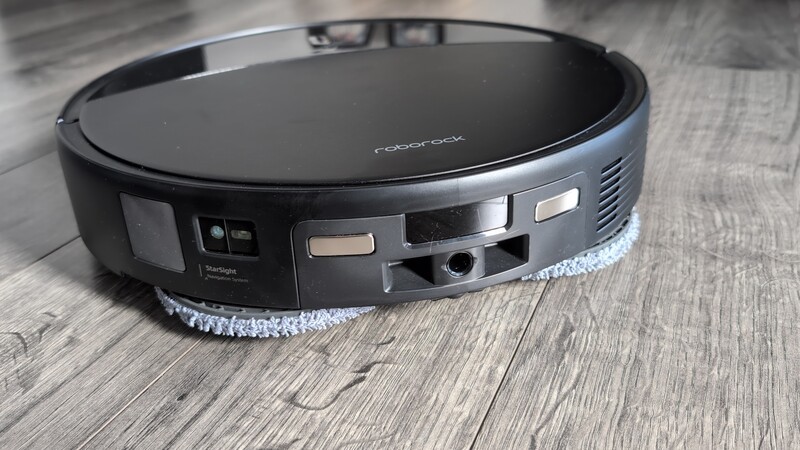
Saros 20 isn't just another robotic vacuum; it's a mopping, vacuuming decision-making system for real homes. Instead of simply reacting to commands, Saros 20 moves easily from room to room, continuously interprets spaces, and automatically adjusts how it cleans, so you don't have to constantly change settings or manually intervene, delivering true "set it and forget it" cleaning. It can even conquer thresholds up to 3.46 inches in height with Adaptalift Chassis 3.0 technology, allowing it to transition between rooms with uneven flooring and navigate your home with ease!
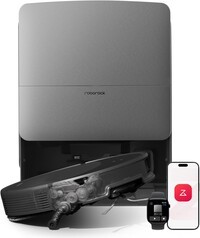
Roborock Saros 20
The pain points of robotic vacuums and mops of the past are eliminated with the Roborock Saros 20. Beyond the above mentioned features, this device has an Adaptlift Chassis that can raise the robot 3.46 inches in height to clear thresholds between rooms.
Clicks Power Keyboard
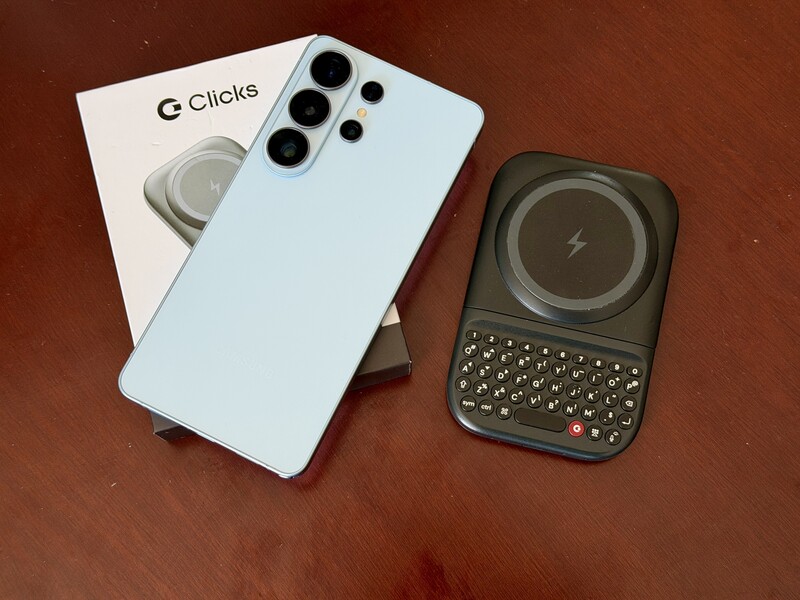
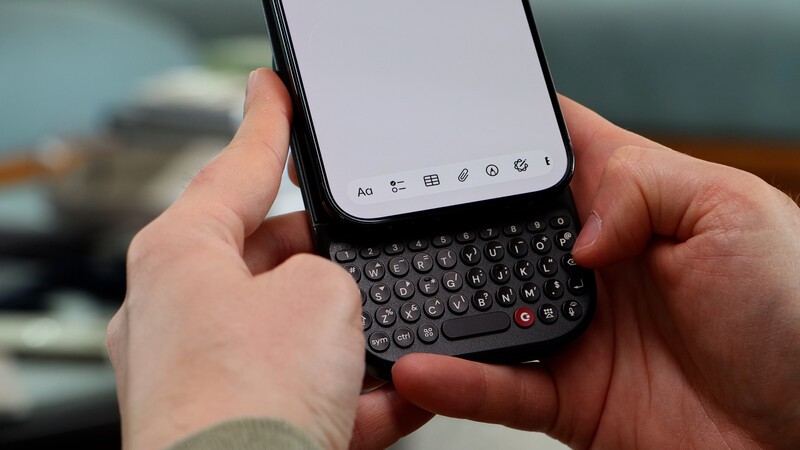
Clicks got their start making top-notch keyboard cases for iPhone. They evolved to make cases for other phone models, but as the demand to bring a "real" keyboard to every smartphones increased, the company made a change. They've added a new, universal-fit smartphone accessory to the line-up. Meet the Clicks Power Keyboard!
Clicks Power Keyboard: Coolest Features
- Slideout Keyboard: Adds a real, physical keyboard to any smartphone, giving you back 50% of your screen real estate that would otherwise be covered by a digital keyboard.
- Precision Feel: Typing on Clicks Power Keyboard feels great. It allows you to type precisely and productively on your mobile phone, making you more confident to use your smartphone to get stuff done.
- Battery Pack: The Power Keyboard also works as a back-up battery pack for your phone. It allows you to wirelessly top of your smartphone batteries (about 40% of the size of an iPhone battery).
- Versatile Across Gadgets: Since it connects to devices via Bluetooth, you can use it with tablets, VR headsets, smart TVs, and more!
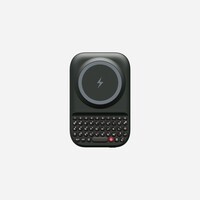
Clicks Power Keyboard
The Clicks Power Keyboard allows you to type with physical buttons on your smartphone. Its universal design is great for compatibility, whether you're on Android or iPhone. Until May 15th, Early Bird pricing ($135) remains in effect, after which this accessory will sell for $159. It starts shipping in May.
Rise and Shine
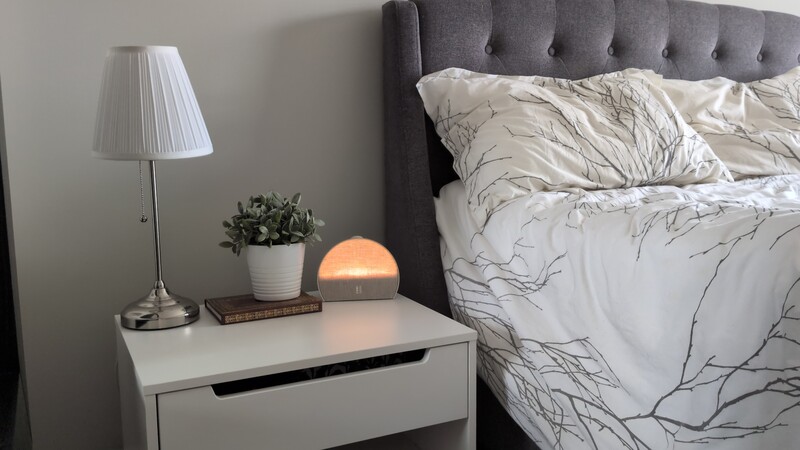
As more and more people are making the (wise) choice to keep their smartphones out of their bedrooms, demand for dedicated alarm clocks is back.
But why just buy a regular old clock when you can get one that also helps set the perfect environment for sleep?
The Hatch Restore 3 is a minimalist-looking alarm clock with a few onboard smarts to help you maximize your sleeptime routine.
Hatch Restore 3: Coolest Features
- Sleep Environment: Using lights and sounds this alarm clock helps establish a bedtime routine to help you improve your sleep hygiene.
- Gentle Wakeup: This clock supports your natural circadian rhythm and allows you to wake up to an increasingly bright light (followed by gentle audio) rather than a blaring alarm.
- Sound Machine:: Beyond white noise and soundscapes to help you drift into a slumber, if you have a subscription, you'll access a library of meditations, sleep stories, and music.
- Simple Design: There's basically one big button that does everything depending on whether you twist it or push it.
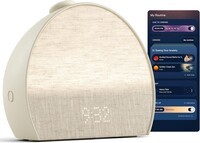
Hatch Restore 3
This alarm clock and sound machine is a perfect addition to any bedroom, but especially if you're breaking up with keeping your phone beside your bed. It can use lights and sounds to ease you into sleep or gently wake you up. There's a subscription available for $70 per year to unlock additional features, like guided meditations. It's available in three colours.
Newest MacBook
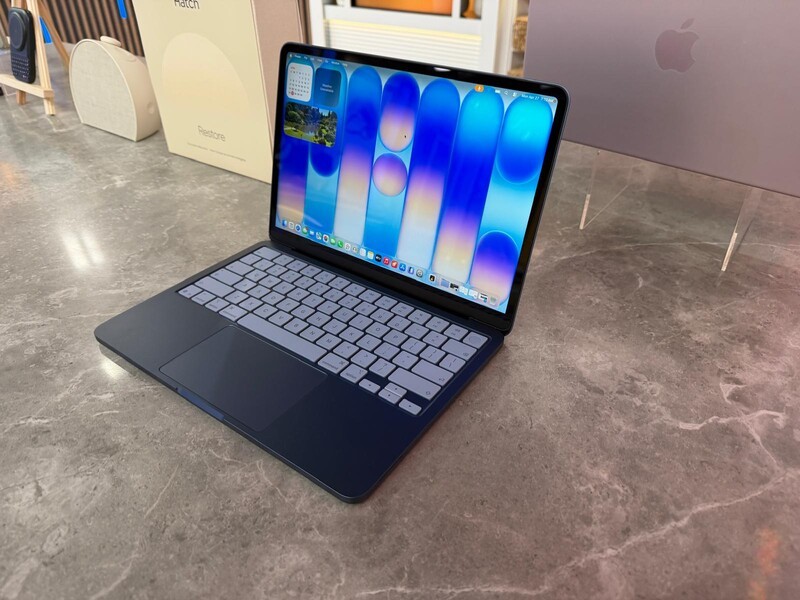
In the world of tech, we're used to "New" meaning more powerful, more features, and often, more expensive.
In April of 2026, Apple revealed a new category of MacBook. But this time, they're leaning into the core experience that people want from a Mac and figuring out how to deliver that with as low a price tag as possible.
MacBook Neo: Coolest Features
The MacBook Neo comes in two models, with the main differences being the more expensive one has a button with a built-in fingerprint reader (for unlocking your computer and verifying purchases) and has double the storage for photos, videos, and more (256 GB instead of 128 GB)
- Processing Power: Surprisingly, these laptops are powered by the same processor (brains) that are in the iPhone 16 Pro models.
- Display Size: These Macbooks come in one size option with a 13-inch Liquid Retina display.
- Battery Life: You can expect 16 hours of video playback on a full charge (and in my testing I could basically go "all day" without needing the laptop plugged in).
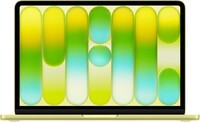
Macbook Neo
The Macbook Neo comes in four very fun colours and is a great computer for anyone who is just looking for something reliable for basic everyday tasks (not a power user). It has a built-in camera and microphone for video calls and Facetime and is the lowest cost Macbook in Apple's line-up.
Stay in Touch
Hopefully you enjoyed the Geeking Out segment this week on Breakfast Television. If this article didn't answer the questions you might have about any of the gadgets you saw in this segment, feel free to reach out any time to Drew Kozub on Instagram!
Read more

Geeking Out: Techtober Recap
October has been the busiest month of the year for tech launches. The biggest brands on the planet are pushing out new models of their greatest gadgets and it can be hard to keep up with what's worth it and what's just hype. We'll do a quick breakdown of a few of the coolest products launching during Techtober

Amazon Just Overhauled Its Entire Kindle Lineup (And Added Colour!)
The Kindle lineup in Canada just grew (and added more colour).

Geeking Out: The Big Fall Reset
The end of summer means a return to routine. Whether that's getting back into your exercise groove, managing a busy household with plenty of extracurricular activities, or students prepping for a year of study Drew Kozub was on Breakfast Television this week sharing gadgets for the Great Fall Reset

Ultimate Back To School Shopping Guide For 2026
For students in middle school to university, there's some common themes in the gadgets that power their daily lives. You want the right mix of productivity that suits studies, but also is fun to enjoy during downtime! This collection will highlight some great gadgets for the 2026 school year.