
We may earn a commission for purchases using our links. Learn more.
Every back-to-school season brings the exact same dilemma: what piece of tech is actually going to help students get through the semester without becoming a massive distraction machine?
A laptop is an essential. Tablets are sleek, but between social media alerts, games, and group chat pop-ups, trying to sit down and read a 40-page PDF or take focused lecture notes can easily slide into doom scrolling.
Enter the Amazon Kindle Scribe.
While Amazon recently announced their colour-capable Kindle Scribe Colorsoft was coming to Canada, the standard monochrome Kindle Scribe comes with a much friendlier price point for student budgets. All while delivering the exact same core writing, organizing, and "smart" note-taking features.
After testing the Kindle Scribe for digital note-taking and heavy reading, here is what makes it one of the best tools you can slide into a school bag this year.
Pros
- Distraction-Free Focus: Purpose-built for reading and note-taking.
- Excellent Display: For handwritten notes, or reading docs the screen looks like a big sheet of paper.
- Actually Useful AI: AI Summaries of your own notes. Not wild AI hallucinations and guesses.
Cons
- Premium Price Tag: At $500 Canadian it remains a big expense for students.
- Focused Features: Tablet temptations vs. focused reading/writing device may be tough to justify.
- Monochrome Display: Since there's a colour version available, the monochrome may result in FOMO.
Kindle Scribe
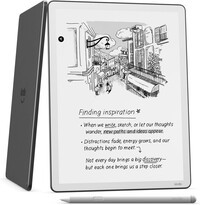
For a distraction-free experience to enjoy writing and reading the Kindle Scribe is unbeatable. The display is easy on the eyes, simulating a paper notebook. The Notebooks feature allows you to write as you please, using a variety of templates for different notebook styles, and the device generates thoughtful AI summaries of your own notes to help you refresh on what you've written in each Notebook.
All the Smart Features Without the High Price Tag
When Amazon introduced the Kindle Scribe Colorsoft, it brought colour highlighting and rich textbook visuals to the lineup. But colour comes at a premium.
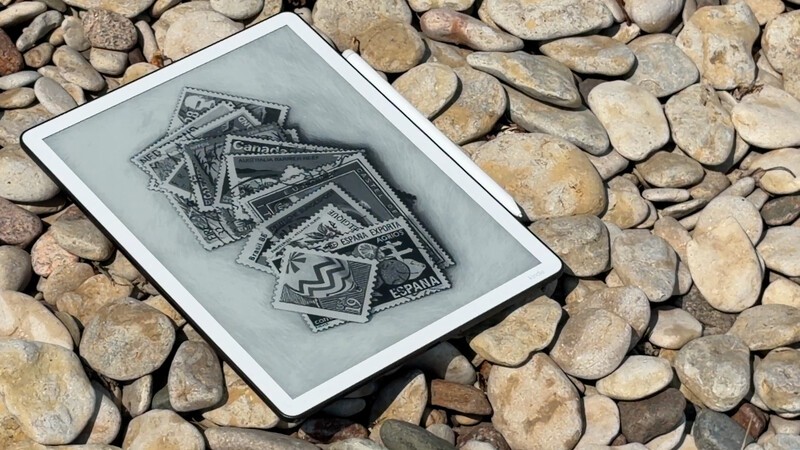
If you are a student looking to keep costs down, the standard Kindle Scribe offers the exact same productivity software, the same seamless stylus feel, and the same clever organizational tools for a noticeably lower price. You get a massive, crisp, 11-inch, glare-free digital canvas that lets you read full-sized PDFs, sketch diagrams, and write out assignments without paying extra for colour pixels you might not need.
AI Used the Right Way: Summarizing Your Own Thoughts
Let's be honest: "AI" has become a bit of a red flag in education. Between concerns over academic integrity and tools that try to write your essays for you, it is easy to be skeptical whenever a new gadget slaps artificial intelligence on the box. Especially one that is being positioned the way I'm suggesting as a device for students.
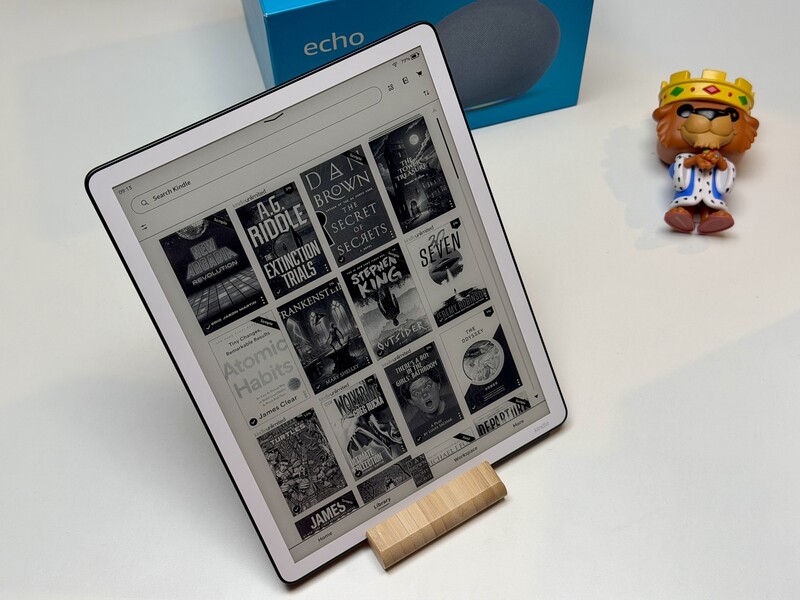
The way Amazon uses AI on the Kindle Scribe, however, is practical and thoughtful.
Instead of generating generic text from the internet, the Scribe uses AI to look across your notebooks and deliver quick, at-a-glance summaries of your own handwritten notes.
Imagine sitting in a fast-paced lecture, scribbling down several pages of points, diagrams, and formulas. When exam season rolls around, you don't have to manually flip through dozens of notebook pages to find the main takeaways; the Scribe can generate an instant refresher based directly on your own thoughts and class materials. Then you can dig deep into the specific notebook you need in order for a refresh of your own thoughts, taken from that lecture.
You can search naturally across your notebooks to locate specific topics when you need them most.
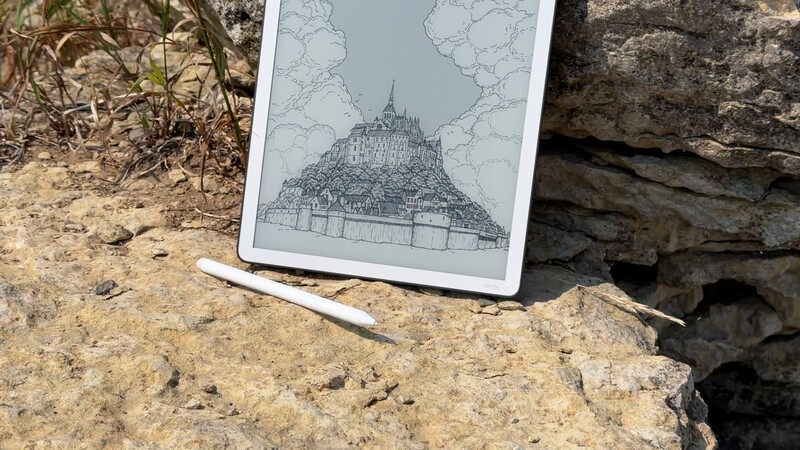
Outside of notetaking, if you're using this for an eReader, there are sometimes AI summaries, but not for every title. My hope when this tablet was introduced was that if I took a break from reading a book for a few weeks and picked it up again, I could quickly get a recap of the story so far and get a refresher on specific characters. Alas, that's not how the AI works in terms of books. So writing yourself little notes in the margins using the included stylus might be a good idea if you're tackling a long or complex novel.
Writing and Productivity That Actually Keeps You on Track
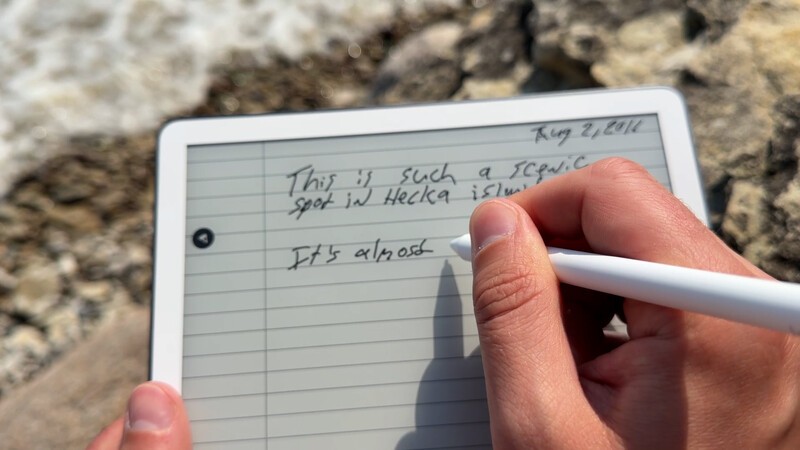
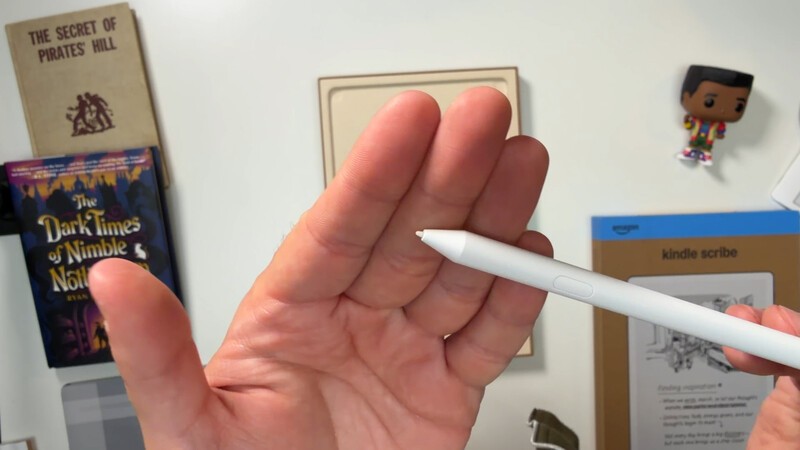
The Kindle Scribe features a large 11-inch, paper-like display, paired with an included stylus pen that snaps magnetically to the side. There's a lower cost version without a front light. And a higher cost version with a front light. If you're planning on reading in absolute darkness, then you'd need the front light one. If you're okay with using a lamp or existing lighting in your room you can save $200 and get the one with no front light.
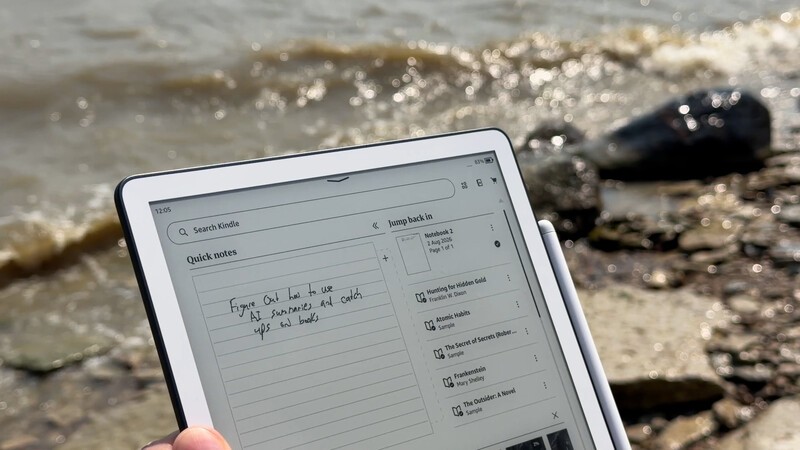
The one I received for review purposes is the one with the front light and I've been enjoying this device. A few things that stand out immediately:
The Pen Never Needs Charging: Unlike an Apple Pencil or stylus accessories for other tablets, the Scribe's pen is battery-free. You never have to worry about showing up to class only to find your stylus is dead.
Friction That Feels Like Real Paper: Amazon nailed the textured surface of the screen. Writing feels like a high-quality pen gliding over a real notebook page, not slippery like tapping plastic against a glass screen on a tablet.
OneNote & Laptop Exporting: You can access your OneDrive and Google Drive files right on your Kindle. When you are ready to move your notes to your computer, you can easily convert your handwriting to text or export pages directly to Microsoft OneNote and PDF. So you're getting the best of both worlds: analog writing with digital notes.

Built for Studying, Not Distraction
The biggest advantage the Kindle Scribe has over standard tablets like an iPad or Galaxy Tab is its singular focus.
The Amazon Kindle Scribe is purpose-built for two things: reading and writing.
There is no TikTok, no YouTube pop-up alerts, no Discord notifications, and no browser tabs tempting you to multitask. When you sit down with the Scribe in the library, you are there to get work done.

Plus, because it uses an E-ink display instead of a back-lit OLED or LCD screen, it is substantially easier on your eyes during late-night study marathons. Add to that a battery life that lasts for weeks on a single charge, and you can comfortably leave the charger at home when running between classes all day.
This same feature though, is why it could be tough for a student to justify. When you can shop for an iPad for about $1,000 that can "do everything" it requires a different way of thinking to invest in something like the Scribe. You're committing to a purpose-built device that's there for quiet study and reading. The point is that it doesn't do everything. And for some this will be a key selling feature. And others just won't be able to justify having a device with such a specific feature set.
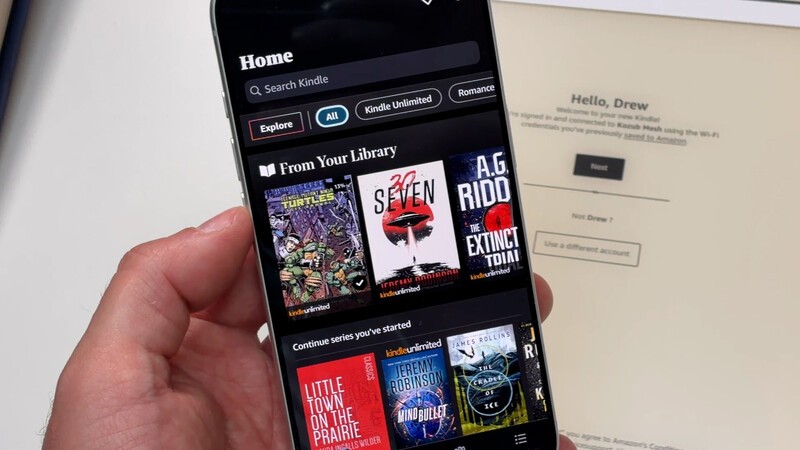
It comes down to how you want to use your tablet and your personal preferences and philosophy.
Slim, Lightweight, and Backpack-Ready
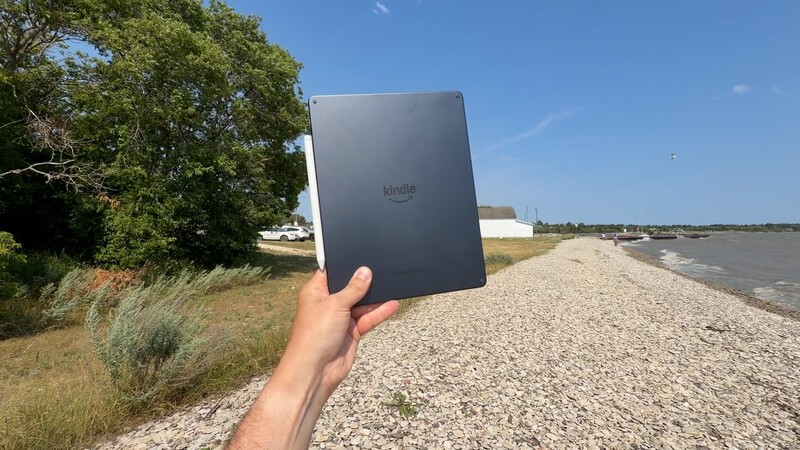
Carrying heavy textbooks and bulky gear across campus is exhausting. The Kindle Scribe is exceptionally thin and lightweight, making it easy to slip into the tablet sleeve of your backpack alongside your laptop without adding bulk or noticeable weight.
It can easily hold an entire semester's worth of digital textbooks, lecture slides, research papers, and personal notebooks in a single device.
Plus it's thin and light enough to hold one-handed if you are enjoying your book outdoors while sipping on a Ginger Ale!
Is the Kindle Scribe Worth It for Students?
If you want an entertainment tablet to watch Netflix and play games, this isn't that.
But if you are a student (or the parent of one) looking for a dedicated digital notebook and textbook reader that will actually help you stay focused, the Kindle Scribe hits the sweet spot.
Geeking Out Shop
Amazon Kindle Scribe
Digital Notebook and E-Reader
The Kindle Scribe pairs a large 11-inch 300 ppi glare-free Paperwhite display with an included battery-free stylus for seamless writing and reading. Users can annotate documents directly on the page, build custom notebooks, and tap into Amazon's extensive digital book ecosystem. While software export tools remain straightforward, the natural pen-on-paper feel and weeks of battery life make it a versatile productivity companion.
You get the smart AI notebook summaries, the distraction-free workspace, and the paper-like writing feel, all without paying the premium price of the Colorsoft version.
There's an argument to be made that the Colorsoft version's ability to highlight school notes in colour is helpful (and I imagine it would be). However, in the interest of keeping cost lower on a student budget, I'd describe the colour display as a nice to have, not a need to have.
For focused study sessions, organized lecture notes, and seamless reading, the Kindle Scribe is easily one of the best school upgrades you can make this semester.
Read more

Amazon Just Overhauled Its Entire Kindle Lineup (And Added Colour!)
The Kindle lineup in Canada just grew (and added more colour).

Geeking Out: The Big Fall Reset
The end of summer means a return to routine. Whether that's getting back into your exercise groove, managing a busy household with plenty of extracurricular activities, or students prepping for a year of study Drew Kozub was on Breakfast Television this week sharing gadgets for the Great Fall Reset

Ultimate Back To School Shopping Guide For 2026
For students in middle school to university, there's some common themes in the gadgets that power their daily lives. You want the right mix of productivity that suits studies, but also is fun to enjoy during downtime! This collection will highlight some great gadgets for the 2026 school year.
HP Smart Tank 7603 Tested: Real-World Family Printer Review
The HP Smart Tank 7603 does a wonderful job of bridging the digital and real-world without the headaches that come with the printers we all know and resent.