
We may earn a commission for purchases using our links. Learn more.
Getting back into the groove of fall always feels like a household reset. The carefree summer schedule of vacations, beach days, and lounging is over once the calendar page turns from August to September.
Between back-to-school schedules, sports practices, shifting work routines, and the endless stream of permission slips and meal plans, our calendars fill up fast.
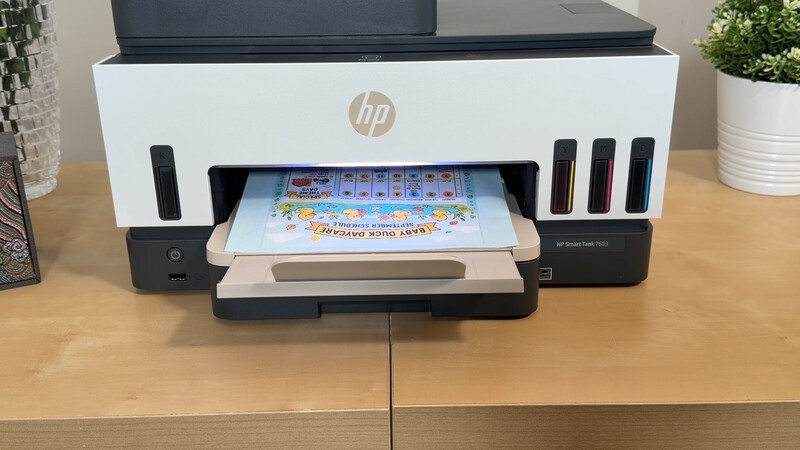
While almost everything lives on our smartphones, the secret to actually keeping a busy household organized is bringing the important stuff into the physical world. A shared weekly schedule stuck to the fridge or a printed study guide on a desk just hits differently than a forgotten calendar notification.
Now, I say this as a person who hosts a national tech segment on TV and runs a consumer tech website. Shouldn't I be embracing the digital age we're so deeply in?
Well, I do. But I also believe every household needs a printer. You're not gonna use it every day. But for those few times a month (or maybe a handful of times a year) you'll really need it. And when you do, you want one that's reliable and is absolutely gonna work (and won't mysteriously have dried up ink cartridges from lack of use).
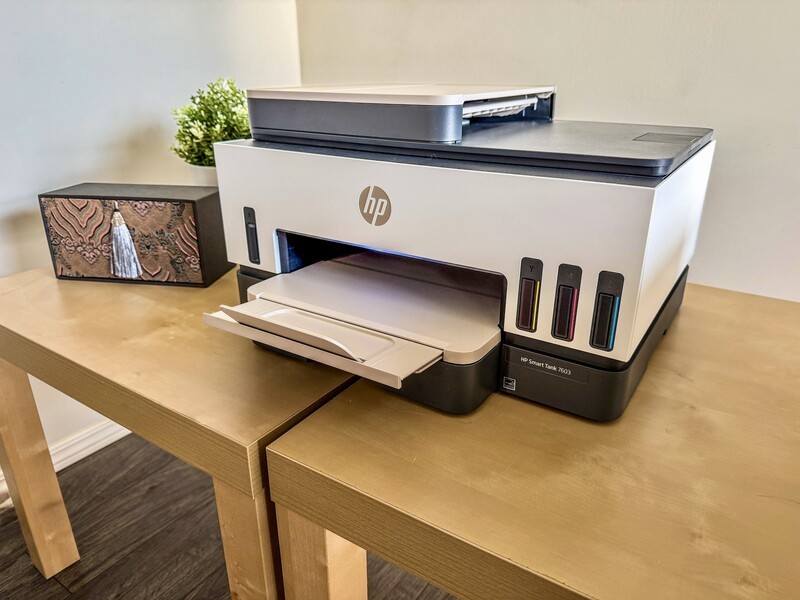
That is where the HP Smart Tank 7603 All-in-One fits into our family tech stack. It bridges the gap between digital planning and real-world execution without the traditional headaches of home printing.
HP Smart Tank 7603 at a Glance
| Feature | Specification / Highlight |
|---|---|
| Print Technology | Ink Tank (Cartridge-Free) |
| Ink in Box | Up to 3 Years of Original HP Ink Included |
| Page Yield | Up to 6,000 Black / 8,000 Colour pages per refill set |
| Connectivity | Dual-band Wi-Fi with Self-Healing, Bluetooth LE, USB |
| Document Feeder | 35-sheet Automatic Document Feeder (ADF) |
| Duplex Printing | Automatic two-sided printing |
| Mobile App | HP App (iOS, Android, macOS, Windows) |
The "Tank" Anxiety: Unboxing and Setup
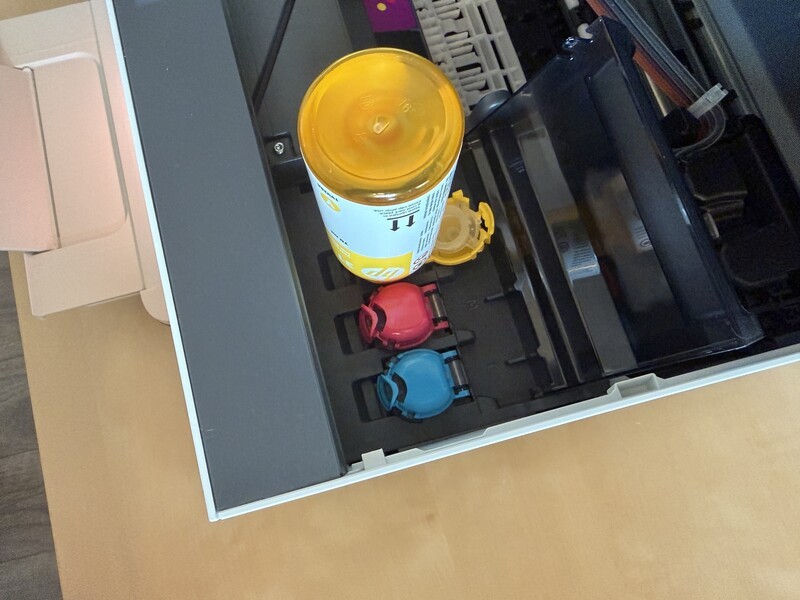
To be completely honest, when I first learned about Ink tank printers, I had some concerns. My brain immediately pictured liquid ink disasters. Like I'd suddenly turn into a cartoon character with messy hands, stained desks, and catastrophic spills if I ever dared to jostle the printer at any point.
Turns out, this was irrational. HP's spill-free refill system is foolproof: the bottles lock cleanly into the reservoir valves and only release ink when securely docked. No squeezing, zero leaks, and no mess. And even when the tank is full and there's a little ink left in the bottle, it's not going to spill out on its own, even if you knock the bottles over or hold them upside-down. It's a good design.
And the big advantage of this tank design is not worrying about running out of ink for literally years.
The Smart Tank 7603 comes with up to three years of Original HP Ink in the box. That translates to thousands of school projects, shipping return labels, and family itineraries before you even have to think about buying a refill bottle. The visible front-facing ink windows also eliminate the guessing game of low-ink popups, and you can easily get an estimate of ink levels through the app.
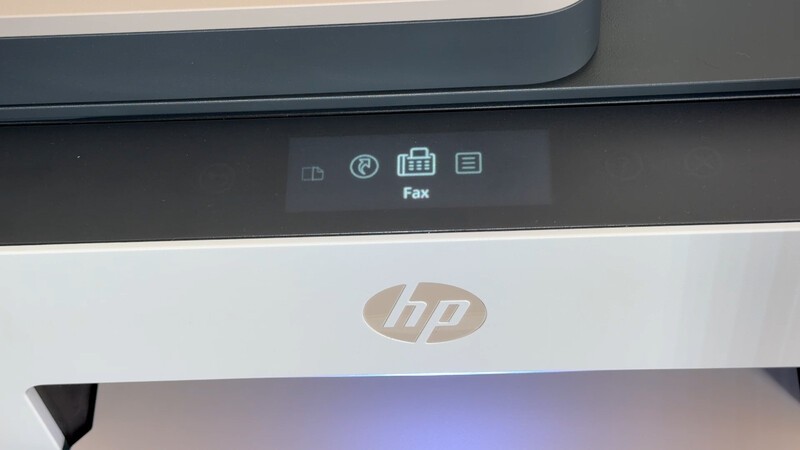
Rock-Solid Connectivity That Just Works
We have all had that last-minute "I need this printed RIGHT now" kinda moment. The absolute worst feeling is standing next to a printer watching a spinning loading icon because the device fell off your local Wi-Fi.
In my testing, the Smart Tank 7603 has been remarkably reliable:
- Dual-Band Self-Healing Wi-Fi: The printer automatically detects and resolves minor connection drops in the background.
- Frictionless Multi-Device Printing: Once configured on the network, it was instantly discoverable across all our laptops, tablets, and phones.
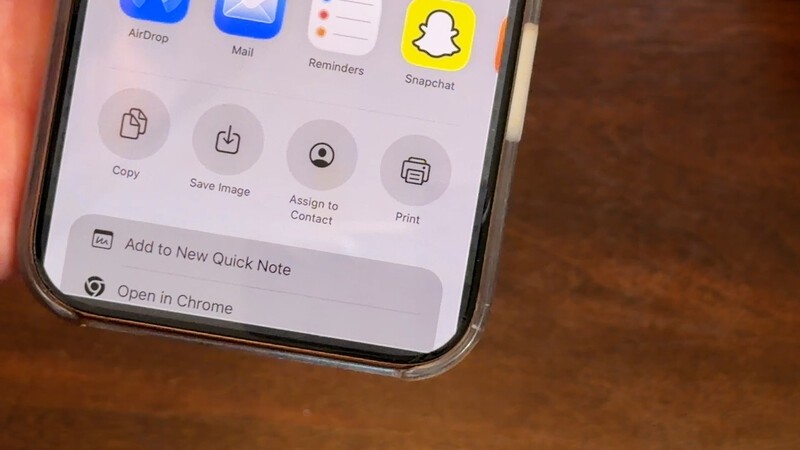
- Family-Friendly Access: My wife can send multi-page PDF documents and high-res photos straight from her phone without needing to mess with set-up. She just downloads the same app I have and adds the already set-up printer.
Why the HP App Won Me Over
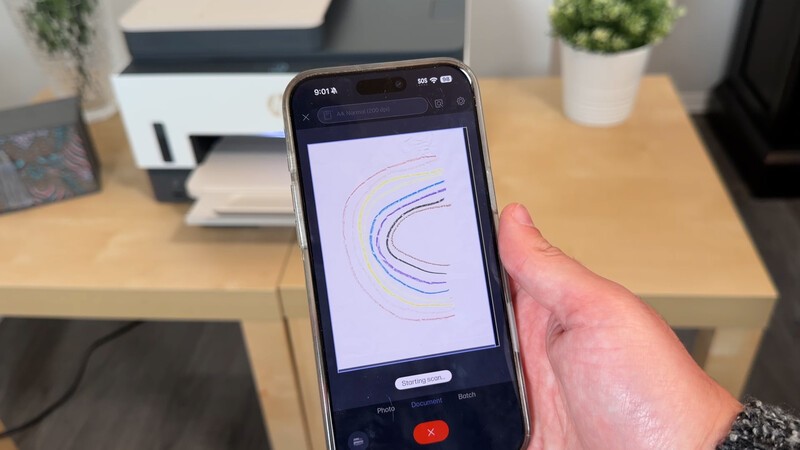
Historically, printer companion apps are the first thing I skip. I assumed I would never touch the HP app after the initial network handshake.
But for the sake of a TV segment I was preparing for, I dug into the app, just in case there was something good.
That's how I discovered something that's going to change the way I scan documents. Not that this is an activity I do often, but every time I do, I brace for calamity.
Instead of dealing with clunky desktop utility software, the mobile app turns your phone camera or the printer's flatbed/feeder into a powerful digitizer:
- Instant Document Clean-up: You can crop edges, flatten perspective distortions, and tweak contrast before committing to the file.
- Direct Cloud Export: Scanned contracts, tax paperwork, and school forms can be routed directly to Google Drive, Dropbox, or OneDrive.
- Scan-to-Email: Send crisp digital copies straight to a recipient's inbox with a single tap.
-
- In-App Scanning: You can bypass the whole machine and just scan using your phone's camera right in the app. Perfect for a work lunch where you're gonna need to save the receipt to expense later.
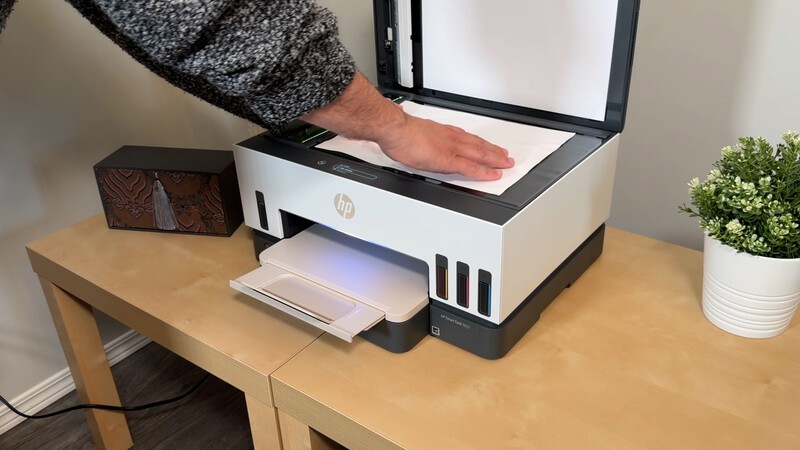
There's also a new discovery I've made that makes me feel like a better parent. Or at the very least a little less guilty.
My twin boys love creating artwork for me...but there's limited fridge space to display these works of art, and the guilt I have at disposing these things is massive. Now, I've just started scanning their artwork, so if by some miracle in their adult life decades from now they say, "Hey remember when I drew you that picture of you and me at the playground riding a rainbow and eating ice cream on a donkey? Where is that thing?" I'll, in theory, have a folder full of those treasured works of art!
Everyday Performance: From Schoolwork to Family Photos
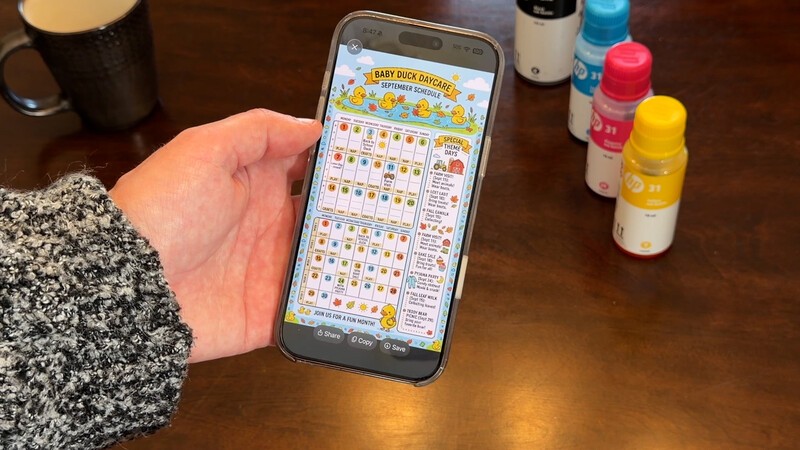
Ink, connectivity, and apps are all great. But, at the end of the day, a printer's gotta be a good printer, first and foremost! In my testing so far, here's what I've experienced:
- Crisp Text & Speed: Black-and-white text on regular paper comes out razor-sharp, with automatic two-sided printing enabled by default to save paper.
- Vibrant Colour & Borderless Printing: It easily handles glossy photo paper, cardstock, and craft projects for school presentations or framed family photos.
- Low Running Costs: Replacement Original HP ink bottles supposedly give you up to 6,000 black pages or 8,000 colour pages, keeping cost-per-page exceptionally low...I've printed maybe 100 pages so far, so for this specific metric, I'll have to take HP at their word.
When you have a stack of multi-page forms, the built-in 35-sheet automatic document feeder (ADF) handles the heavy lifting, scanning or copying the entire pile while you finish packing lunches.
Geeking Out Shop
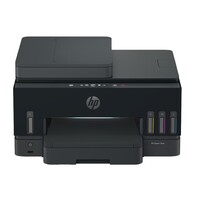
HP Smart Tank 7603 All-in-One Printer
All-in-One Ink Tank Printer
Engineered for high-volume home and small office workloads, this cartridge-free all-in-one delivers print speeds up to 15 ppm in black and 9 ppm in colour. It includes a 35-sheet automatic document feeder, automatic two-sided printing, self-healing dual-band Wi-Fi, and enough bottled ink in the box to yield thousands of pages. While mobile set-up and network scanning through the HP Smart app are straightforward, photo output speeds remain modest compared to dedicated photo units.
The Verdict
Fall is busy enough without your hardware fighting back. Good family tech should simplify your day and reduce household friction, not create extra chores.
There's a dark finish and a light finish, so you can get the colour that suits whatever room in your home you plan for the printer to spend its days in.
The HP Smart Tank 7603 eliminates the three biggest pain points of home printing: cartridge gouging, messy refills, and flaky wireless drops. Between the included three-year ink supply, effortless scanning workflows, and bulletproof cross-device connectivity, it is a dependable workhorse that keeps the entire family organized and moving forward.
Read more

Geeking Out: The Big Fall Reset
The end of summer means a return to routine. Whether that's getting back into your exercise groove, managing a busy household with plenty of extracurricular activities, or students prepping for a year of study Drew Kozub was on Breakfast Television this week sharing gadgets for the Great Fall Reset

Ultimate Back To School Shopping Guide For 2026
For students in middle school to university, there's some common themes in the gadgets that power their daily lives. You want the right mix of productivity that suits studies, but also is fun to enjoy during downtime! This collection will highlight some great gadgets for the 2026 school year.

Amazon Just Overhauled Its Entire Kindle Lineup (And Added Colour!)
The Kindle lineup in Canada just grew (and added more colour).
Kindle Scribe Review: The Perfect Student Gadget
The Kindle Scribe is a focused tablet: a distraction-free device for reading and writing. This makes it perfect for students....provided they've got the budget to splurge on such a dedicated device over a traditional tablet.