
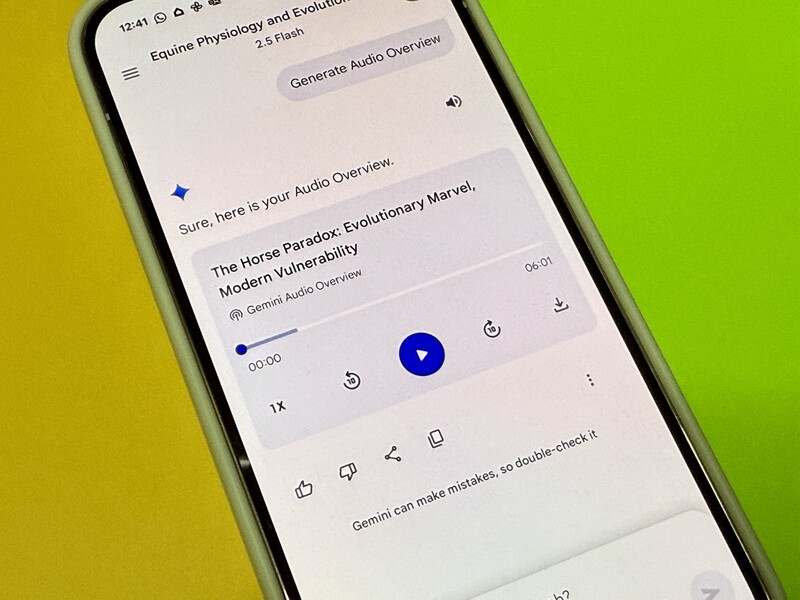
Google Gemini is a super helpful AI assistant. But most people (myself included) are generally using it for the most basic functions:
- Give me some recipe ideas for dinner tonight.
- I'm travelling to a new city. Plan an itinerary for me.
- Is it a bad idea to have a raccoon as a pet?
After getting the Google Pixel 10 Pro and unlocking the included Google AI Pro subscription, I've been playing around with some Gemini features I've never used before. You can read more about some of the cool ones here, but this is one that really blew me away!

How to use Google Gemini to make a personal podcast to help you study
I was somewhat familiar with this Google AI tool called NotebookLM.
Long story short, you can give it all the notes you've written on a certain subject (maybe you're researching different vendors/supplies for your work, or comparing reviews related to a major purchase, or you're a student in university learning about a new subject) and it can summarize and recognize those sources into a summary or flesh them out further into a research/analysis doc.
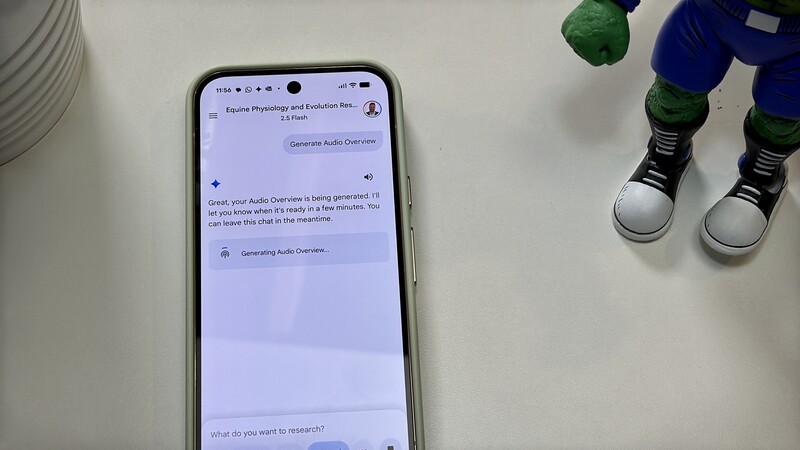
The other cool thing it can do is create an audio version of the information that you can then listen back to. This could be super helpful if you're preparing for a presentation for work or studying for an exam for school.
How to create audio summaries of documents, research, and more in Google Gemini
What I've recently learned is you can get a very similar experience to NotebookLM of combining research into an audio summary right in the Gemini app on your new Pixel 10. Here's how:
- Open Gemini on your Pixel 10
- Start a new chat.
- Tap in the text input field.
- Select Deep Research.
- Ask Gemini to research a topic of your choosing.
- Confirm (based on the summary it generates) you'd like it to proceed with the research.
- Give it a few minutes to review its sources, analyze the results, and create a report for you.
- Open the report.
- Tap the three dots at the top of the report.
- Tap "Generate Audio Overview."
- Listen to your report just like a personalized podcast.
Did you know Gemini can do this? Is this something you could see yourself using?
I think this is so handy for a lot of reasons, but particularly to help you feel more productive during your commute. In advance you can do some research about a destination you want to visit, the pros and cons of certain upgrades for your home, or whatever you want, and then while you're on the bus or driving to work, listen back to the personalized findings of this info that is relevant to you.
Read more

Google Gemini's Best Features You Need To Start Using
If you've upgraded to the Pixel 10 lineup, there's never been a better time to dive into Gemini. Especially because you can upgrade (for free) to a better version of Gemini than ever. Here's some of the tools you'll get.

Harry Potter and Scam Prevention Part Of Pixel Drop
Google is rolling out its September 2026 Pixel Drop, bringing a fresh batch of automatic software upgrades to Pixel phones and smartwatches.

I Let Alexa+ Plan My Family Trip: Here’s What Actually Worked
Alexa+ does a lot more than turning off your lights or checking your doorbell. I decided to put this virtual assistant to the test of planning a cross-border road trip for my family. It did a shockingly great job!

Google Pixel 11 Pro Fold Review: What $2,499 CAD Actually Buys You
I’ve spent the past week testing the Pixel 11 Pro Fold. I've been running it through real-world multitasking workflows, testing camera samples side-by-side with the Pixel 11 Pro, and evaluating whether Google’s $2,500 Canadian flagship foldable is actually worth the investment.